 NEWS
NEWS
Report: Apple Developing 24-Inch OLED iMac With 600 Nits Brightness
 12/19/2025
 1202
1202
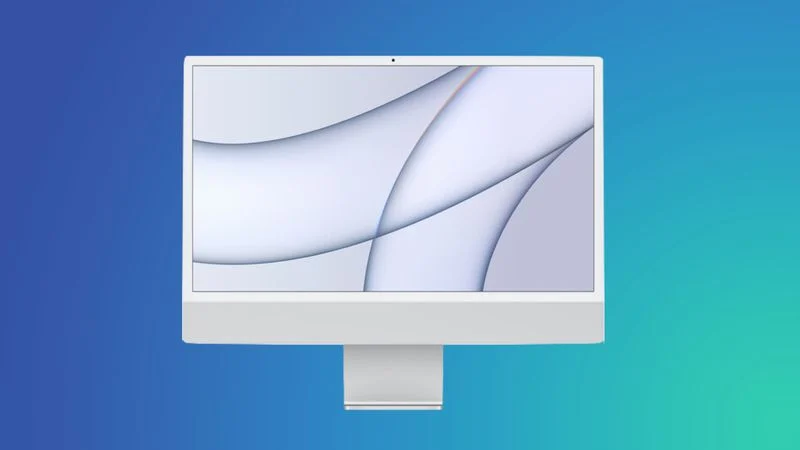
Apple is working on a 24-inch iMac featuring an OLED display, with the aim of completing development as early as 2027, claims a new report out of Korea.
According to The Elec, Apple has sent requests for information to Samsung Display and LG Display regarding development of a 24-inch OLED panel for the iMac. Current 24-inch iMacs use a 4.5K Retina display, which is an LCD panel with LED backlighting.
The specs apparently being discussed include 600 nits of brightness and a pixel density of 218 PPI. If accurate, that would match the current 24-inch iMac's resolution but deliver a 20% brightness boost over the existing 4.5K Retina display's 500-nit maximum, making it equivalent to the brightness of Apple's Studio Display – though that also uses an inferior LCD panel.
OLED display technology benefits from several other advantages beyond brighter screens, such as deeper blacks with higher contrast, improved power efficiency, and other enhancements.
This is the first report we've seen suggesting Apple plans to bring OLED technology to its all-in-one desktop lineup. The company has already committed to OLED displays for future MacBook Pro models, with 14-inch and 16-inch versions expected to enter production next year using Samsung Display's 8th-generation IT OLED manufacturing line. OLED versions of its MacBook Air models are expected to follow.
For the iMac display, both Samsung and LG Display are expected to propose their respective large-format OLED technologies rather than the RGB OLED method Apple traditionally prefers. Samsung would likely pitch its quantum dot (QD-OLED) panels, while LG Display would offer its white (W-OLED) solution. QD-OLED produces color by passing blue light through a QD color conversion layer, while W-OLED produces color by passing white light through RGBW color filters. Both manufacturers are reportedly developing 5-stack configurations that add an extra green layer to improve brightness compared to current 4-stack designs.
The report suggests Apple prefers RGB OLED, where light and color generate at the subpixel level, but this technology apparently hasn't yet scaled reliably to the 20-30 inch range needed for desktop displays. Both panel makers are said to be exploring RGB OLED as a longer-term option.
Apple aims to complete iMac OLED panel development by 2027 or 2028, but the finished product could launch after that timeline. A recent but separate report has claimed Apple is developing a high-end iMac featuring the M5 Max chip, but there is currently no indication that OLED is destined for this rumored model. Apple could refresh the 24-inch iMac with an updated M5 chip at some point next year.
Source: Macrumors










