NEWS

Apple Reportedly Moving Ahead With Ads in Maps App

10/28/2025

562

Apple Reportedly Moving Ahead With Ads in Maps App


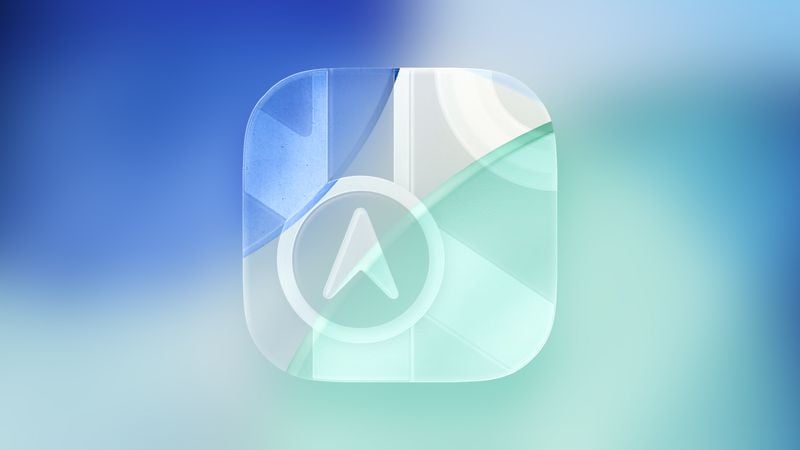
Apple Maps could feature integrated ads as soon as next year, Bloomberg's Mark Gurman reports.


In his latest "Power On" newsletter, Gurman said that Apple's plan to bring more ads to iOS is moving "gaining traction," with the Maps app being next in line. The project will apparently give restaurants and other businesses the option to pay to have their details featured more prominently in search.


The system is said to be similar to Search Ads in the App Store, which allows developers to pay to have their software appear in a promoted slot above other results for relevant queries. Apple's approach reportedly leverages AI to deliver relevant and useful results, in a better interface than similar offerings from Google and other companies. Gurman warned that the move risks some amount of consumer backlash.


Source: Macrumors

Windows
Mac OS
iOS
Linux
3uTools
Win 64-bit For this device
V9.0 2025-11-11
Download
Win 32-bit For this device
V9.0 2025-11-11
Download
3uTools
Intel Chip How to Identify Chip Type
V9.0 2025-12-02
Download
Apple Silicon
V9.0 2025-12-02
Download
How to Identify Chip Type
1.  Click the Apple icon in the top-left corner of the screen and select About This Mac.
2.  Check the Processor or Chip field to determine if it is "Intel" or "Apple".
Please use the 3uTools PC client to install the iOS client:
1、 Install either the Windows or Mac version of 3uTools on your computer
2、 Open the PC client and connect your device to the computer via USB cable
3、 After the connection is successful, wait for the computer to automatically install the mobile app for the device, or locate “Install Mobile App” on the computer and manually click to install.
3uTools
deb file
V3.01 2025-11-20
Download
rpm file
V3.01 2025-11-20
Download
Windows
Windows
iOS
iOS
Android
Android
TV
TV
3uAirPlayer
Win 64-bit For this device
V6.0.2 2025-11-19
Download
Win 32-bit For this device
V6.0.2 2025-11-19
Download
iOS Device Mirroring (No App Required)
1、 Install 3uAirPlayer on the Windows PC
2、 Open Control Center and select Screen Mirroring
3、 From the list, choose your PC to start mirroring
4、 Or connect your iOS device to the PC via USB to begin mirroring
Scan to get "3uAirPlayer" App
3uAirPlayer TV V1.0.18
2025-11-28
TV System Requirements: Android 7.0 or later
Download the TV installation package, copy it to a USB drive, insert it into your TV or set-top box, then select the file from the home screen to install.