 NEWS
NEWS
Australian Banks Narrow Focus Of Apple Pay Collective Bargaining Request
 02/13/2017
 3559
3559
Australian banks seeking permission from the country's competition regulator to bargain collectively with Apple Inc (AAPL.O) over its mobile payment system said on Monday they will focus on gaining access to the U.S. tech company's contactless payment function, removing the fees Apple charges as a bone of contention.
Commonwealth Bank of Australia (CBA.AX), Westpac Banking Corp (WBC.AX), National Australia Bank Ltd (NAB.AX) and Bendigo & Adelaide Bank Ltd (BEN.AX) command two-thirds of Australia's credit card market but have yet to allow use of their cards with Apple Pay which was introduced to the country last year.
Under Australian law, bargaining cartels can be formed with the approval of authorities. A cartel would strengthen the banks in negotiating the ability to offer their own digital wallets for Apple's iPhones - the first major challenge to Apple Pay of its kind globally.
Apple Pay allows users to register credit cards on iPhones, and pay for goods and services by swiping the devices over contactless payment terminals.
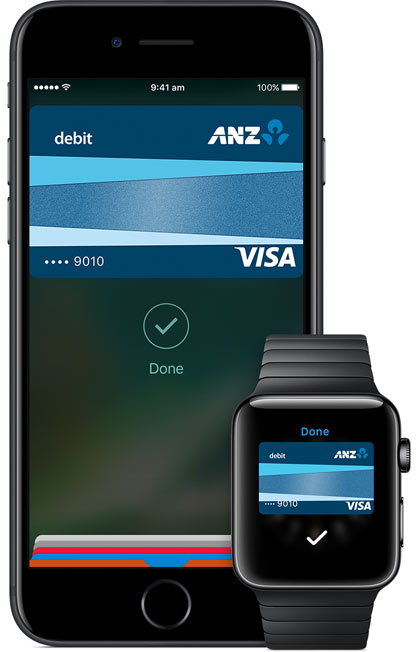
Apple charges card providers for transactions made using Apple Pay and does not allow companies to develop their own mobile wallets, which would allow banks to circumvent transaction fees and get customers to engage more frequently with their own apps.
In the banks' initial application lodged in July, they sought to negotiate with Apple over fees as well as access to the contactless payments function.
In a draft decision issued in November, which it described as "finely balanced", the Australian Competition and Consumer Commission (ACCC) proposed to deny the collective bargaining application.
At the time, ACCC Chairman Rod Sims told Reuters that if fees were at the heart of the banks' application, then it would be difficult for them to win approval. But if the issue was more about access to Apple's contactless payment technology, then the banks had a stronger case, he said.
In a statement ahead of a final decision from the regulator, the banks on Monday said they had narrowed the application to focus on contactless payments and halved the collective bargaining authorization term to 18 months.
Source: reuter










