 NEWS
NEWS
iPhone 8: Most ‘Feature-Rich’ iPhone Will Break $1,000 Barrier?
 02/09/2017
 3617
3617
Apple’s 10th anniversary iPhone 8 handset will be the first to crash through the $1,000 price barrier, according to reports on Wednesday.
Fast Company sources say the top-end iteration is ‘very likely’ to be higher than the $969 (£919) Apple charges for the 256GB iPhone 7 Plus.
The reason for there price increase is because Apple “hopes [it] will be the most feature-rich iPhone ever.”
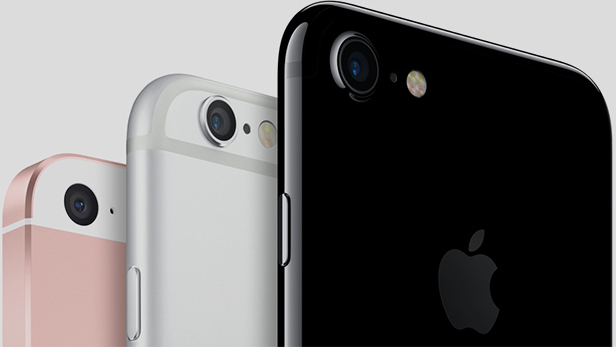
It’ll be headlined by a 5.8 inch model that has an OLED displays, the report says, backing up previous rumours.
That OLED component will cost Apple twice as much as the current LCD technology used in the iPhone 7 range, according to the report.
The sources say Apple has been trying to tie up the market for OLED screens ahead of the launch, which plays into reports suggesting there’ll be no inventory shortage when the device likely launches in September 2017.
The report also claims Apple will stuff the iPhone 8 with more memory than the iPhone 7. Given RAM is currently trading at a particularly high rate right now, this may drive up the iPhone 8’s price.

It may also have a ‘far bigger battery’ than the iPhone 7, while there’s a chance the physical home button will be replaced by one that sits beneath the surface of the display. There’s also a chance the buttons on the side of the iPhone 7 will be replaced by ‘touch-sensitive’ inlays within the metal itself. Wowsers.
Apple may be able to save a few bucks by using a stainless steel construction rather than the aluminium featured in the builds of previous iPhones, the source says.
Fast Company’s report also suggests the iPhone 8 will go by the name iPhone X and sit alongside an iPhone 7s with a 4.7-inch screen and an iPhone 7s Plus with a 5.5-inch screen.
Source: trustedreviews










