 NEWS
NEWS
3uTools Introducing Three More Apps For The Weekend
 02/04/2017
 4575
4575
Looking for a few apps to keep you entertained this weekend? Then have a look at the latest edition of Friday 5. Inside, we discuss Linea — a brand new sketch app with Apple Pencil support. We also talk about Moonlight, an app that lets you stream NVIDIA GameStream-compatible games to an iOS device. Those, and three additional apps are on the docket for this week’s edition of Friday 5. Have a look at our brief hands-on video inside for the full rundown.
Linea
If you’re looking for a simple and straightforward sketchbook app that’s easy to pick up and use, then Linea is solid choice. Although it can work with just a finger, it’s especially good when paired with the Apple Pencil. Linea features low latency drawing with the Apple Pencil that’s similar to experience had when using the stock Notes app. But Linea is much deeper than the drawing tools found within Notes. The ability to use your finger as an eraser is particularly well done, as are the built-in backgrounds and storyboard options that make it easy for conceptual designers to get started quickly.
Moonlight
Thanks to our recent eGPU tutorials, I’ve found myself playing games on my GTX 1050ti-powered MacBook Pro via Windows. As such, I thought it would be neat to check out Moonlight, an iOS app that can stream games from NVIDIA GameStream-compatible systems.

Although it’s not perfect, I was impressed to be able to play Portal using my Steel Series Nimbus controller paired to my iPad Pro. If you have a GameStream-compatible setup, Moonlight is definitely worth experimenting with.
Volta
Battery life, or the lack thereof, continues to be a major concern for MacBook Pro owners. Volta is a brand new utility that allows users to have more fine-grained control over a hardware element that’s partially responsible for eating into battery life — the Intel i-series processor.

Volta lets users reduce the voltage supplied to the processor, disable the automatic Turbo Boost overclock, and establish a definitive power limit. Although we’ve yet to test Volta extensively enough to come to an adequate conclusion, in theory it should improve battery life under the right circumstances. Unfortunately, the app requires users to modify System Integrity Protection, so it won’t be for everyone.
Drop
If you’re a developer, an artist, or anyone else who regularly deals with colors on the Mac, then Drop is a color picker that may interest you.

One thing that sets Drop apart from other color pickers, such as the one built into macOS, is that it features Touch Bar integration. Users can mix colors directly from the Touch Bar interface and quickly select saved colors from there as well.
You more than likely already have the YouTube app installed on your iPhone, but did you know that the app contains a handy 10 second skip feature?
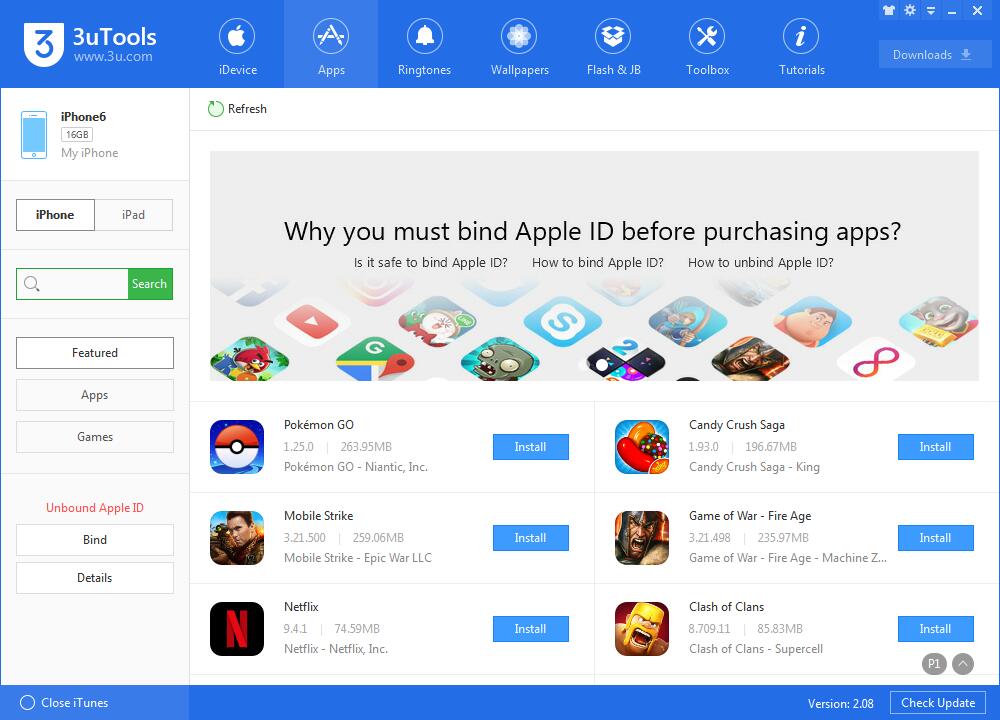
What apps do you recommend? You can download some apps in 3uTools.
Source: appleinsider










