 NEWS
NEWS
Apple Updates Safari Technology Preview with Minor Improvements
 01/26/2017
 5477
5477
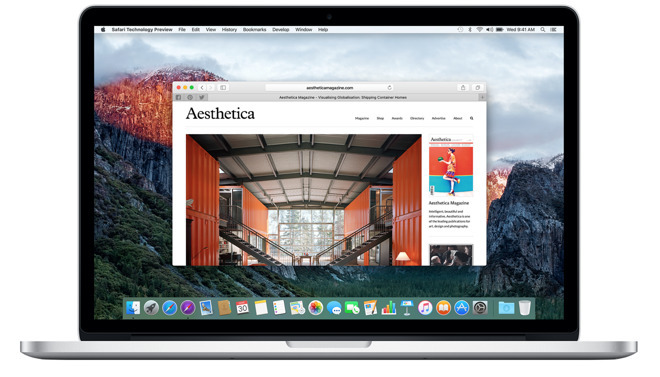
Available for developers running macOS Sierra, the latest Safari Technology Preview iteration, release 22, packs in a series of patches including enhanced JavaScript and CSS handling, as well as general website rendering. A full list of changes can be found in the accompanying release notes posted to Apple's Safari Technology Preview website.
Among the more interesting additions included in release 22 are improvements to Web Inspector, Apple's open-source web development tool. With the latest Safari preview developers have access to a new user interface zoom level function directly in the Settings tab, which can now be accessed via a keyboard shortcut.
Safari Technology Preview was introduced in March 2016 as a developer-focused, experimental version of Safari for Mac. It helps Apple gain feedback from developers and general users on the features before wide-spread implementation.
In addition, Apple lets users sync iCloud data with the browser to make it easier to use it as a daily driver while testing out new features. Google and Mozilla have offered developer channels for beta and alpha versions of Chrome and Firefox for some time, so Safari Technology Preview was a much-welcome addition for developers.
The last update came earlier in January in a release that included bug fixes and upgrades for Fetch API, IndexedDB 2.0, Rendering, Web Inspector and more.
Developers can download Safari Technology Preview release 22 through Apple's developer portal or, for existing users, the Mac App Store's update feature.
Source: appleinsider










