 NEWS
NEWS
Apple in Talks to Transfer US Veterans' Medical Records to iPhone
 11/21/2018
 3657
3657
Apple is reportedly in discussions with the Department of Veterans Affairs to partner on a program that would grant millions of military veterans access to their medical records directly on iPhone.
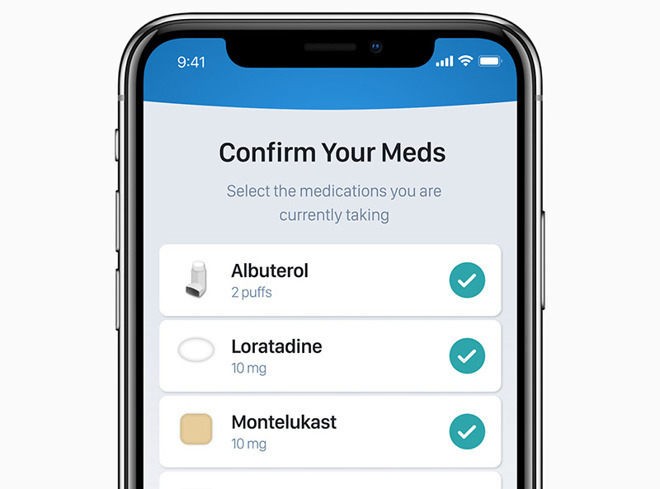
Citing people familiar with the matter and emails pertaining to the proposed initiative, The Wall Street Journal on Tuesday reports the program aims to enable health record portability for some nine million veterans enrolled in VA systems. The partnership would grant Apple access to a massive, condensed segment of the hard-to-crack U.S. healthcare market.
Current plans call for Apple to create special software tools to assist in the transfer of health records from the VA to iPhone, the report said. In addition, the company would provide engineering support to the government agency.
According to the WSJ, top VA officials began discussing a program to modernize VA records management with members of President Trump's Mar-a-Lago Club last year. Email correspondence seen by the publication illustrate early administration efforts to define the project's goals, the report said.
Though not confirmed in the report, Apple is likely looking to transfer veterans' medical information into the new Health Records tool.
Debuted with iOS 11.3 in March, Health Records aggregates and stores encrypted patient data in the iOS Health app, effectively making that information portable and immediately accessible to end users. With Health Records, users are able to quickly review medical records and other pertinent information with doctors and caregivers, bypassing backend hurdles that can bog down access to treatment.
A Health Records deal with the VA would be a major coup for Apple, which has so far inked agreements with only a limited number of health networks.
Apple launched Health Records with support from 39 health groups, with another 36 backing the technology in August. While a handful of larger regional groups integrated with the portability program, major nationwide networks are still out of the loop.
Source: appleinsider










