
NEWS

Apple Promises Free Repairs for Faulty MacBook Keyboards

06/25/2018

3075

Apple is promising free repairs for faulty MacBook keyboards after waves of complaints about malfunctions.


The company said it has "determined that a small percentage" of MacBook and MacBook Pro keyboards may have misfiring keys that unexpectedly repeat or do not produce characters or have keys that feel "sticky."


The company's own technicians or authorized service providers can provide the remedy. It may include replacing one or more keys or the entire keyboard, Apple says.
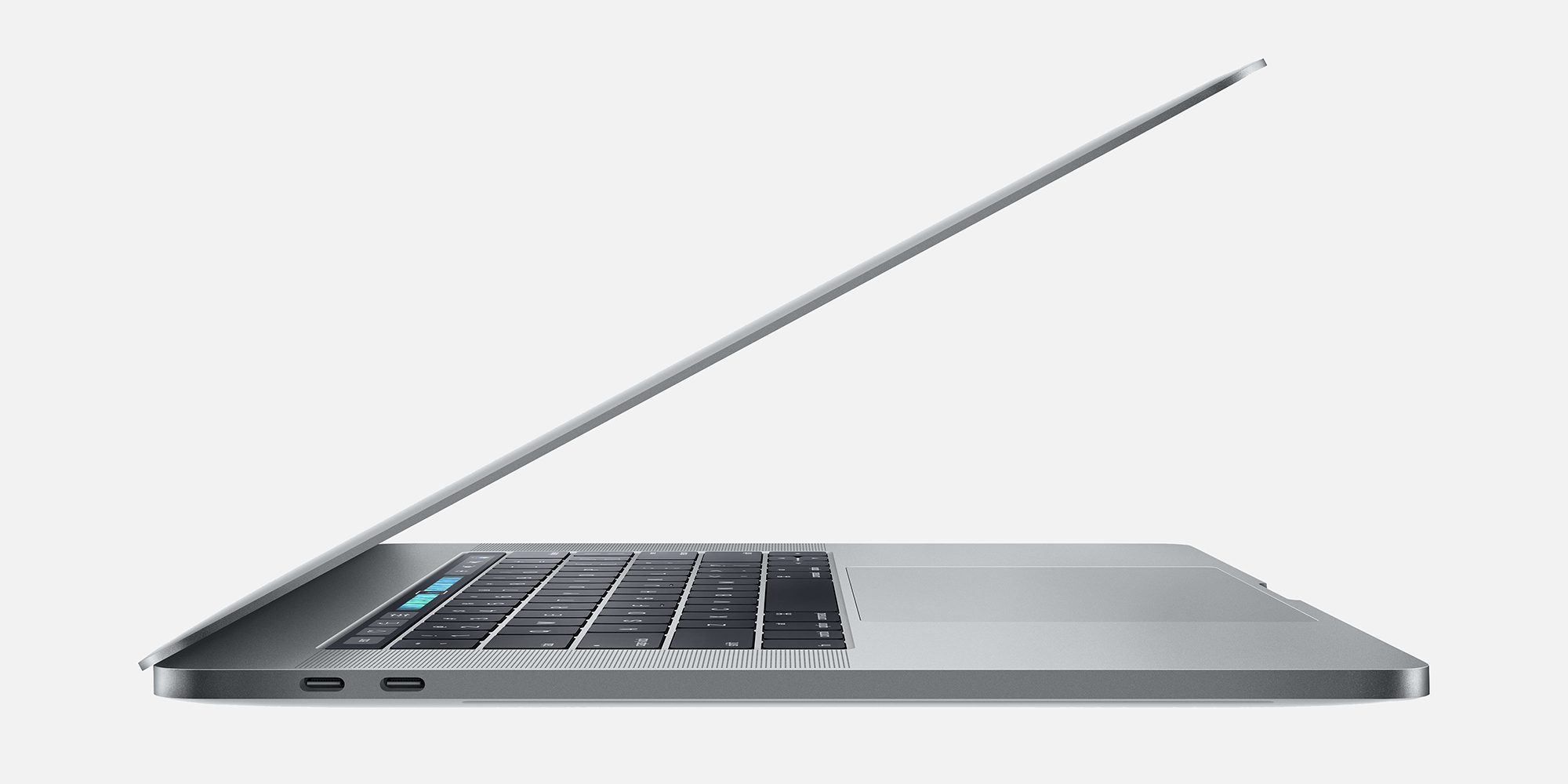

Apple Promises Free Repairs for Faulty MacBook Keyboards


Laptops eligible for free service include certain 12" to 15" laptops made between early 2015 and 2017. A full list of models can be found here.


Related: Apple warns suppliers that iPhone demand is falling - report


Apple says customers who have one of the affected laptops and already paid for a repair can contact the company for a refund.


Reports of issues with Apple's butterfly-style keyboards, first introduced on the MacBook in 2015, have been common online.


Apple said the butterfly design was 40% slimmer than older versions and would provide more precision. But tech site The Verge has called the keyboards "famously problematic." A piece from the online publication The Outline also declared: "the new MacBook keyboard is ruining my life."


Source: cnn

Windows
Mac OS
iOS
Linux
3uTools
Win 64-bit For this device
V9.0 2025-11-11
Download
Win 32-bit For this device
V9.0 2025-11-11
Download
3uTools
Intel Chip How to Identify Chip Type
V9.0 2025-12-02
Download
Apple Silicon
V9.0 2025-12-02
Download
How to Identify Chip Type
1.  Click the Apple icon in the top-left corner of the screen and select About This Mac.
2.  Check the Processor or Chip field to determine if it is "Intel" or "Apple".
Please use the 3uTools PC client to install the iOS client:
1、 Install either the Windows or Mac version of 3uTools on your computer
2、 Open the PC client and connect your device to the computer via USB cable
3、 After the connection is successful, wait for the computer to automatically install the mobile app for the device, or locate “Install Mobile App” on the computer and manually click to install.
3uTools
deb file
V3.01 2025-11-20
Download
rpm file
V3.01 2025-11-20
Download
Windows
Windows
iOS
iOS
Android
Android
TV
TV
3uAirPlayer
Win 64-bit For this device
V6.0.2 2025-11-19
Download
Win 32-bit For this device
V6.0.2 2025-11-19
Download
iOS Device Mirroring (No App Required)
1、 Install 3uAirPlayer on the Windows PC
2、 Open Control Center and select Screen Mirroring
3、 From the list, choose your PC to start mirroring
4、 Or connect your iOS device to the PC via USB to begin mirroring
Scan to get "3uAirPlayer" App
3uAirPlayer TV V1.0.18
2025-11-28
TV System Requirements: Android 7.0 or later
Download the TV installation package, copy it to a USB drive, insert it into your TV or set-top box, then select the file from the home screen to install.




