 NEWS
NEWS
Apple Now Repairing MacBook Keyboards And Promising Next-day Turnaround Time
 04/24/2019
 3559
3559
Apple is making a notable change to how it handles repairs for users suffering from keyboard problems with their MacBook and MacBook Pro. The company will now complete keyboard-related repairs in-store, as opposed to shipping them off to repair centres.
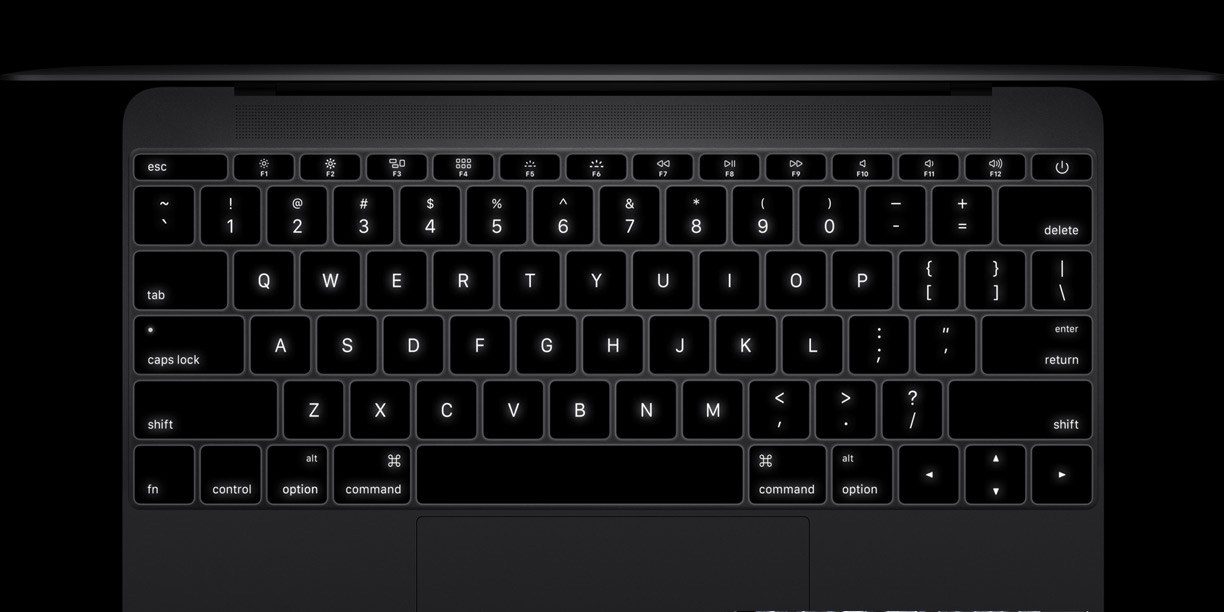
Apple last week sent a memo to Apple store employees, explaining the new repair process. The memo was first obtained by MacRumors and is entitled “How to support Mac customers with keyboard-related repairs in store.” Apple explains that it has shipped additional service parts to stores to support on-site keyboard repairs.
Furthermore, Apple says that keyboard-related repairs should be prioritized, with stores aiming to provide next-day turnaround time. Here is the full memo:
Most keyboard-related repairs will be required to be completed in store until further notice. Additional service parts have been shipped to stores to support the increased volume.
These repairs should be prioritized to provide next-day turnaround time. When completing the repair, have the appropriate service guide open and carefully follow all repair steps.
Apple launched a repair program for MacBook and MacBook Pro keyboard problems last summer, offering free repairs and refunds for users who had already paid for a repair. Traditionally through this program, Apple would ship MacBooks to an off-site repair center to have the repairs completed.
With this week’s change, however, all repairs will now be completed in-store with next-day turnaround time. This is a major improvement over the three- to five-day turnaround time that many users have been quoted in the past. Ideally, this will open the program up to additional users who otherwise couldn’t go without their laptop for several days.
Last month, Apple acknowledged additional issues with the third-generation keyboard found in the 2018 MacBook and MacBook Pro lineup. Notably, however, the third-generation keyboard is not yet included in the repair program. It’s likely that will change sometime in the near future, though.
Source: 9to5mac










