
NEWS

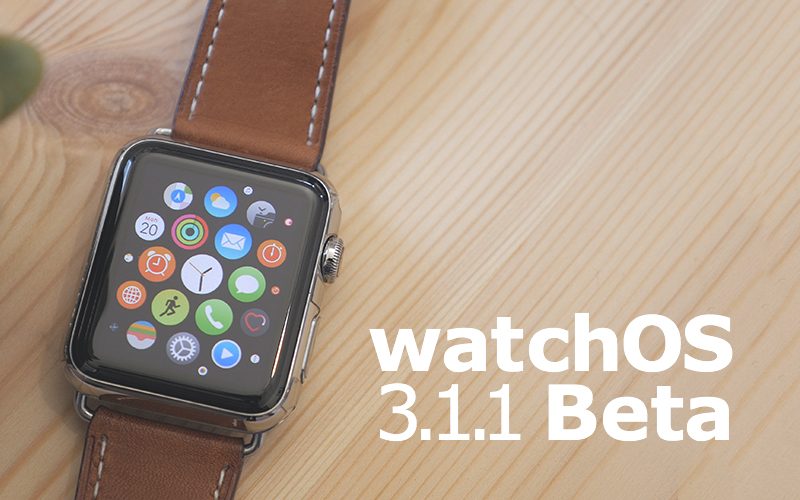
Apple Seeds Fifth Beta of WatchOS 3.1.1 to Developers

12/07/2016

4213

Apple today seeded the fifth beta of an upcoming watchOS 3.1.1 update to developers for testing purposes, one week after seeding the fourth watchOS 3.1.1 beta and more than a month after releasing watchOS 3.1, the first update to the watchOS 3 operating system. 

watchOS 3.1.1 can be downloaded through the dedicated Apple Watch app on the iPhone by going to General -> Software Update. To install the update, the Apple Watch must have 50 percent battery, it must be placed on the charger, and it must be in range of the iPhone. watchOS 3.1.1 requires an iPhone running 
iOS 10 to install. 

Apple Seeds Fifth Beta of WatchOS 3.1.1 to Developers


As a minor 3.1.x update, watchOS 3.1.1 seems to focus on under-the-hood bug fixes and performance improvements, with no outward-facing changes discovered in the first four watchOS 3.1.1 betas. We'll update this post should any new features be discovered in the fifth watchOS 3.1.1 beta. 

watchOS 3 completely overhauls the interface on the Apple Watch, introducing a dedicated app dock, instant launch apps, new watch faces, and new complication options. There are new Activity sharing features, a "Breathe" app guides users through deep breathing sessions to cut down on stress, and an SOS feature can automatically call emergency service. 

For more details on what's new in watchOS 3, make sure to 
check out our watchOS 3 roundup.


Source: Macrumors

Windows
Mac OS
iOS
Linux
3uTools
Win 64-bit For this device
V9.0 2025-11-11
Download
Win 32-bit For this device
V9.0 2025-11-11
Download
3uTools
Intel Chip How to Identify Chip Type
V9.0 2025-12-02
Download
Apple Chip
V9.0 2025-12-02
Download
How to Identify Chip Type
1.  Click the Apple icon in the top-left corner of the screen and select About This Mac.
2.  Check the Processor or Chip field to determine if it is "Intel" or "Apple".
Please use the 3uTools PC client to install the iOS client:
1、 Install either the Windows or Mac version of 3uTools on your computer
2、 Open the PC client and connect your device to the computer via USB cable
3、 After the connection is successful, wait for the computer to automatically install the mobile app for the device, or locate “Install Mobile App” on the computer and manually click to install.
3uTools
deb file
V3.01 2025-11-20
Download
rpm file
V3.01 2025-11-20
Download
Windows
Windows
iOS
iOS
Android
Android
TV
TV
3uAirPlayer
Win 64-bit For this device
V6.0.2 2025-11-19
Download
Win 32-bit For this device
V6.0.2 2025-11-19
Download
iOS Device Mirroring (No App Required)
1、 Install 3uAirPlayer on the Windows PC
2、 Open Control Center and select Screen Mirroring
3、 From the list, choose your PC to start mirroring
4、 Or connect your iOS device to the PC via USB to begin mirroring
Scan to get "3uAirPlayer" App
3uAirPlayer TV V1.0.18
2025-11-28
TV System Requirements: Android 7.0 or later
Download the TV installation package, copy it to a USB drive, insert it into your TV or set-top box, then select the file from the home screen to install.




