 NEWS
NEWS
Apple's 'The Rock x Siri' Cracks Top 10 Most Watched Ads on YouTube in 2017
 12/07/2017
 3927
3927
Apple's short film "The Rock x Siri Dominate the Day" was the eighth most watched ad on YouTube around the world in 2017, according to Adweek.
Adweek says the ad has been viewed more than 25 million times, although that figure is based on Apple's channel for India rather than the United States, where the video has amassed nearly 18 million views.
With the views from all of Apple's regional YouTube channels combined, the ad has actually received over 80 million views to date, but that includes the possibility of some duplicate views from the same users.
"The Rock x Siri Dominate the Day" stars actor and professional wrestler Dwayne "The Rock" Johnson, who uses Siri throughout an eventful day in which he pilots an airplane, floats in space, prepares fine cuisine, acts on a set, and more. 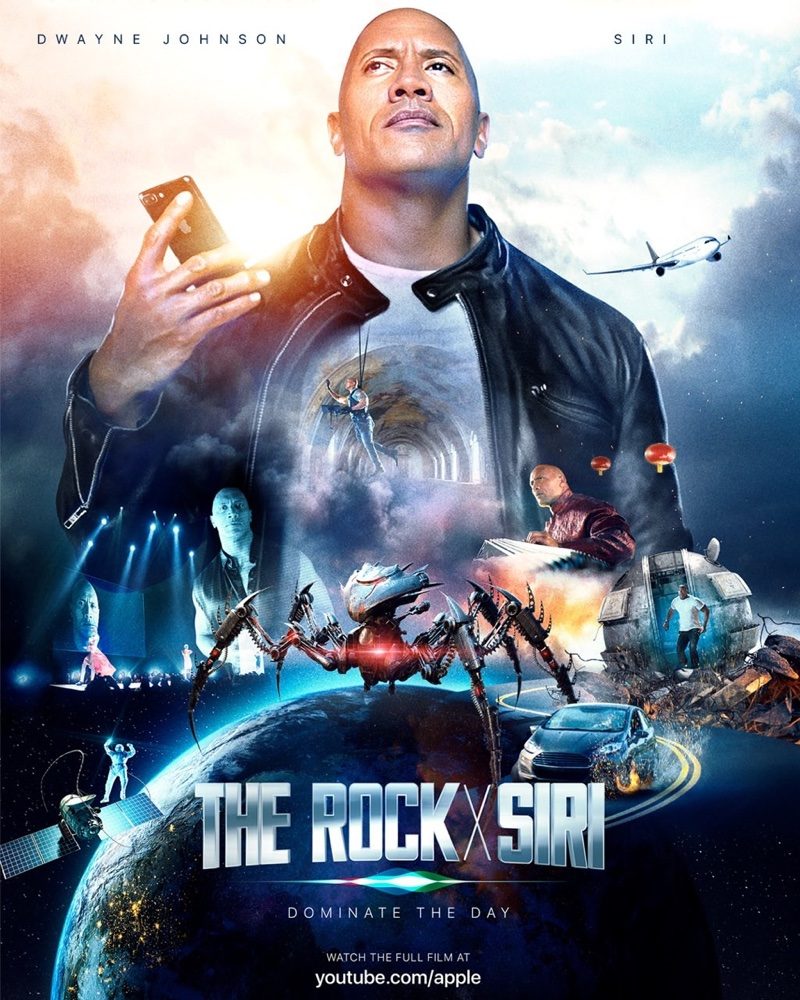
The theme of the short film, released in July, is that Siri can be used for a wide variety of tasks, such as checking calendar appointments, setting reminders, starting a timer, reading emails, starting an Apple Music playlist, and more.
The ad was certainly unorthodox for Apple and had mixed reception, with some finding it funny and others feeling it was cringeworthy.
The most watched YouTube ad of the year came from Samsung, promoting its customer service vans in India, according to Adweek. The four-minute video has received over 150 million views on the Samsung India channel.
Other ads that made the top 10 were shared by brands such as Adidas, Budweiser, Levi's, Mr. Clean, Oreo, Clash Royale, and Miss Dior.
Source: macrumors










