 NEWS
NEWS
WikiLeaks Continues 'Vault 7' With New Documents Detailing Mac-Related CIA Exploits
 03/24/2017
 4272
4272
WikiLeaks today continued its "Vault 7" series by leaking details concerning CIA-related programs that were built with the intent to infect iMac and MacBook devices. Today's "Dark Matter" installation of Vault 7 follows a few weeks after WikiLeaks debuted "Year Zero," which focused on exploits that the CIA created for iOS devices. In a response the same day that Year Zero came out, Apple said that many of the vulnerabilities in the leak were already patched.
Now, WikiLeaks is shedding light on Mac-related vulnerabilities and exploits, which the leakers claim "persists even if the operating system is re-installed." The project in question, created and spearheaded by the CIA's Embedded Development Branch, is called the "Sonic Screwdriver" and represents a mechanism that can deploy code from a peripheral device -- a USB stick, or the "screwdriver" -- while a Mac is booting up.
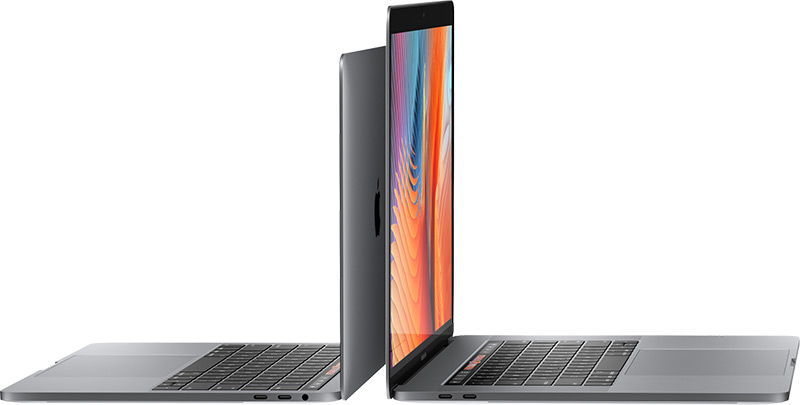
According to WikiLeaks, this allows an attacker "to boot its attack software" even if the Mac has a password enabled on sign-up. In the report, it's said that the CIA's own Sonic Screwdriver has been stored safely on a modified firmware version of an Apple Thunderbolt-to-Ethernet adapter. Besides the Doctor Who-referencing exploit, Dark Matter points towards yet another bounty of CIA programs aimed at gathering information, infecting, or somehow crippling a Mac device.
"DarkSeaSkies" is "an implant that persists in the EFI firmware of an Apple MacBook Air computer" and consists of "DarkMatter", "SeaPea" and "NightSkies", respectively EFI, kernel-space and user-space implants. "
"Documents on the "Triton" MacOSX malware, its infector "Dark Mallet" and its EFI-persistent version "DerStake" are also included in this release. While the DerStake1.4 manual released today dates to 2013, other Vault 7 documents show that as of 2016 the CIA continues to rely on and update these systems and is working on the production of DerStarke2.0."
"Dark Matter isn't exclusively Mac focused, however, and includes a few new iPhone exploits in the round-up as well. One is called "NightSkies 1.2" and is described as a "beacon/loader/implant tool" for the iPhone that is designed to be physically installed on an iPhone directly within its manufacturing facility. This conspiracy-leaning exploit is said to date back to 2008 -- one year after the first iPhone debuted -- and suggests, according to WikiLeaks, that "the CIA has been infecting the iPhone supply chain of its targets since at least 2008."
"While CIA assets are sometimes used to physically infect systems in the custody of a target it is likely that many CIA physical access attacks have infected the targeted organization's supply chain including by interdicting mail orders and other shipments (opening, infecting, and resending) leaving the United States or otherwise."
The full list of the new Dark Matter documents can be found on WikiLeaks, and we're likely to see more Apple-related WikiLeaks as the Vault 7 series continues. As it was with Year Zero, it'll still take some time for security analysts and experts to determine the full impact of today's leaks.
Note: Due to the political nature of the discussion regarding this topic, the discussion thread is located in our Politics, Religion, Social Issues forum. All forum members and site visitors are welcome to read and follow the thread, but posting is limited to forum members with at least 100 posts.
Source: Macrumors










