 NEWS
NEWS
Release Candidates of iOS 26.2, macOS 26.2 Now Available
 12/05/2025
 3763
3763
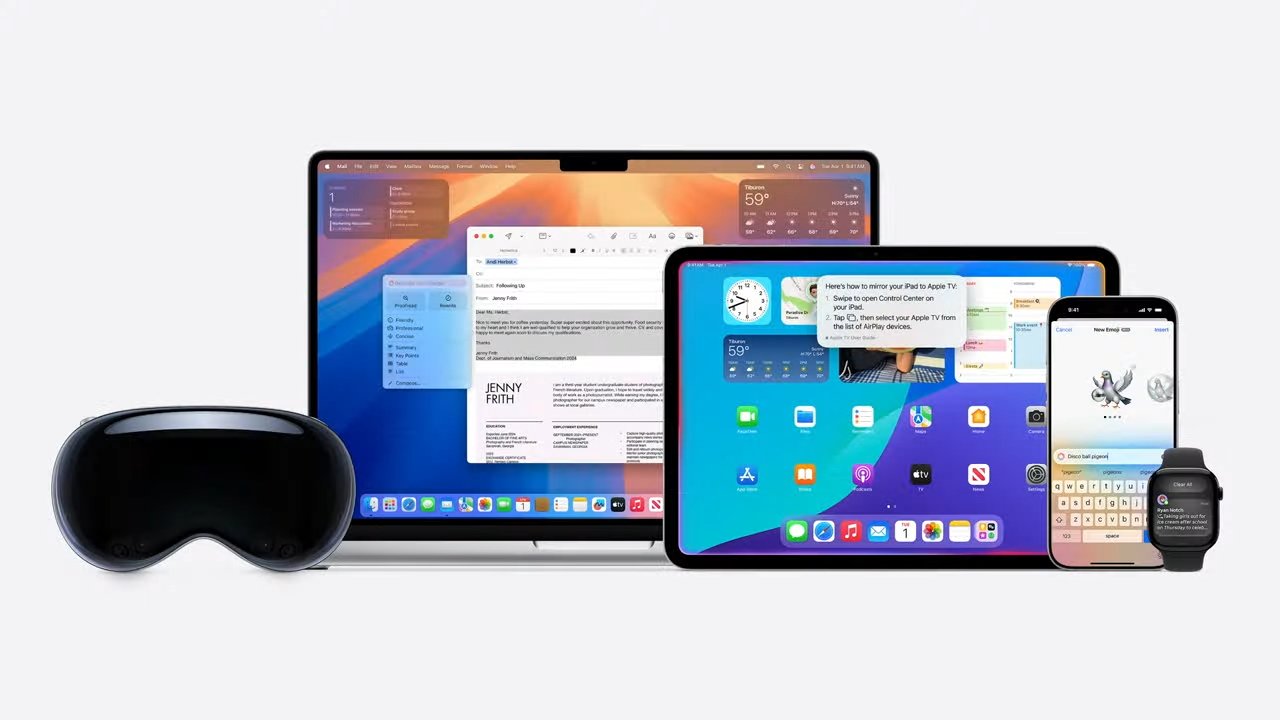
Apple has reached the release candidate stage for the current developer beta cycle, with new builds of iOS 26.2, iPadOS 26.2, watchOS 26.2, tvOS 26.2, visionOS 26.2, and macOS Tahoe 26.2 out now for testing.
The RC round arrives after the third developer betas, which Apple distributed on November 17 for most of the operating systems, November 18 for the third visionOS 26.2 build. The second arrived on November 12.
• iOS 26.2 RC 1 is build 23C52, replacing 23C5044b
• iPadOS 26.2 RC 1 is build 23C52, replacing 23C5044b
• watchOS 26.2 RC 1 is build 23S303, replacing 23S5297b
• tvOS 26.2 RC 1 is build 23K51, replacing 23K5046a
• macOS Tahoe RC 1 is build 25C56, replacing 25C5048a
• visionOS 26.2 RC 1 is build 23N301, replacing 23N5296b
At the same time, Apple has shared release candidates for iOS 18.7.3 (22H217), iPadOS 18.7.3 (22H217), and HomePod Software 26.2 (23K51). There are also third RC versions of macOS 15.7.3 (24G419) and macOS 14.8.3 (23J220)
Release candidates are builds that are practically ready for release to the public, but undergo some final checks before doing so. An actual public release often arrives within a few days of the RC version.
The first developer beta for iOS 26.2 included a Lock Screen slider to adjust the clarity of the interface. Apple News gained buttons marked Food, Politics, Puzzles, and Sports at the top of the screen.
Podcasts gained automatic episode chapters, mentions, and links. Reminders gained alarms, while Sleep Score had its band classifications tweaked.
The second iOS beta tweaked Liquid Glass more, as well as updating Games and CarPlay.
By the third beta, Apple included 30-day access codes for AirDrop. Meanwhile, side button-related text strings indicate Apple could let users in Japan summon a third-party virtual assistant using it, instead of Siri.
Source: Appleinsider










