 NEWS
NEWS
Apple Explains Why MagSafe’s Removal from iPhone 16e Isn’t a Problem
 02/28/2025
 2889
2889
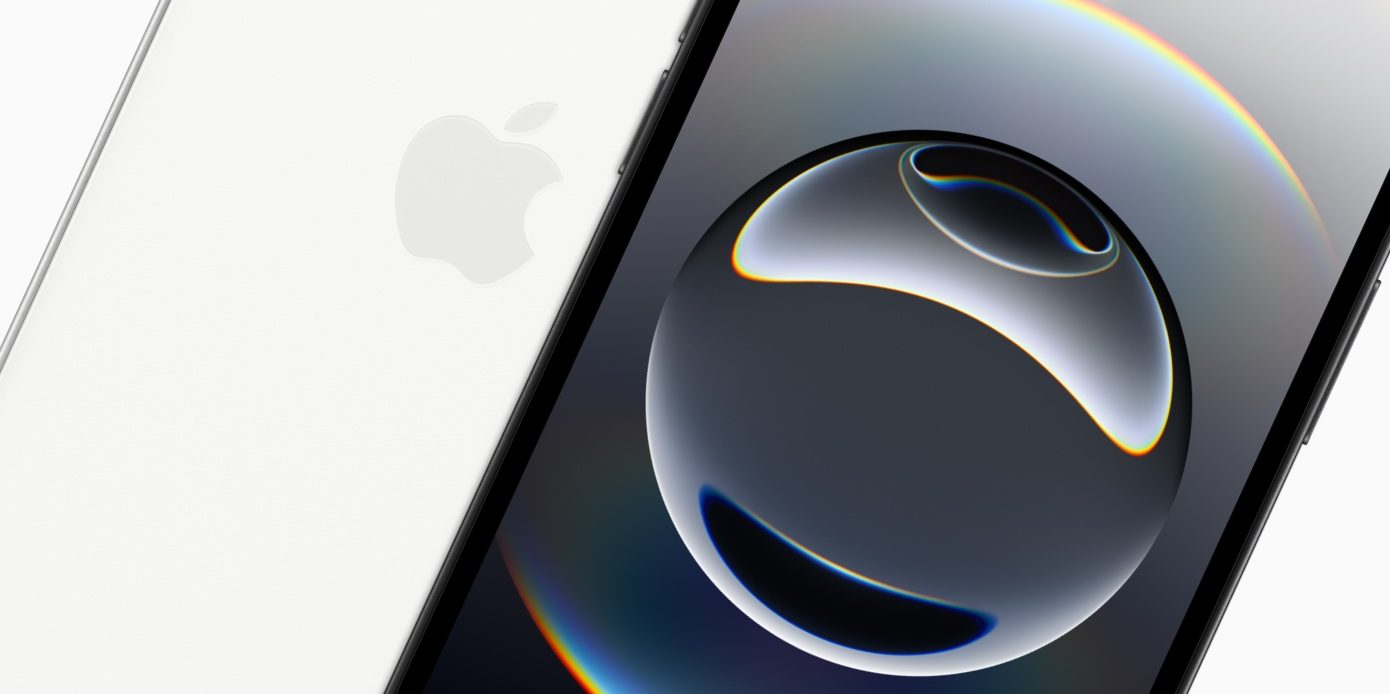
Reviews for the iPhone 16e have arrived, offering a lot of praise for the new device but also plenty of criticism about one omission in particular: the removal of MagSafe. But according to Apple representatives who spoke with John Gruber, the feature’s absence won’t actually be a problem for most users.
iPhone 16e’s target audience apparently won’t miss MagSafe
MagSafe’s removal is one of Apple’s iPhone 16e choices that has seemed the most perplexing to many. But it sounds like Apple doesn’t think it will matter to the product’s target audience.
John Gruber writes at Daring Fireball:
One week into using the 16e as my main phone, and I still miss MagSafe as much as I did the first night.
But according to Apple representatives, most people in the 16e’s target audience exclusively charge their phones by plugging them into a charging cable. They tend not to use inductive charging at all
On one hand this makes sense. If Apple has market research proving that the vast majority of its target market won’t use MagSafe, then removing it may not actually matter much.
I wonder, though, who that market really is.
For example, is Apple mainly targeting former iPhone SE customers with the iPhone 16e? If so, the fact that those users always charge with a cable could be for a very simple reason: they’ve never had the option of MagSafe.
It’s one thing if charging with a cable is an intentional preference for iPhone 16e buyers. But if Apple thinks its customers won’t care just because their current habit involves a cable, I’m not sure that’s a fair judgment.
The previous iPhone SE supported wireless charging, but never MagSafe. So users would have encountered an inferior form of wireless charging, and potentially stuck with wired charging as a result.
But maybe Apple knows that even for iPhone 12, 13, and 14 owners who might be upgrading, those users tend not to care about MagSafe. Or the vast ecosystem of MagSafe accessories that goes beyond charging.
Source: 9to5Mac










