NEWS

New iPad Mini with OLED Screen Rumored to Arrive in 2026

05/27/2024

1532

New iPad Mini with OLED Screen Rumored to Arrive in 2026


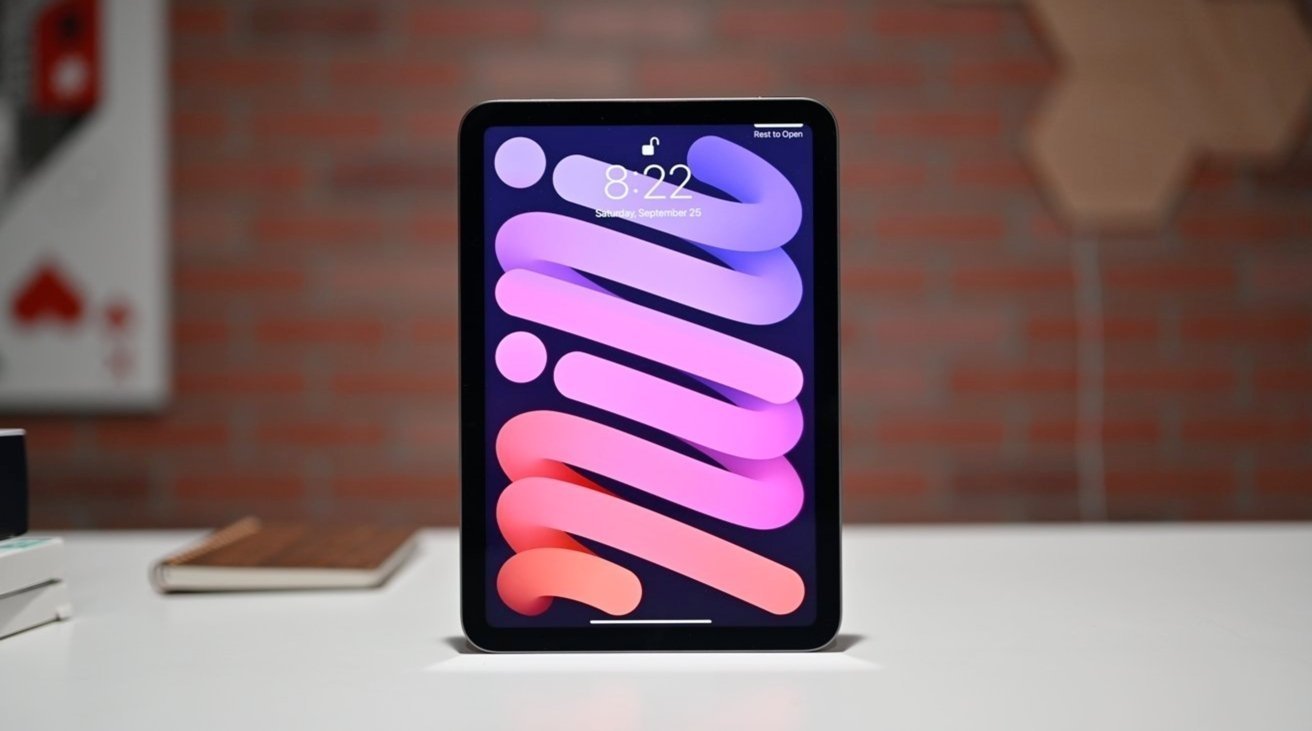
Consumers may have to wait until 2026 before they can buy a new iPad mini — and it may have a brand new display.


Apple has not updated the iPad mini for a considerable amount of time. However, an update may not be arriving anytime soon.


According to ZDNet Korea via Naver, Samsung Display has started to develop a new display for the iPad mini. It has already developed samples which it reportedly sent to Apple in April.


Furthermore, the display could end up getting a major upgrade. Those samples are reportedly OLED, making it equal to the iPad Pro line's screens.


Samsung's target for mass production is apparently as early as the second half of 2025. If true, this could result in an early 2026 release at best.


While ZDNet is a known publication, ZDNet Korea does not have a track record that we can use to determine whether this is likely or unlikely to happen.


There have been other regulatory filings in October that hinted at a potential iPad mini launch. Such filings usually mean a launch will happen soon, making a multi-year wait unlikely. Add in that the sixth-gen iPad mini was released in September 2021, a five-year gap seems very implausible for a well-loved product.


Source: AppleInsider

Windows
Mac OS
iOS
Linux
3uTools
Win 64-bit For this device
V9.0 2025-11-11
Download
Win 32-bit For this device
V9.0 2025-11-11
Download
3uTools
Intel Chip How to Identify Chip Type
V9.0 2025-12-02
Download
Apple Chip
V9.0 2025-12-02
Download
How to Identify Chip Type
1.  Click the Apple icon in the top-left corner of the screen and select About This Mac.
2.  Check the Processor or Chip field to determine if it is "Intel" or "Apple".
Please use the 3uTools PC client to install the iOS client:
1、 Install either the Windows or Mac version of 3uTools on your computer
2、 Open the PC client and connect your device to the computer via USB cable
3、 After the connection is successful, wait for the computer to automatically install the mobile app for the device, or locate “Install Mobile App” on the computer and manually click to install.
3uTools
deb file
V3.01 2025-11-20
Download
rpm file
V3.01 2025-11-20
Download
Windows
Windows
iOS
iOS
Android
Android
TV
TV
3uAirPlayer
Win 64-bit For this device
V6.0.2 2025-11-19
Download
Win 32-bit For this device
V6.0.2 2025-11-19
Download
iOS Device Mirroring (No App Required)
1、 Install 3uAirPlayer on the Windows PC
2、 Open Control Center and select Screen Mirroring
3、 From the list, choose your PC to start mirroring
4、 Or connect your iOS device to the PC via USB to begin mirroring
Scan to get "3uAirPlayer" App
3uAirPlayer TV V1.0.18
2025-11-28
TV System Requirements: Android 7.0 or later
Download the TV installation package, copy it to a USB drive, insert it into your TV or set-top box, then select the file from the home screen to install.