 NEWS
NEWS
Apple Reportedly Inviting French Retail Employees for Vision Pro Training
 04/01/2024
 1612
1612
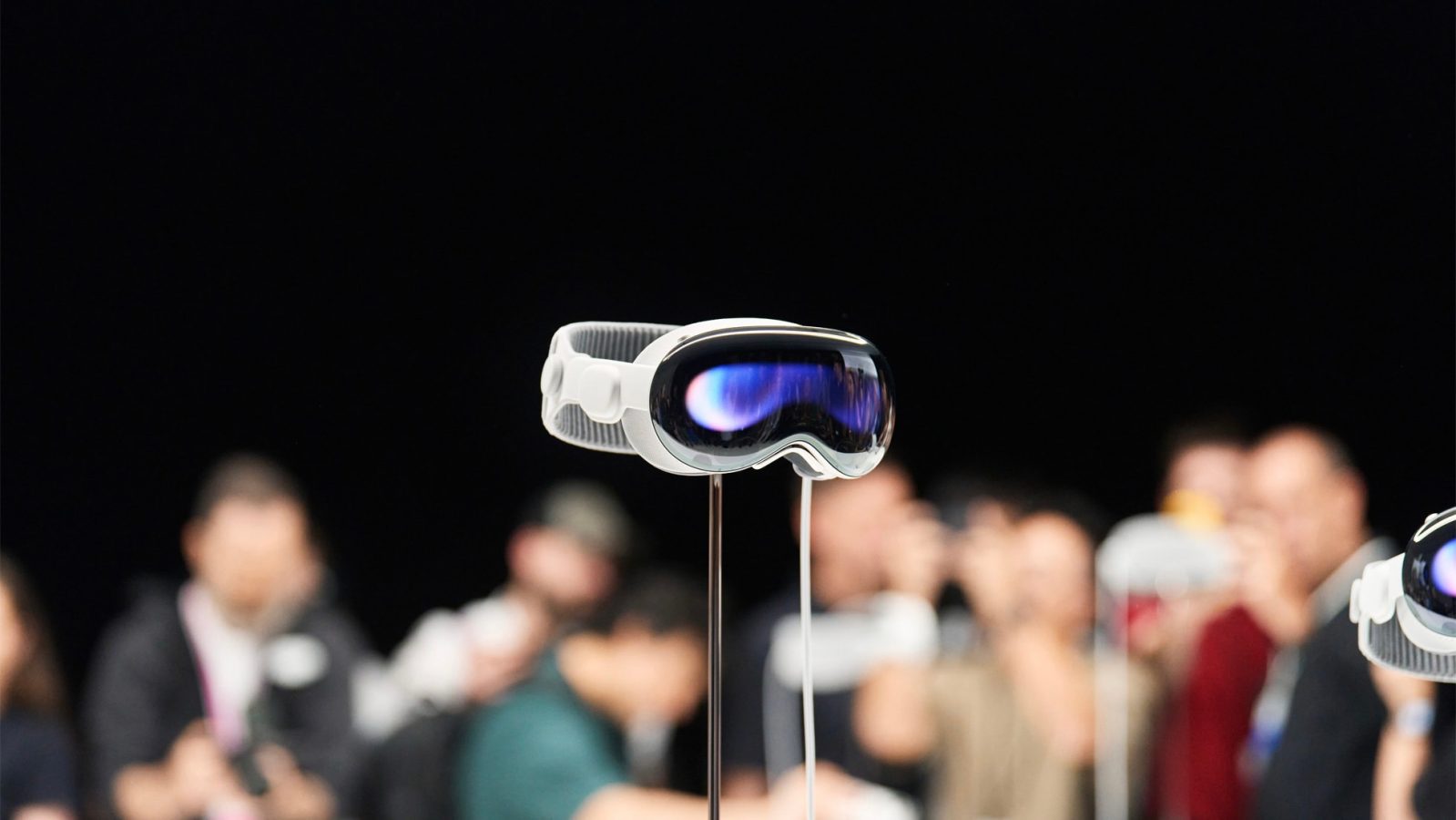
Apple Vision Pro is currently only available in the US, but there have been a lot of rumors recently about the international expansion of the new headset. Now a report from WatchGeneration claims that Apple has been inviting employees from its retail stores in France for Vision Pro training this summer.
The report is a bit vague, as the website’s sources say that Apple has been calling its French employees to a “Training Product Event” for a new product. Although the training description doesn’t mention Apple Vision Pro, the headset is the only new Apple product yet to be launched in France.
Vision Pro training sessions in France are expected to begin this summer. In the US, Apple began scheduling Vision Pro training for its retail employees in December last year. Training took place in mid-January, about two weeks before the official launch of Vision Pro.
Considering that summer begins in mid-June, this suggests that Apple Vision Pro could be launched in France (and some other European countries) as soon as July. This is in line with a report by analyst Ming-Chi Kuo, who said that Apple would launch Vision Pro in more countries in time for the visionOS 2 beta to reach more developers around the world.
In addition to France, job listings on Apple’s website reveal that Australia and Japan could be the next countries to get Vision Pro. For now, the only confirmation we have about the international expansion of the Vision Pro is a statement from Tim Cook about the launch in China later this year.
In the US, prices for Apple Vision Pro start at $3,499.
Source: 9to5mac










