
TUTORIALS

4 Best Tweaks in 2017

12/29/2017

6838

Jailbreak community members manually typed responses to questions into a form to create a pool of contestants. The second round narrows that pool down into finalists, letting voters pick from the best of the best for each category.


Here 3uTools lists the first question from this poll, do you know which 4 tweaks are candidates? Follow us to read:

4 Best Tweaks in 2017


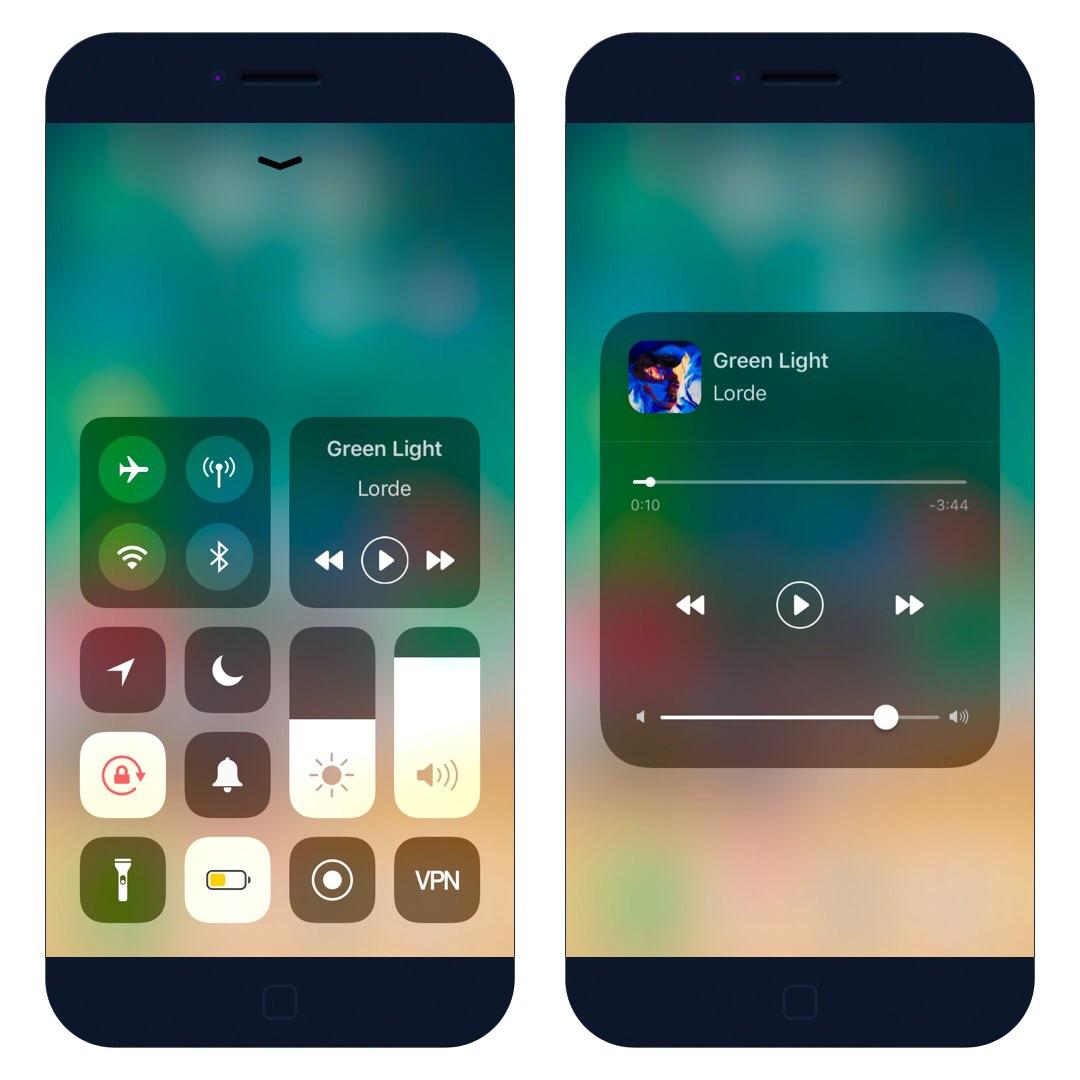
1.Maize  

Maize Cydia tweak ports iOS 11 Control Center to iOS 10 firmware. It is developed by developers Andrew Wiik and LaughingQuoll. Read more here
4 Best Tweaks in 2017


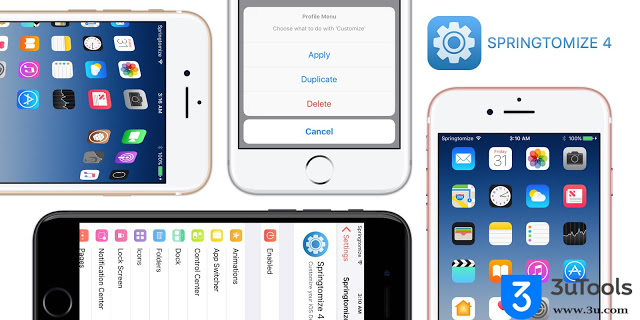
2. Springtomize 4 

Users jailbreak their iDevice so they can customize different aspects of iOS. With Springtomize 4 for iOS 10, you can customize anything you want from comfort of one tweak. And Springtomize 4 for iOS10 is compatible with Yalu jailbreak. Read more here

4 Best Tweaks in 2017


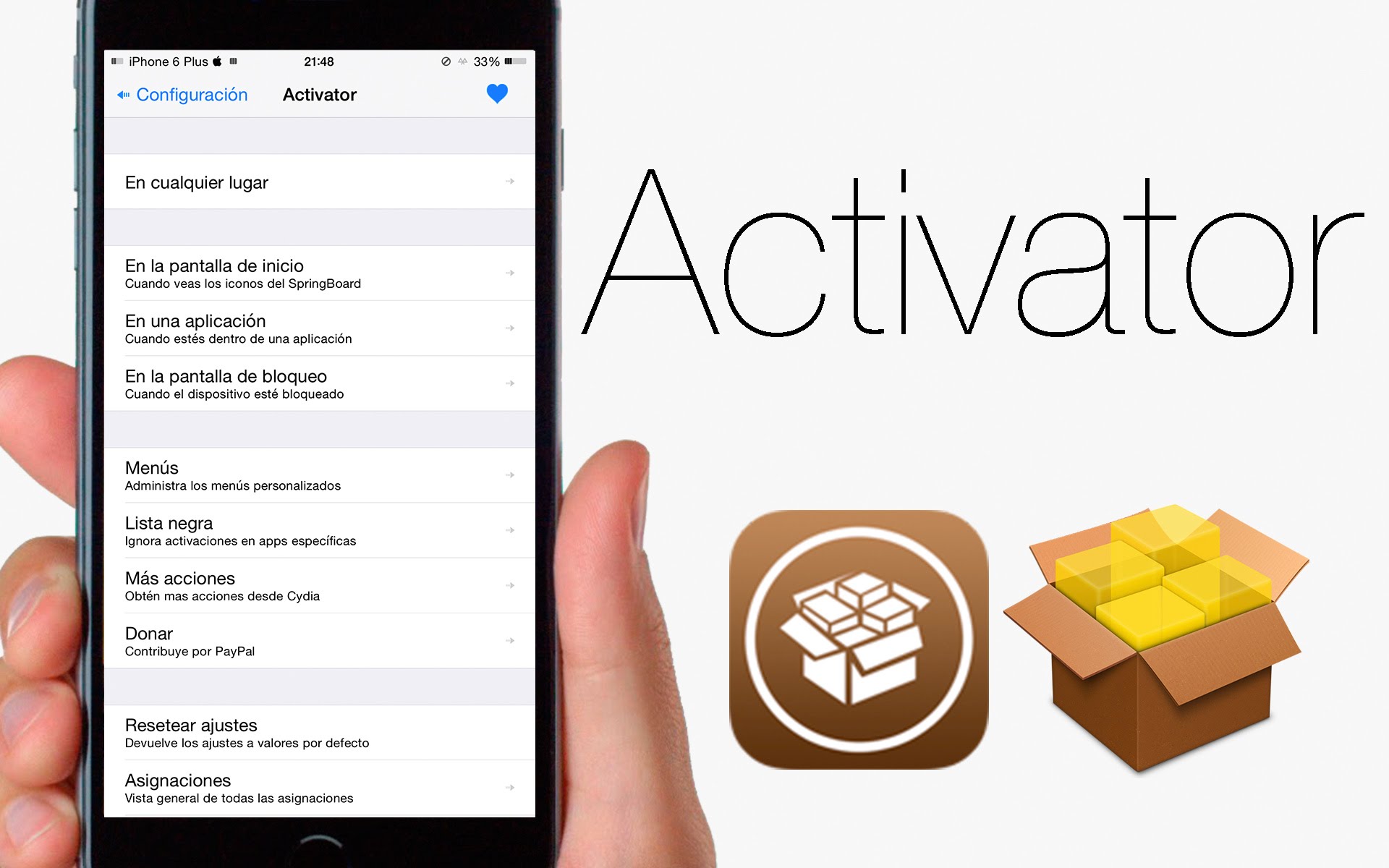
3. Activator 

Ryan Petrich is a well-known developer in jailbreak community. Activator, this plugin allows jailbrokers to set custom-defined gesture for some tasks. Read more here

4 Best Tweaks in 2017


4.Noctis 

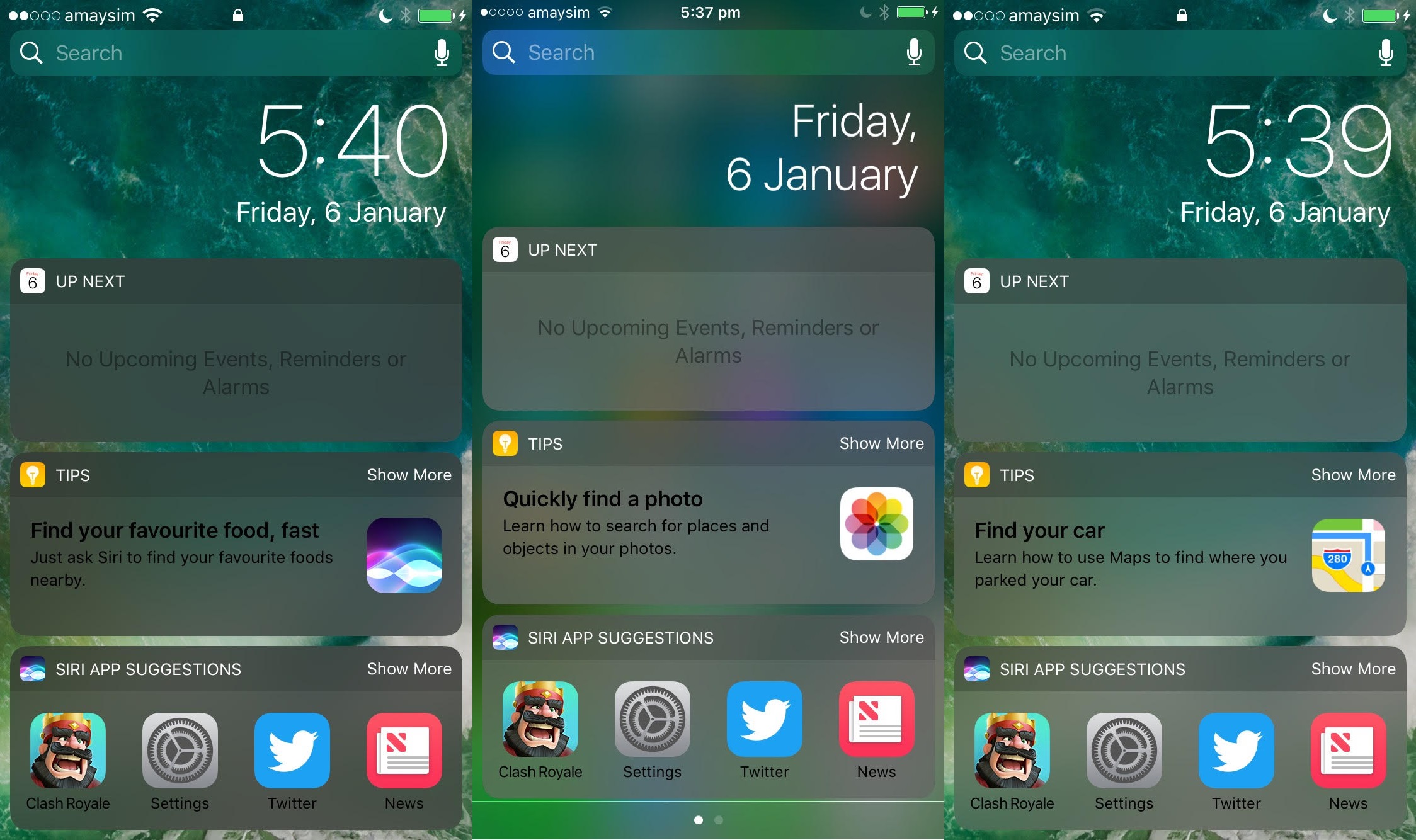
Apple introduces new dark mode feature is call “Smart Invert” in iOS 11. But, iOS 10 users can enable this feature as much better with Eclipse 4 or Noctis Cydia tweaks. Read more here

4 Best Tweaks in 2017


Note: The poll for the second round of the 2017 Jailbreak Awards will close on New Year’s Day (January 1st, 2018), so make sure you participate before the window closes! Here it is.


Windows
Mac OS
iOS
Linux
3uTools
Win 64-bit For this device
V9.0 2025-11-11
Download
Win 32-bit For this device
V9.0 2025-11-11
Download
3uTools
Intel Chip How to Identify Chip Type
V9.0 2025-12-02
Download
Apple Silicon
V9.0 2025-12-02
Download
How to Identify Chip Type
1.  Click the Apple icon in the top-left corner of the screen and select About This Mac.
2.  Check the Processor or Chip field to determine if it is "Intel" or "Apple".
Please use the 3uTools PC client to install the iOS client:
1、 Install either the Windows or Mac version of 3uTools on your computer
2、 Open the PC client and connect your device to the computer via USB cable
3、 After the connection is successful, wait for the computer to automatically install the mobile app for the device, or locate “Install Mobile App” on the computer and manually click to install.
3uTools
deb file
V3.01 2025-11-20
Download
rpm file
V3.01 2025-11-20
Download
Windows
Windows
iOS
iOS
Android
Android
TV
TV
3uAirPlayer
Win 64-bit For this device
V6.0.2 2025-11-19
Download
Win 32-bit For this device
V6.0.2 2025-11-19
Download
iOS Device Mirroring (No App Required)
1、 Install 3uAirPlayer on the Windows PC
2、 Open Control Center and select Screen Mirroring
3、 From the list, choose your PC to start mirroring
4、 Or connect your iOS device to the PC via USB to begin mirroring
Scan to get "3uAirPlayer" App
3uAirPlayer TV V1.0.18
2025-11-28
TV System Requirements: Android 7.0 or later
Download the TV installation package, copy it to a USB drive, insert it into your TV or set-top box, then select the file from the home screen to install.



