
TUTORIALS

iOS 11 – iOS 11.1.2 Compatible Jailbreak Tweaks And Apps

01/17/2018

16336

One of the advantages of the Electra jailbreak tool over LiberiOS jailbreak is that it comes with Substitute, a Cydia substrate alternative which was originally developed by Comex. So it allows users who have jailbroken their iOS devices with Electra jailbreak toolkit to install and use jailbreak tweaks that are compatible with iOS 11.


However, since it does not include Cydia, you need to install the jailbreak tweaks and themes manually. Reddit user Lermatroid has compiled the list of jailbreak tweaks that are compatible with iOS 11 – iOS 11.1.2.
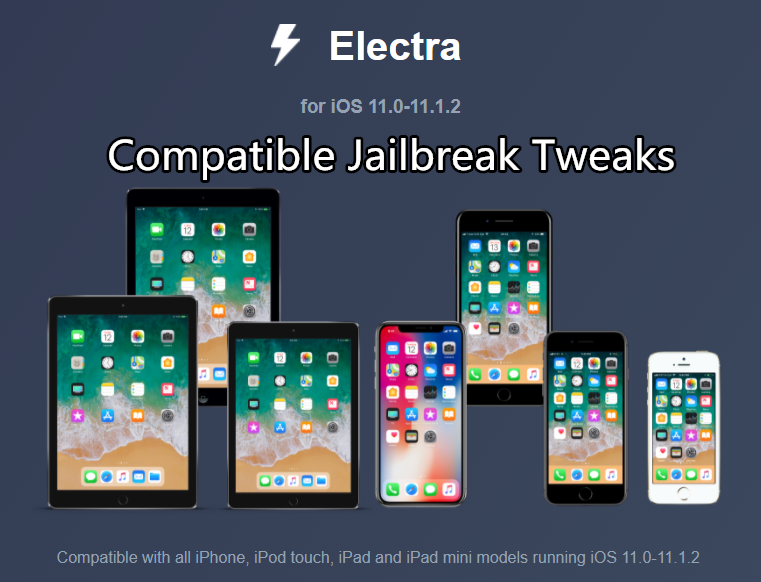

iOS 11 – iOS 11.1.2 Compatible Jailbreak Tweaks And Apps


Here’s the list of jailbreak tweaks that are compatible with iOS 11 – iOS 11.1.2 currently:


Note: Please note that some of the jailbreak tweaks will work only after you use Electra jailbreak toolkit beta 4. These tweaks won’t work if you’ve used LiberiOS jailbreak.


Zepplin

Anemone

Noctis11 Beta

MinimalHUD

No Page Dots 7

RomanPasscode

Dark Messages

Alkaline

Aporeo

BetterFiveColumnHomescreen

BlurryBadges

ChargePulse

DockAlpha

Icondock+

Lithium ion

No Icon Labels

Spotilife

WiCarrier

HideLabels10

NoFolderBackground

FiveIconDock

Date In Statusbar

NoMoreSeparators

Actual Battery

ByeByeHUD

FavoriteEmojis

Gravity

SystemInfo

StatusFolder

i8corners

ScramblePass

Wallmart

Ghosty

BLOARD


How to Fully Uninstall Electra Jailbreak From your iPhone

Windows
Mac OS
iOS
Linux
3uTools
Win 64-bit For this device
V9.0 2025-11-11
Download
Win 32-bit For this device
V9.0 2025-11-11
Download
3uTools
Intel Chip How to Identify Chip Type
V9.0 2025-12-02
Download
Apple Silicon
V9.0 2025-12-02
Download
How to Identify Chip Type
1.  Click the Apple icon in the top-left corner of the screen and select About This Mac.
2.  Check the Processor or Chip field to determine if it is "Intel" or "Apple".
Please use the 3uTools PC client to install the iOS client:
1、 Install either the Windows or Mac version of 3uTools on your computer
2、 Open the PC client and connect your device to the computer via USB cable
3、 After the connection is successful, wait for the computer to automatically install the mobile app for the device, or locate “Install Mobile App” on the computer and manually click to install.
3uTools
deb file
V3.01 2025-11-20
Download
rpm file
V3.01 2025-11-20
Download
Windows
Windows
iOS
iOS
Android
Android
TV
TV
3uAirPlayer
Win 64-bit For this device
V6.0.2 2025-11-19
Download
Win 32-bit For this device
V6.0.2 2025-11-19
Download
iOS Device Mirroring (No App Required)
1、 Install 3uAirPlayer on the Windows PC
2、 Open Control Center and select Screen Mirroring
3、 From the list, choose your PC to start mirroring
4、 Or connect your iOS device to the PC via USB to begin mirroring
Scan to get "3uAirPlayer" App
3uAirPlayer TV V1.0.18
2025-11-28
TV System Requirements: Android 7.0 or later
Download the TV installation package, copy it to a USB drive, insert it into your TV or set-top box, then select the file from the home screen to install.




