 TUTORIALS
Get a Stable iPhone 7 /7 Plus Jailbreak on iOS 10.1.1 With extra_recipe+yaluX
 11/28/2017
 11060
11060
Developer xerub has just released an updated version of Ian Beer’s mach_portal exploit, entitled extra_recipe. This new iteration should resolve the stability issues which have been plaguing iPhone 7 and iPhone 7 Plus users on the iOS 10.1.1 jailbreak.
Yalu creator Luca Todesco has in turn picked up the extra_recipe code and paired it with his Yalu jailbreak, compiling the project into a downloadable .ipa to create extra_recipe+yaluX, which effectively replaces his previous yalu+mach_portal tool.

If you’re on iOS 10.1.1 on your iPhone 7 or 7 Plus and have been debating whether to update due to its bugginess, it’s now safe to say that you should not update. With this release, you should be able to enjoy a jailbreak the like of which Yalu102 users have been enjoying for some time.
The extra_recipe project was made possible by xerub’s porting over of the original mach_portal+yaluX code, though it is not clear yet what additional bugs he used to stabilise Ian Beer’s work; they may have come from the iOS 10.3.2 security changelog. This means that jailbreaking attempts may still fail a few times before succeeding, but that the stability once successfully jailbroken should be far superior.
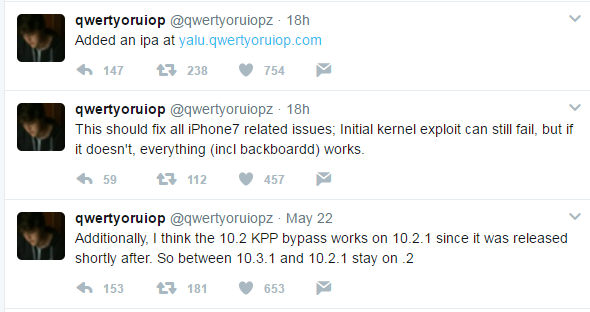
Whilst Todesco has already compiled an .ipa of the extra_recipe project (fast work) and posted it on his official Yalu site, it is not advised to use it yet. It is currently at Beta 1, and does not yet install Cydia, run Substrate, or remount the filesystem as read-write. Once it has reached the next couple of betas however, you should definitely grab the extra_recipe+yaluX .ipa and try it out instead of mach_portal.
Here is How to Jailbreak iPhone 7 /7 Plus on iOS 10.1.1 With Extra_Recipe?










