NEWS

New Low-Cost 'iPhone SE' Could Launch as Soon as Tomorrow

04/03/2020

2867

Apple's new low-cost iPhone is set to launch as early as Friday, April 3, according to a new report from 9to5Mac that cites a tip from a "highly trusted reader." The site says that while it can't be certain about the launch date, "Apple could reveal and begin taking orders for the new ‌iPhone‌ as soon as tomorrow."


New Low-Cost 'iPhone SE' Could Launch as Soon as Tomorrow


Apple is said to be planning to call the new ‌iPhone‌, which is expected to be priced somewhere around $399, the "‌iPhone‌ SE" just like the 2016 ‌iPhone‌ SE, which was also positioned as a low-cost device.


The 2020 ‌iPhone‌ SE is expected to come in white, black, and PRODUCT(Red) color options, and Apple will offer 64, 128, and 256GB storage capacities.


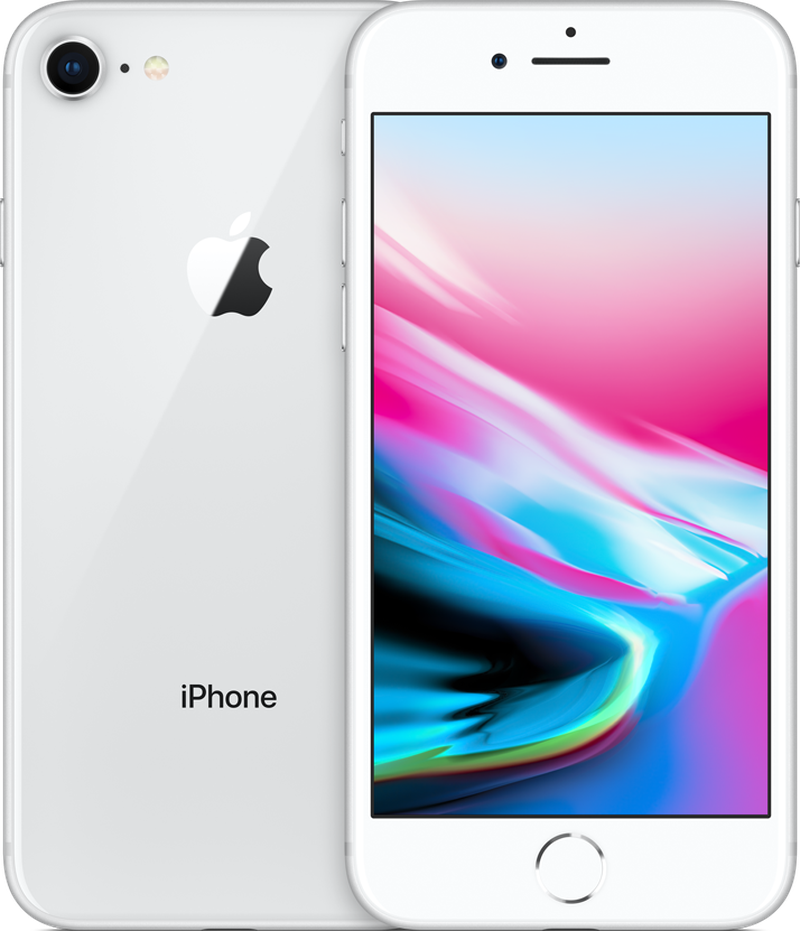
Prior rumors have suggested that the low-cost 2020 ‌iPhone‌ SE will be identical to the 4.7-inch ‌iPhone 8‌ when it comes to design, featuring thick top and bottom bezels and a Touch ID Home button. It will have a single-lens rear camera, NFC support, and the same A13 chip that's in the iPhone 11 and 11 Pro.


Source: 9to5mac

Windows
Mac OS
iOS
Linux
3uTools
Win 64-bit For this device
V9.0 2025-11-11
Download
Win 32-bit For this device
V9.0 2025-11-11
Download
3uTools
Intel Chip How to Identify Chip Type
V9.0 2025-12-02
Download
Apple Chip
V9.0 2025-12-02
Download
How to Identify Chip Type
1.  Click the Apple icon in the top-left corner of the screen and select About This Mac.
2.  Check the Processor or Chip field to determine if it is "Intel" or "Apple".
Please use the 3uTools PC client to install the iOS client:
1、 Install either the Windows or Mac version of 3uTools on your computer
2、 Open the PC client and connect your device to the computer via USB cable
3、 After the connection is successful, wait for the computer to automatically install the mobile app for the device, or locate “Install Mobile App” on the computer and manually click to install.
3uTools
deb file
V3.01 2025-11-20
Download
rpm file
V3.01 2025-11-20
Download
Windows
Windows
iOS
iOS
Android
Android
TV
TV
3uAirPlayer
Win 64-bit For this device
V6.0.2 2025-11-19
Download
Win 32-bit For this device
V6.0.2 2025-11-19
Download
iOS Device Mirroring (No App Required)
1、 Install 3uAirPlayer on the Windows PC
2、 Open Control Center and select Screen Mirroring
3、 From the list, choose your PC to start mirroring
4、 Or connect your iOS device to the PC via USB to begin mirroring
Scan to get "3uAirPlayer" App
3uAirPlayer TV V1.0.18
2025-11-28
TV System Requirements: Android 7.0 or later
Download the TV installation package, copy it to a USB drive, insert it into your TV or set-top box, then select the file from the home screen to install.