 NEWS
NEWS
Quad-core Core i5 Processor is a Big Boost for 2020 MacBook Air
 03/23/2020
 2928
2928
Apple's refreshed MacBook Air is considerably more powerful than its predecessor, initial benchmarks reveal, with the Core i5 version of the latest models offering a significant performance boost over its older counterpart.
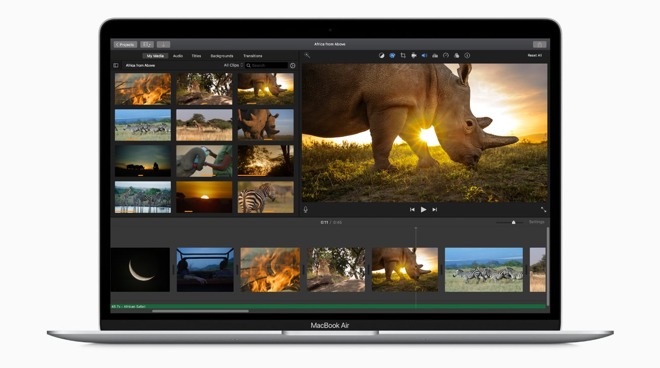
Launched on March 18, the 2020 MacBook Air introduced a number of changes to the lightweight Mac, with a key difference being the option to choose a more powerful processor. While the previous 2019 model shipped with a dual-core Intel Core i5 processor with no alternate options, the 2020 edition offers versions equipped with Core i3, Core i5, and Core i7 processors.
While the old model used an 8th-generation dual-core Core i5 with a base clock of 1.6GHz, the Core i5 in the 2020 iteration is a quad-core 10th-generation model with a base clock speed of 1.1GHz. On paper, the processor changes would be an upgrade in general, but early benchmarks by Six Colors reveals the 2020 is much more powerful than the previously-sold version, despite the lower base clock speed.
In Geekbench 5 single-core tests, the MacBook Air with the Core i5 processor achieved a score of 1,047, while the previous MacBook Air reached just 790. For multi-core testing, the older dual-core model managed a score of 1,628, but the quad-core chip helped bring the 2020 model up to 2,658.
Jason Snell's results are in the same ballpark as others recorded in Geekbench, indicating they are accurate. The results also show the benefits of newer iterations of processor, along with simply moving from dual-core chips to quad core.
Along with the processor changes, the 2020 MacBook Air also includes higher storage capacities of 256GB at the lowest and 2TB at its highest, support for a 6K monitor at up to 60Hz, and a keyboard replacement bringing it in line with the 16-inch MacBook Pro.
The 2020 MacBook Air starts at $999 and is available for pre-order. Deals are already available on 2019 MacBook Air models.
Source: Appleinsider









