
NEWS

Some Apple Employees Say Company's Culture of Secrecy Makes Working From Home Challenging

03/16/2020

2143

The process of tech companies sending thousands of employees home amid the coronavirus crisis has been messy, according to a report from The Wall Street Journal. The shift has been tough on Apple especially, due to strict guidelines and secrecy around its products.
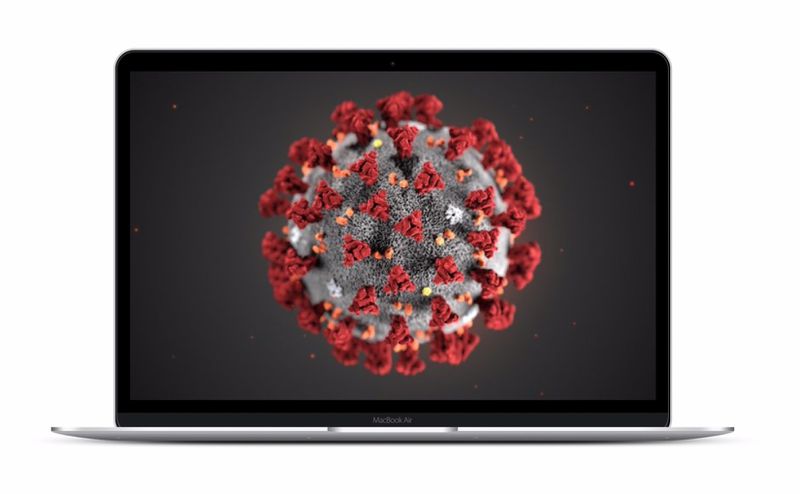
Some Apple Employees Say Company's Culture of Secrecy Makes Working From Home Challenging
The report mentions that software developers who were sent home have been complaining of both slow download speeds and confusion about what work they are allowed to perform. Other employees have been unable to access key internal systems from home due to Apple's stringent security policies.


Many engineers have continued to work at Apple's headquarters to adhere to Apple's policy of forbidding any unreleased products to leave the campus. Some staff say that Apple has loosened restrictions, however. One Apple employee mentioned "it's all about lowering the density," thus highlighting the importance of social distancing amid the COVID-19 outbreak.


Apple has taken several measures in response to the coronavirus. Just this week, it was announced that Apple would be temporarily closing all Apple Stores outside of China, committing $15 million to date for COVID-19 relief efforts, and encouraging corporate employees to work remotely if their job allows. It was also announced that WWDC this year will be an online event and Apple Card customers are able to enroll in a program that will allow them to skip March payment without interest.


Source: Macrumors

Windows
Mac OS
iOS
Linux
3uTools
Win 64-bit For this device
V9.0 2025-11-11
Download
Win 32-bit For this device
V9.0 2025-11-11
Download
3uTools
Intel Chip How to Identify Chip Type
V9.0 2025-12-02
Download
Apple Chip
V9.0 2025-12-02
Download
How to Identify Chip Type
1.  Click the Apple icon in the top-left corner of the screen and select About This Mac.
2.  Check the Processor or Chip field to determine if it is "Intel" or "Apple".
Please use the 3uTools PC client to install the iOS client:
1、 Install either the Windows or Mac version of 3uTools on your computer
2、 Open the PC client and connect your device to the computer via USB cable
3、 After the connection is successful, wait for the computer to automatically install the mobile app for the device, or locate “Install Mobile App” on the computer and manually click to install.
3uTools
deb file
V3.01 2025-11-20
Download
rpm file
V3.01 2025-11-20
Download
Windows
Windows
iOS
iOS
Android
Android
TV
TV
3uAirPlayer
Win 64-bit For this device
V6.0.2 2025-11-19
Download
Win 32-bit For this device
V6.0.2 2025-11-19
Download
iOS Device Mirroring (No App Required)
1、 Install 3uAirPlayer on the Windows PC
2、 Open Control Center and select Screen Mirroring
3、 From the list, choose your PC to start mirroring
4、 Or connect your iOS device to the PC via USB to begin mirroring
Scan to get "3uAirPlayer" App
3uAirPlayer TV V1.0.18
2025-11-28
TV System Requirements: Android 7.0 or later
Download the TV installation package, copy it to a USB drive, insert it into your TV or set-top box, then select the file from the home screen to install.




