 NEWS
NEWS
Apple Announces WWDC 2020 Coming in June as an ‘Online Experience’
 03/16/2020
 2316
2316
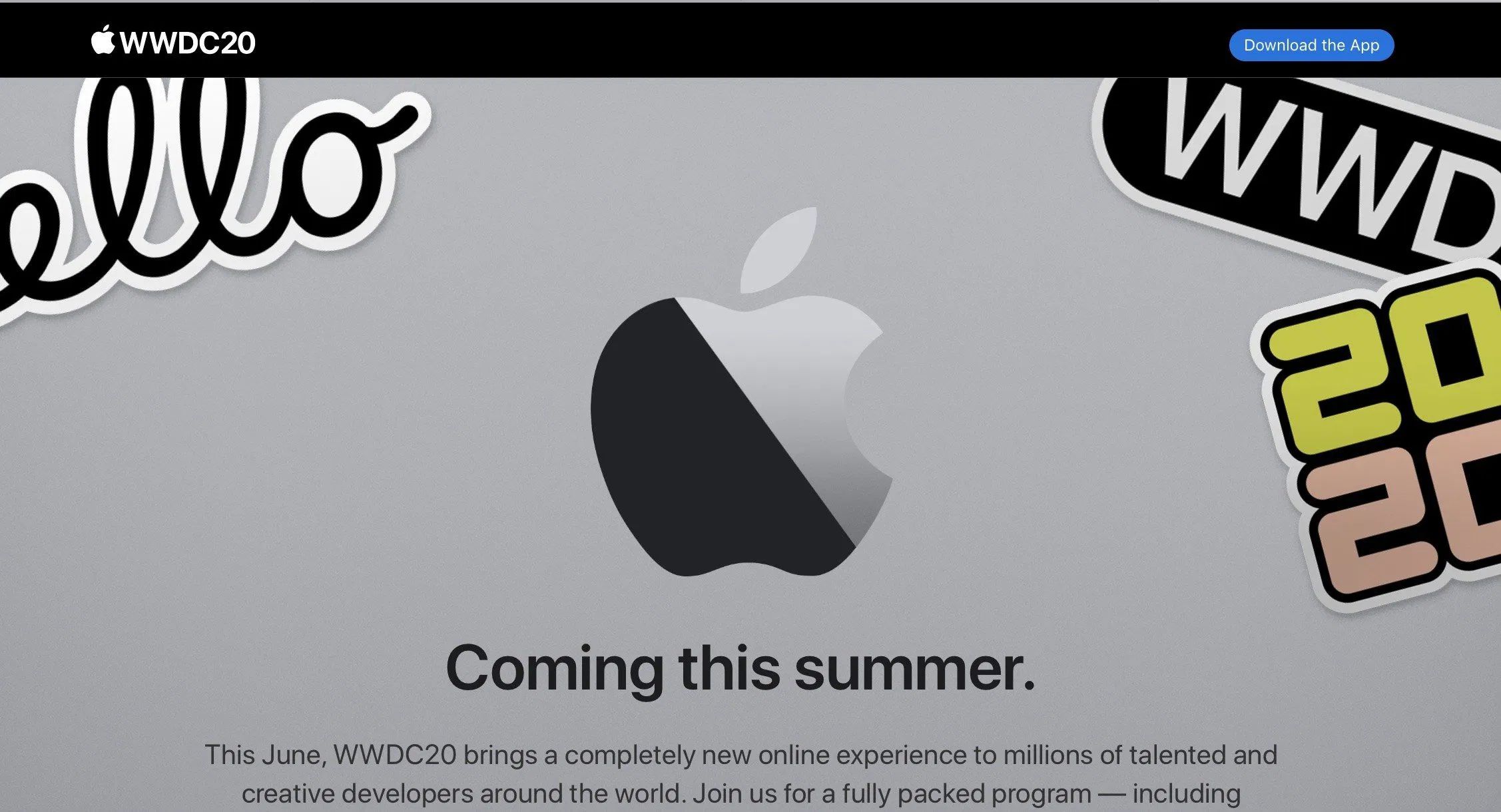
Apple has just announced WWDC for 2020, coming in June (no exact date specified). The conference will be presented as what Apple calls a completely new online experience, confirming that a physical event will not be happening this year due to coronavirus concerns.
In the online event, Apple will preview the future of iOS, iPadOS, macOS, watchOS and tvOS. Apple will also release developer betas at the same time.
Apple VP Phil Schiller said in a press statement that the current health situation has required that Apple change the format for this year. Just like many other tech conferences, the COVID-19 coronavirus outbreak has meant Apple had to ditch its typical plan of hosting a 5000-attendee conference in San Jose.
This year, Apple says it will hold a full online schedule of keynote and sessions. Apple said it will be sharing more details in the coming weeks. Clearly, Apple had to shake things up significantly as it has not announced a firm date for the keynote — just that the new WWDC will happen sometime in June.
Craig Federighi, Apple SVP Software Engineering, teases the event: “With all of the new products and technologies we’ve been working on, WWDC 2020 is going to be big”.
Apple also said it will contribute $1 million to local San Jose organizations to help offset the economic hit to the city from WWDC not being held at a physical location.
Apple says it will share more details about its plans “between now and June”.
At WWDC, we expect Apple to announce its next generation operating systems: iOS 14, watchOS 7, macOS 10.16, tvOS 14 and more. 9to5Mac obtained internal iOS 14 builds this week, so check out the leaks to get a taste of what to expect.
Source: 9to5mac









