 NEWS
NEWS
Apple Closes All Retail Stores in Italy Due to Coronavirus
 03/12/2020
 2807
2807
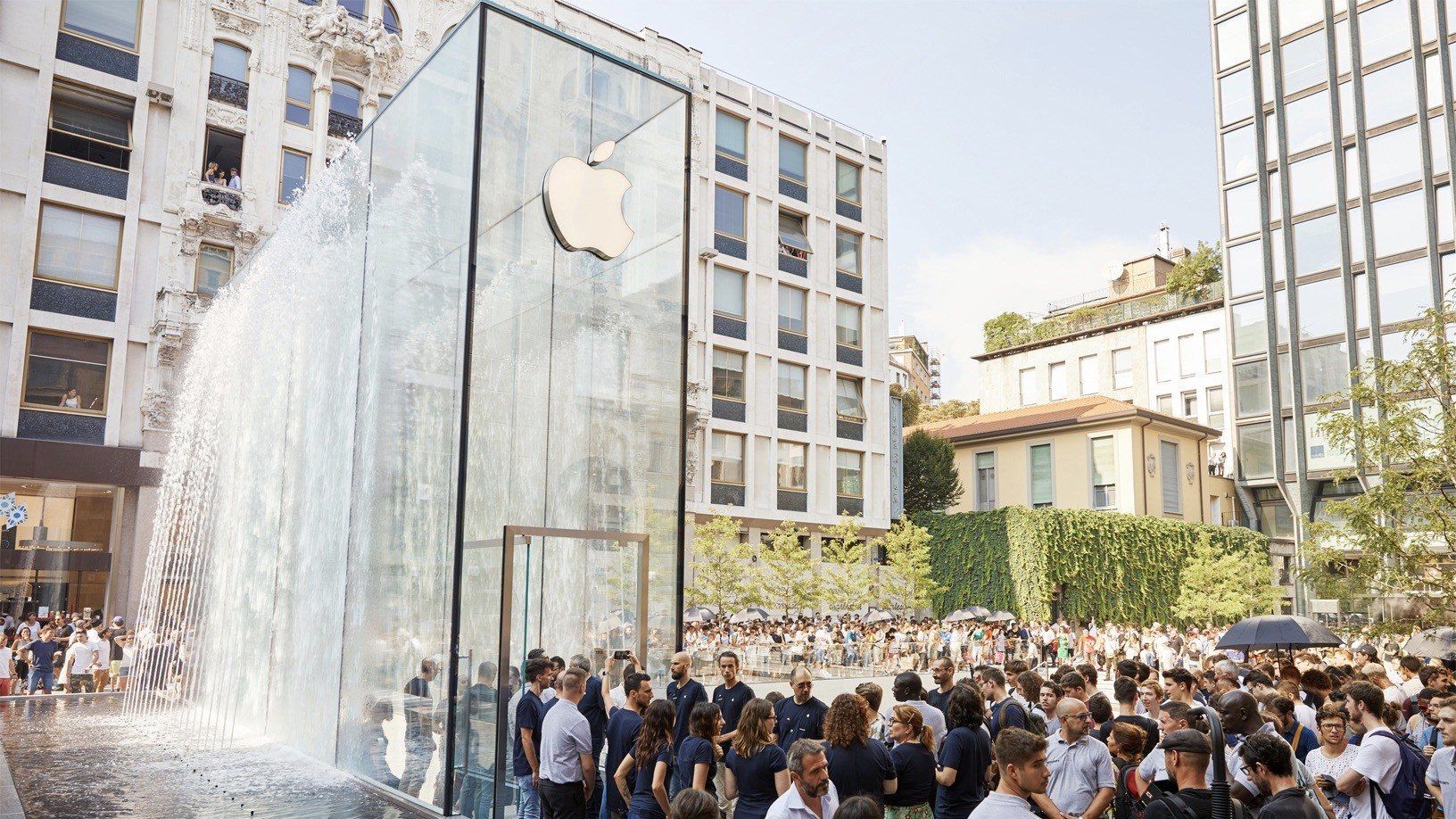
Apple has announced today that it is closing all of its retail stores in Italy due to the coronavirus pandemic. In a message on its website, Apple says that all 17 of its retail stores in Italy will be closed until further notice.
The announcement from Apple is unsurprising given how hard Italy has been affected by the coronavirus outbreak. The Italian government imposed a nationwide lockdown earlier this week in an effort to contain the outbreak. Apple had previously reduced hours and closed its retail stores on the weekend in Italy.
Apple does not specify when its retail stores in Italy will re-open, but it largely depends on guidance from the government. Apple’s message on its Italian websites for each store reads as follows: “Following the health precaution measures currently in force, this store will remain closed until a later date.”
In a statement to Bloomberg, Apple said: As we support the work to contain and manage the spread of COVID-19, our priority remains the health and safety of everyone in the communities we serve. With that in mind, our stores in Italy will be closed until further notice. We understand customers may need support from Apple during this challenging time and we’ll ensure our online and phone support, as well as online store, remain open for customers. We will closely monitor the situation and look forward to reopening our stores as soon as possible.
Apple continues to adapt to the ongoing and worsening coronavirus pandemic. Apple has restricted employee travel to affected countries including Italy, China, and South Korea. Apple is also allowing employees to work from home when possible, while offering retail store workers unlimited sick leave when they experience coronavirus-like symptoms.
An Apple employee at the company’s Ireland headquarters tested positive for coronavirus earlier this week. The employee is now in isolation and Apple said it continues to carry out a regular deep cleaning at all offices and retail stores.
Apple hasn’t yet announced its plans for WWDC 2020, but a cancellation seems almost inevitable at this point. Santa Clara County has banned all mass gatherings, and other conferences such as Google I/O have been canceled.
Source: 9to5mac









