 NEWS
NEWS
iPhone SE 2 (iPhone 9?) Component Orders Delayed Due to Coronavirus Disruption
 03/06/2020
 2334
2334
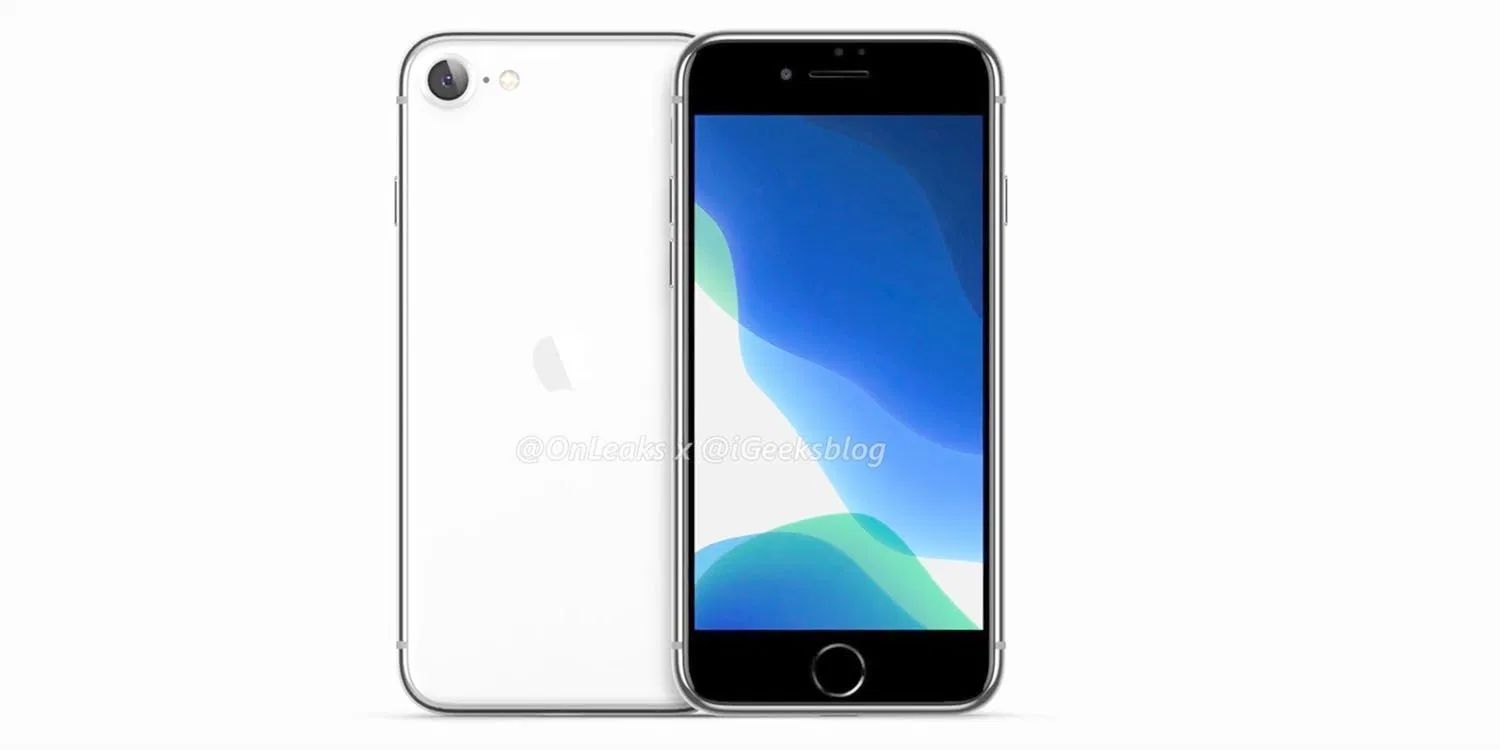
In a pair of Digitimes reports, the supply-chain focused publication suggests that the launch of Apple’s next phone model may be a little further off. The iPhone 9, or iPhone SE 2, whatever you want to call it, has apparently reached the final stage of production verification.
However, this means that a formal release could still be weeks away. Additionally, Digitimes reportsthat PCB orders for the iPhone SE 2 have been delayed from the first quarter to the second quarter, again suggesting a schedule pushback.
According to Digitimes, which admittedly has a mixed record of accuracy in predicting Apple product plans, Taiwan printed circuit board manufacturers have been informed that shipments of parts for the iPhone SE 2 have been “deferred”.
The parts were originally meant to be accounted for in the first quarter, i.e March. However, Apple has reportedly told them that those orders should now be delivered in the second quarter. This is apparently a consequence of the coronavirus outbreak.
What it sounds like is that some production bottlenecks upstream have caused Apple to halt the flow of components further down the supply chain, as it waits to catch up to full production. It is possible that the iPhone SE 2 still launches in March with limited availability, but it sounds like the main production ramp has been pushed off into April.
The new iPhone SE, or iPhone 9, is expected to cost around $399 and look like an iPhone 8. Inside, we are expecting the processor to be upgraded to the latest A13 chip. Whilst we expect the device to only feature one camera like the iPhone 8, it remains unclear if that single camera sensor will be upgraded to be on par with the wide lens in the iPhone 11 series of phones.
For reference, the original iPhone SE was announced at a spring Apple event on 21st March 2016. The iPhone SE went on sale on 31st March 2016.
Source: 9to5mac









