NEWS

Apple Pay for Mexico Looks Set to Launch Imminently

03/06/2020

2224

Apple Pay for Mexico Looks Set to Launch Imminently


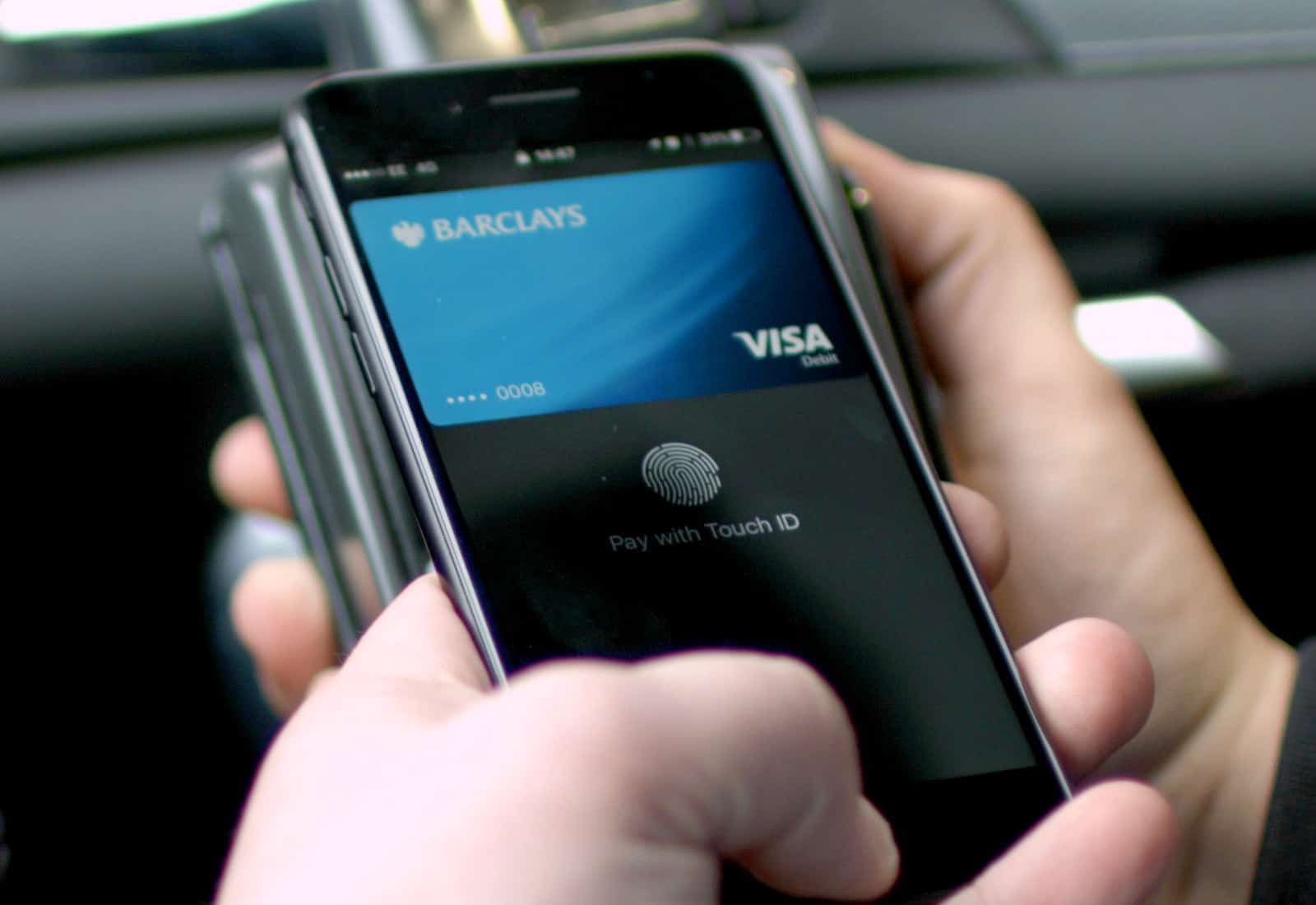
Apple Pay could make its official debut in Mexico any day now after local iPhone users on Thursday discovered they could start adding debit and credit cards to the Wallet app.


Only regional bank Banregio appears to be supported for now, which suggests Apple Pay support may be an exclusive initially.


Believe it or not, Apple Pay celebrated its fifth birthday last October. Its reach has expanded a long way in that time, but a surprising number of countries are still lacking Apple Pay support in early 2020.


Mexico is one of them, but that could be about to change.


Apple Pay on its way to Mexico


Some iPhone users in Mexico now have the ability to add Banregio cards to the Wallet app. At this point, that’s as far as it goes; the cards aren’t being verified yet, so it’s not possible to make payments.


It’s a promising sign, however, that an Apple Pay launch for Mexico is imminent. It also suggests that Banregio could be an exclusive supporter initially, though that could change once the service is live.


We don’t know when that might happen. Apple and its banking partners are still to provide an Apple Pay launch date for Mexico, so although it looks close, it’s hard to tell how long users will be waiting.


Either way, Mexico is likely to become only the second country in Latin America to offer Apple Pay support. Brazil was named first when it landed Apple Pay support in 2018.


Source: Cult of mac

Windows
Mac OS
iOS
Linux
3uTools
Win 64-bit For this device
V9.0 2025-11-11
Download
Win 32-bit For this device
V9.0 2025-11-11
Download
3uTools
Intel Chip How to Identify Chip Type
V9.0 2025-12-02
Download
Apple Chip
V9.0 2025-12-02
Download
How to Identify Chip Type
1.  Click the Apple icon in the top-left corner of the screen and select About This Mac.
2.  Check the Processor or Chip field to determine if it is "Intel" or "Apple".
Please use the 3uTools PC client to install the iOS client:
1、 Install either the Windows or Mac version of 3uTools on your computer
2、 Open the PC client and connect your device to the computer via USB cable
3、 After the connection is successful, wait for the computer to automatically install the mobile app for the device, or locate “Install Mobile App” on the computer and manually click to install.
3uTools
deb file
V3.01 2025-11-20
Download
rpm file
V3.01 2025-11-20
Download
Windows
Windows
iOS
iOS
Android
Android
TV
TV
3uAirPlayer
Win 64-bit For this device
V6.0.2 2025-11-19
Download
Win 32-bit For this device
V6.0.2 2025-11-19
Download
iOS Device Mirroring (No App Required)
1、 Install 3uAirPlayer on the Windows PC
2、 Open Control Center and select Screen Mirroring
3、 From the list, choose your PC to start mirroring
4、 Or connect your iOS device to the PC via USB to begin mirroring
Scan to get "3uAirPlayer" App
3uAirPlayer TV V1.0.18
2025-11-28
TV System Requirements: Android 7.0 or later
Download the TV installation package, copy it to a USB drive, insert it into your TV or set-top box, then select the file from the home screen to install.