 NEWS
NEWS
Apple Updates App Store Guidelines, Sets iOS 13 SDK Requirement
 03/05/2020
 2831
2831
Apple on Wednesday made a number of changes to its App Store Review guidelines and is requiring all apps submitted use the iOS 13 SDK on April 30.
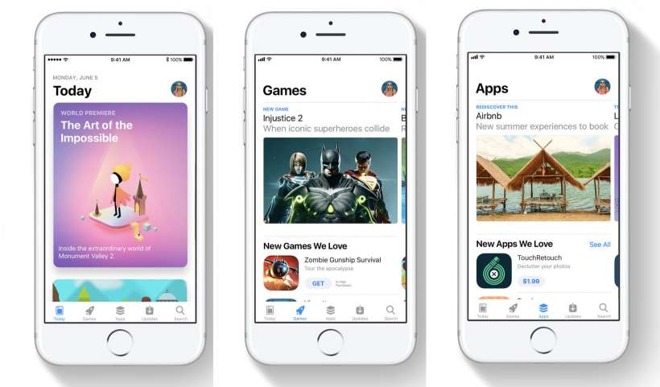
Apple has made a number of changes to its App Store guidelines, including revisions that focus on notifications, privacy and reviews.
The revised App Store guidelines focus on a number of app functions and features, including spam, push notifications, privacy, mobile device management and App Store reviews.
For example, Apple has added fortune-telling and dating apps to its list of "saturated" categories. In updated guideline 4.3, Apple says it will reject apps in these categories unless they provide a "unique, high-quality experience."
The company has also implemented a blanket ban on apps used to commit or attempt to commit crimes by evading police. Previously, it only barred apps that tracked DUI checkpoints.
Updated language concerning push notifications now allows them to be used for marketing purposes, but only if a user has explicitly opted in. It also doubles-down that notifications shouldn't be used to send personal, confidential or sensitive information.
There's also an entirely new section dedicated to App Store reviews. In it, Apple instructs developers to "treat customers with respect when responding" to comments. The same section bans custom review prompts, requiring developers to use Apple's official review API.
In addition to the revised review guidelines, Apple will soon require all iPhone apps submitted to the App Store to be built with the iOS 13 SDK or newer starting April 30.
Apple notes that iOS 13 is now running on 77% of all devices released in the last four years, hinting that developers can use the updated SDK to "deliver great user experiences."
Source: Appleinsider









