 NEWS
NEWS
iPhone Camera Module Supplier Forced to Shut Down Factory Due to Coronavirus
 03/02/2020
 2385
2385
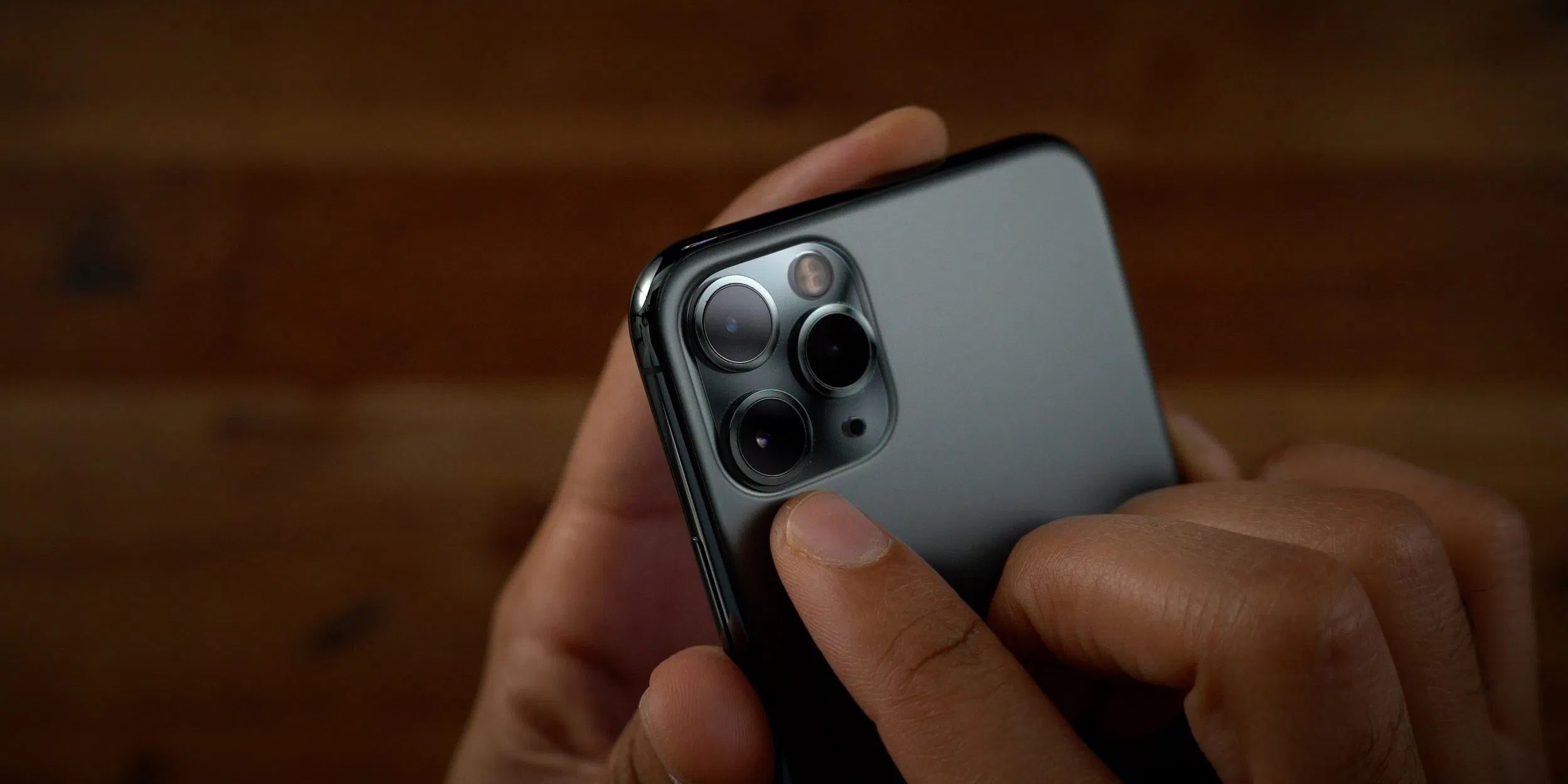
Apple continues to be affected by the coronavirus outbreak around the world. Reuters reports this weekend that LG Innotek, which supplies camera modules for the iPhone, has been forced to shut down one of its factories due to a worker contracting the virus.
The report explains that both Samsung and LG Innotek have been forced to shut down factories in South Korea this weekend. Located in Gumi, the factories are close to Daegu, which is where most of the South Korean cases of the virus have surfaced so far.
The closure of the LG Innotek factory is more important to Apple, as LG Innotek supplies camera modules for the iPhone. The Reutersreport details that the company’s South Korean factory will be closed on Monday for disinfection. Whether or not that means it will reopen on Tuesday remains to be seen.
LG Innotek is also likely to supply camera modules for the upcoming iPhone 12, expected to be introduced this fall. If the LG Innotek shutdown lasts just a few days, it’s unlikely that it will have a major impact on iPhone production, but the situation is still developing.
In an Interview with Fox Business recently, Cook expressed optimism about the ongoing coronavirus situation in China. He also emphasized that iPhone parts and supplies come from many areas around the world. In China specifically, Cook said he believes the government is getting the coronavirus situation “under control.”
It feels to me that China is getting the coronavirus under control. I mean, you look at the numbers, they’re coming down day by day by day. And so, I’m very optimistic there.
More than anything, this situation underscores that even though Cook thinks the the situation is “under control” in China, supply chain disruptions to Apple are still possible as coronavirus becomes a global problem.
Source: 9to5mac









