
NEWS

Apple Developing Over-the-Air Recovery Feature for iOS Based on Code in iOS 13.4

02/27/2020

3722

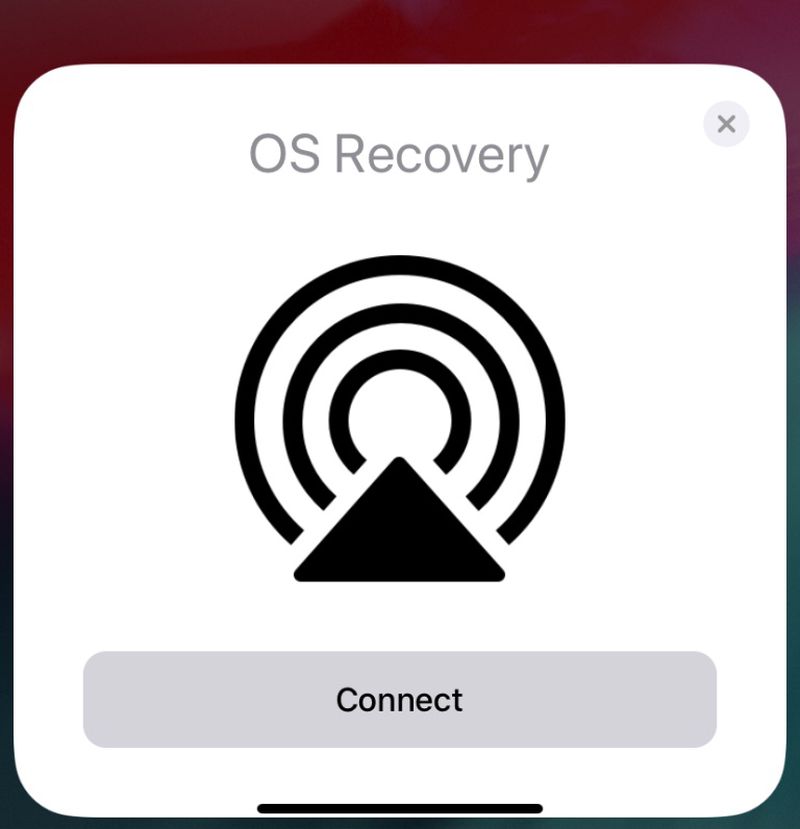
Code in the iOS 13.4 beta released this morning suggests that Apple is developing an over-the-air recovery feature designed for the iPhone and the iPad. 
Apple Developing Over-the-Air Recovery Feature for iOS Based on Code in iOS 13.4
There are references to a hidden "OS Recovery" option in the update found by 9to5Mac, which appears to provide a way to restore an ‌iPhone‌, ‌iPad‌, Apple Watch, or HomePodwithout the need to connect to a computer. 

Right now, if you have a malfunctioning ‌iPhone‌ or ‌iPad‌, a Mac or PC needs to be used to restore the firmware, which is inconvenient as some people no longer even use computers and Apple has made efforts to remove the need to operate iOS devices with computers. 

Devices like the ‌Apple Watch‌ and ‌HomePod‌ don't even have options to restore the software because there are no connectors, a problem that the OS Recovery feature could solve. There is a similar macOS Internet Recovery option that has been available for some time, allowing Macs to be restored with software downloaded over the internet. 

It appears the feature will allow for a restore to be conducted over-the-air or by connecting a device to another ‌iPhone‌ or ‌iPad‌ using a USB connection.


Source: Macrumors

Windows
Mac OS
iOS
Linux
3uTools
Win 64-bit For this device
V9.0 2025-11-11
Download
Win 32-bit For this device
V9.0 2025-11-11
Download
3uTools
Intel Chip How to Identify Chip Type
V9.0 2025-12-02
Download
Apple Chip
V9.0 2025-12-02
Download
How to Identify Chip Type
1.  Click the Apple icon in the top-left corner of the screen and select About This Mac.
2.  Check the Processor or Chip field to determine if it is "Intel" or "Apple".
Please use the 3uTools PC client to install the iOS client:
1、 Install either the Windows or Mac version of 3uTools on your computer
2、 Open the PC client and connect your device to the computer via USB cable
3、 After the connection is successful, wait for the computer to automatically install the mobile app for the device, or locate “Install Mobile App” on the computer and manually click to install.
3uTools
deb file
V3.01 2025-11-20
Download
rpm file
V3.01 2025-11-20
Download
Windows
Windows
iOS
iOS
Android
Android
TV
TV
3uAirPlayer
Win 64-bit For this device
V6.0.2 2025-11-19
Download
Win 32-bit For this device
V6.0.2 2025-11-19
Download
iOS Device Mirroring (No App Required)
1、 Install 3uAirPlayer on the Windows PC
2、 Open Control Center and select Screen Mirroring
3、 From the list, choose your PC to start mirroring
4、 Or connect your iOS device to the PC via USB to begin mirroring
Scan to get "3uAirPlayer" App
3uAirPlayer TV V1.0.18
2025-11-28
TV System Requirements: Android 7.0 or later
Download the TV installation package, copy it to a USB drive, insert it into your TV or set-top box, then select the file from the home screen to install.




