 NEWS
NEWS
Apple Considers Allowing iPhone Users to Set Third-Party Default Apps
 02/21/2020
 2522
2522
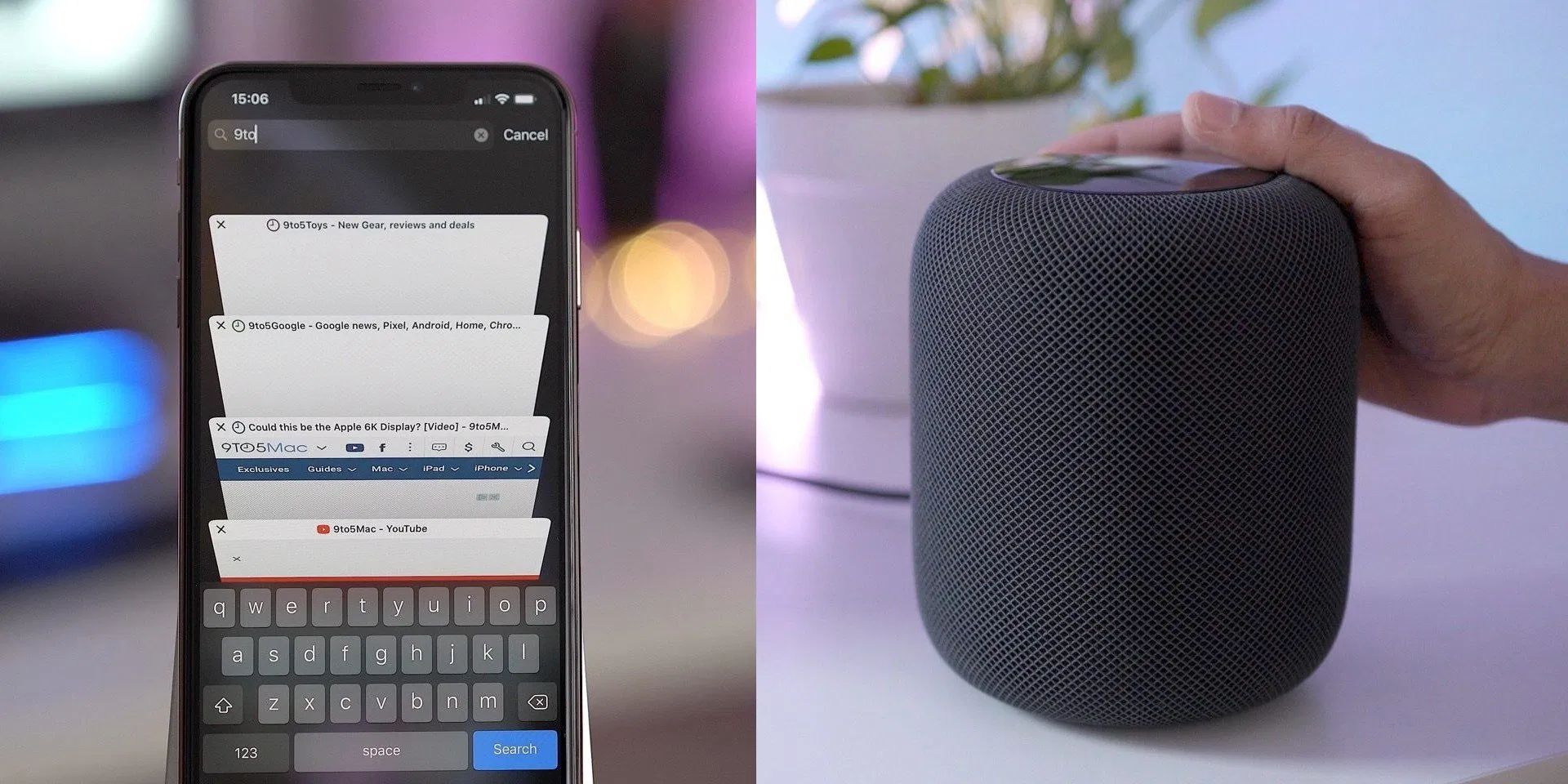
Apple is said to be discussing adding the ability for users to set third-party apps as defaults, overriding the built-in preference for Apple’s Safari and Mail. The news comes as Apple faces increasing scrutiny over how it operates the App Store whilst giving preferential treatment to its own apps and services.
In addition, Bloomberg says that Apple is considering opening up the HomePod to third-party music services like Spotify or Amazon Music. Right now, the HomePod can only natively interact with Apple Music.
Apple’s rules currently allow developers to offer alternative web browsers in the App Store, but they all must be based off the system WebKit’s rendering engine. It is also currently not possible for the user to tell iOS that it prefers the third-party browser over Safari; any tapped links will open in Safari every single time.
Similarly, there are many competing email apps in the App Store but shortcuts to composing a new email will only ever show the system Mail compose sheet. It sounds like Apple is now seriously weighing whether to open this up and allow other apps to appear instead of Safari and Mail.
It may also be possible to set a competing music app as the default, so that music playback requests to Siri would route to the third party audio app without having to explicitly say the name of the app in every request.
Apple added support for third-party music and audio apps with SiriKit in iOS 13, but the current system will always prefer Apple Music and Apple Podcasts if the name of the third-party app is not specified.
Bloomberg says that Apple is working to add support for other music services to run natively on the HomePod. This means a HomePod owner would be able to request music from Spotify directly. As it stands today, playing music from any non-Apple source on the HomePod means AirPlaying audio from another device. In a 2019 complaint to the European Commission, lack of access to the HomePod was one of Spotify’s top criticisms of Apple’s business practices.
Assuming Apple goes ahead with these features, expect to see them unveiled in June as part of the iOS 14 feature set. However, Bloomberg stresses that these efforts are still in development and “final decisions haven’t been made”.
Source: 9to5mac









