 NEWS
NEWS
Photos: Apple Store arrives at Norwalk’s SoNo Collection
 02/17/2020
 2827
2827
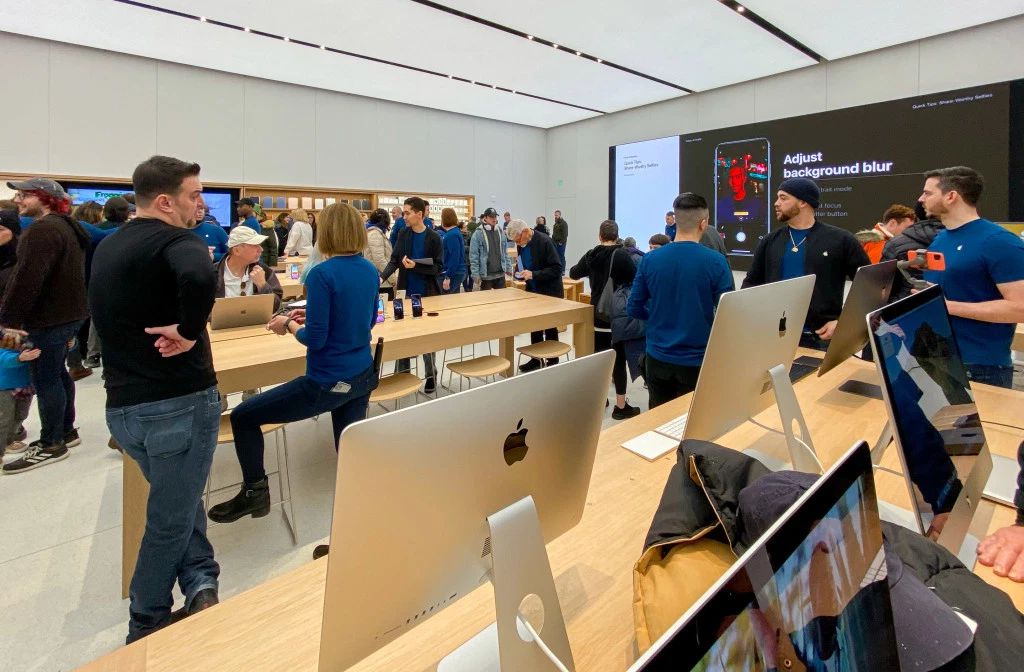
Apple SoNo Collection opened today in South Norwalk, Connecticut. The space is Apple’s first new store completed in 2020 and the finishing touch for The SoNo Collection mall, which opened last October. The new Apple Store replaces a previous location at the nearby Stamford Town Center.
Customers lined up outside Apple’s iconic pivot doors to be the first to explore and take a Today at Apple session at Apple SoNo Collection. The store is located on the north end of the mall’s main level, near Nordstrom and Lillian August. The north atrium offers a view of Apple’s space from all three levels of the mall.
Apple SoNo Collection is an archetypal example of a contemporary Apple Store. Beyond the tall quartz-framed entrance sit four rows of three tables and a Forum with a video wall. Avenue displays line two of the store’s walls, including the new Apple Arcade Avenue which was introduced at the end of January. You can learn more about the features that define Apple’s contemporary aesthetic on Department Map, the Apple Store glossary.
The first Today at Apple creative sessions held at The SoNo Collection were Quick Tips and Music Lab: Remix Khalid, the latest in Apple’s series of GarageBand sessions with popular Apple Music artists. Stamford’s Apple Store held creative sessions too, but the store lacked an updated layout to allow for a truly immersive experience. After closing on February 12, many Apple team members from Stamford relocated to South Norwalk.
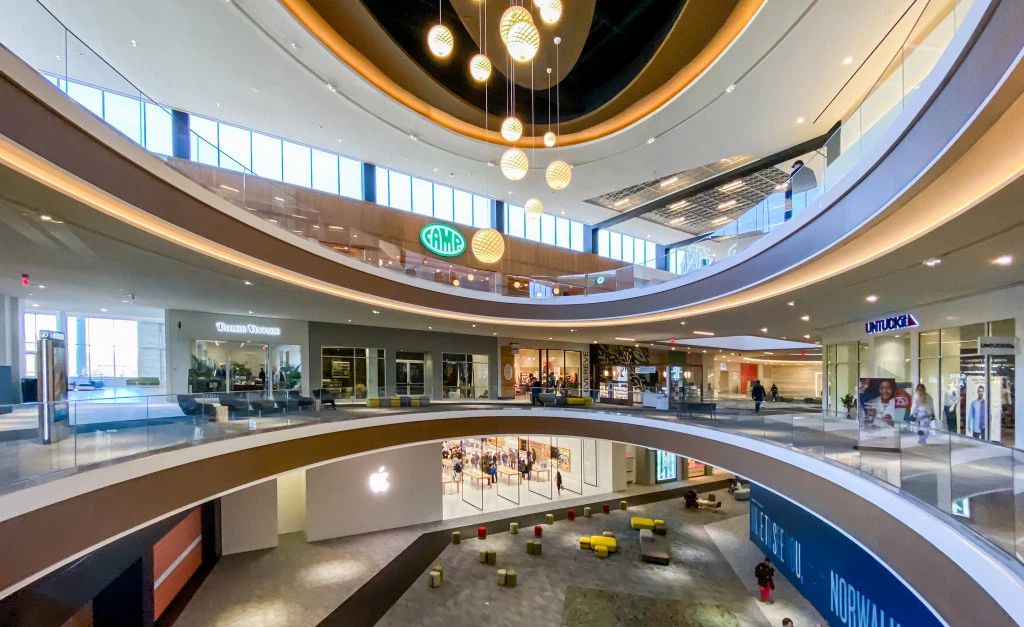
Out of Connecticut’s seven Apple Stores, Apple SoNo Collection is the third with the latest Today at Apple experience and the second with a redesigned interior after Apple Danbury Fair Mall. Stores in Trumbull, South Windsor, New Haven, and Greenwich are still in line for remodeling, many of which may receive a light refresh including a video wall.
Source: 9to5mac









