
NEWS

iPhone 11 Popularity Earns Apple Double-Digit Growth in China

01/10/2020

2844

Apple saw a significant jump in smartphone shipments in China last month thanks in part to the popularity of the iPhone 11, according to Bloomberg. 
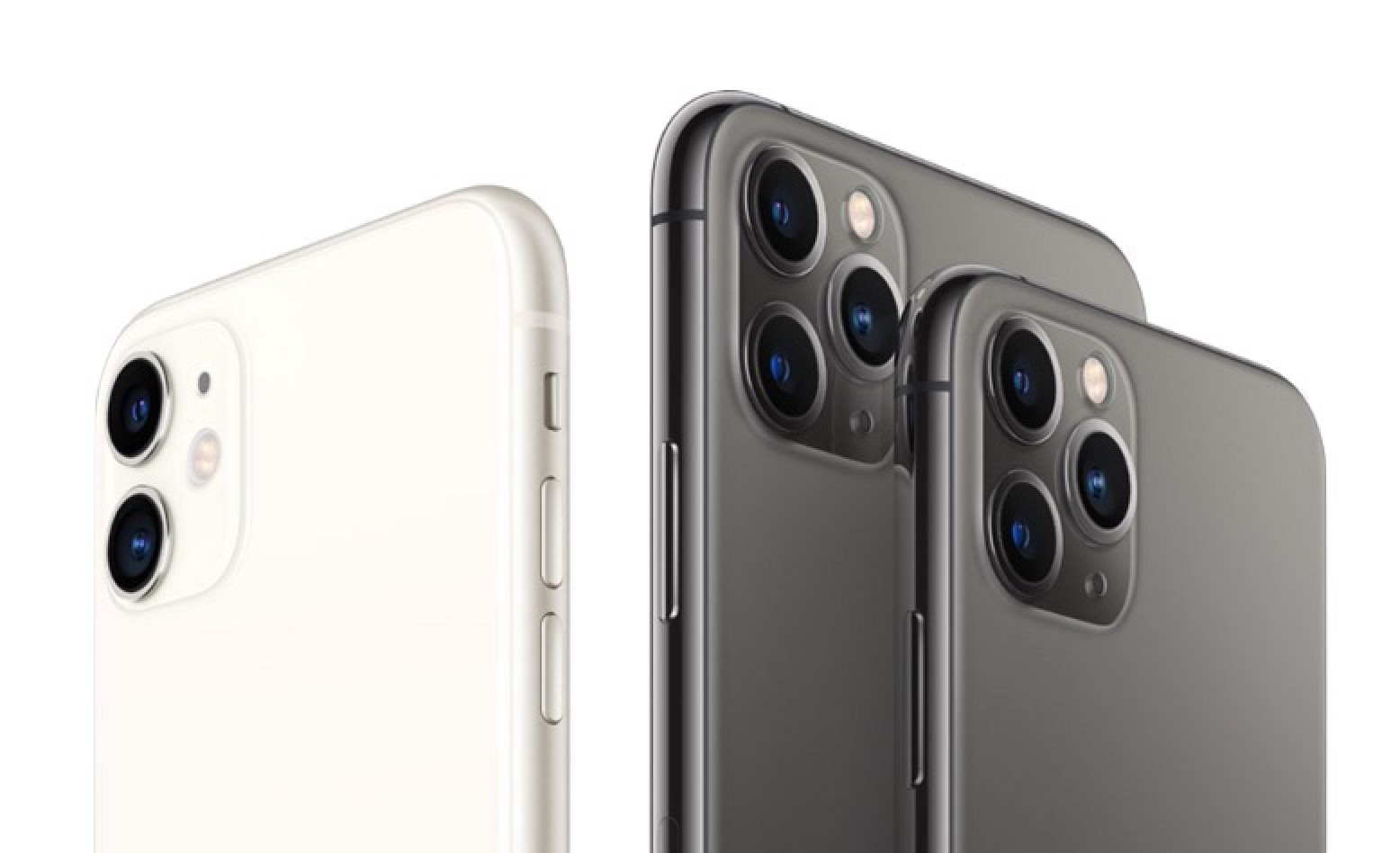
iPhone 11 Popularity Earns Apple Double-Digit Growth in China

The iPhone maker’s shipments in China grew 18.7% year on year in December to roughly 3.18 million units, according to Bloomberg calculations based on government data on overall and Android device shipments. The increase marked an acceleration from the prior months, which were buoyed by the ‌iPhone 11‌’s release in September. The numbers come from the China Academy of Information and Communication Technology, a government think tank.


Apple's ‌iPhone 11‌ and iPhone 11 Pro brought significant improvements in battery life and camera quality over previous models, and have been well received by consumers and critics in China. 

Apple's business last year in the country was strengthened in other ways, too. The company benefited from a sales tax cut that allowed it to decrease the price of its products, while investors took comfort in what Apple CEO Tim Cook called a "much better tone" in the China-U.S. trade relationship. 

Looking ahead, the double-digit growth in shipments bodes well for Apple in the buildup to the Chinese New Year, which falls in late January this year. 

However, the company still has some work to do if it is to put a significant dent in the market share of local vendors led by Huawei, which gained a dominant position domestically last year, despite its struggles abroad.


Source: Macrumors

Windows
Mac OS
iOS
Linux
3uTools
Win 64-bit For this device
V9.0 2025-11-11
Download
Win 32-bit For this device
V9.0 2025-11-11
Download
3uTools
Intel Chip How to Identify Chip Type
V9.0 2025-12-02
Download
Apple Chip
V9.0 2025-12-02
Download
How to Identify Chip Type
1.  Click the Apple icon in the top-left corner of the screen and select About This Mac.
2.  Check the Processor or Chip field to determine if it is "Intel" or "Apple".
Please use the 3uTools PC client to install the iOS client:
1、 Install either the Windows or Mac version of 3uTools on your computer
2、 Open the PC client and connect your device to the computer via USB cable
3、 After the connection is successful, wait for the computer to automatically install the mobile app for the device, or locate “Install Mobile App” on the computer and manually click to install.
3uTools
deb file
V3.01 2025-11-20
Download
rpm file
V3.01 2025-11-20
Download
Windows
Windows
iOS
iOS
Android
Android
TV
TV
3uAirPlayer
Win 64-bit For this device
V6.0.2 2025-11-19
Download
Win 32-bit For this device
V6.0.2 2025-11-19
Download
iOS Device Mirroring (No App Required)
1、 Install 3uAirPlayer on the Windows PC
2、 Open Control Center and select Screen Mirroring
3、 From the list, choose your PC to start mirroring
4、 Or connect your iOS device to the PC via USB to begin mirroring
Scan to get "3uAirPlayer" App
3uAirPlayer TV V1.0.18
2025-11-28
TV System Requirements: Android 7.0 or later
Download the TV installation package, copy it to a USB drive, insert it into your TV or set-top box, then select the file from the home screen to install.




