 NEWS
NEWS
iPhone Camera Supplier Sony Says Even 24 hours a day not Enough to Meet Demand
 12/25/2019
 2332
2332
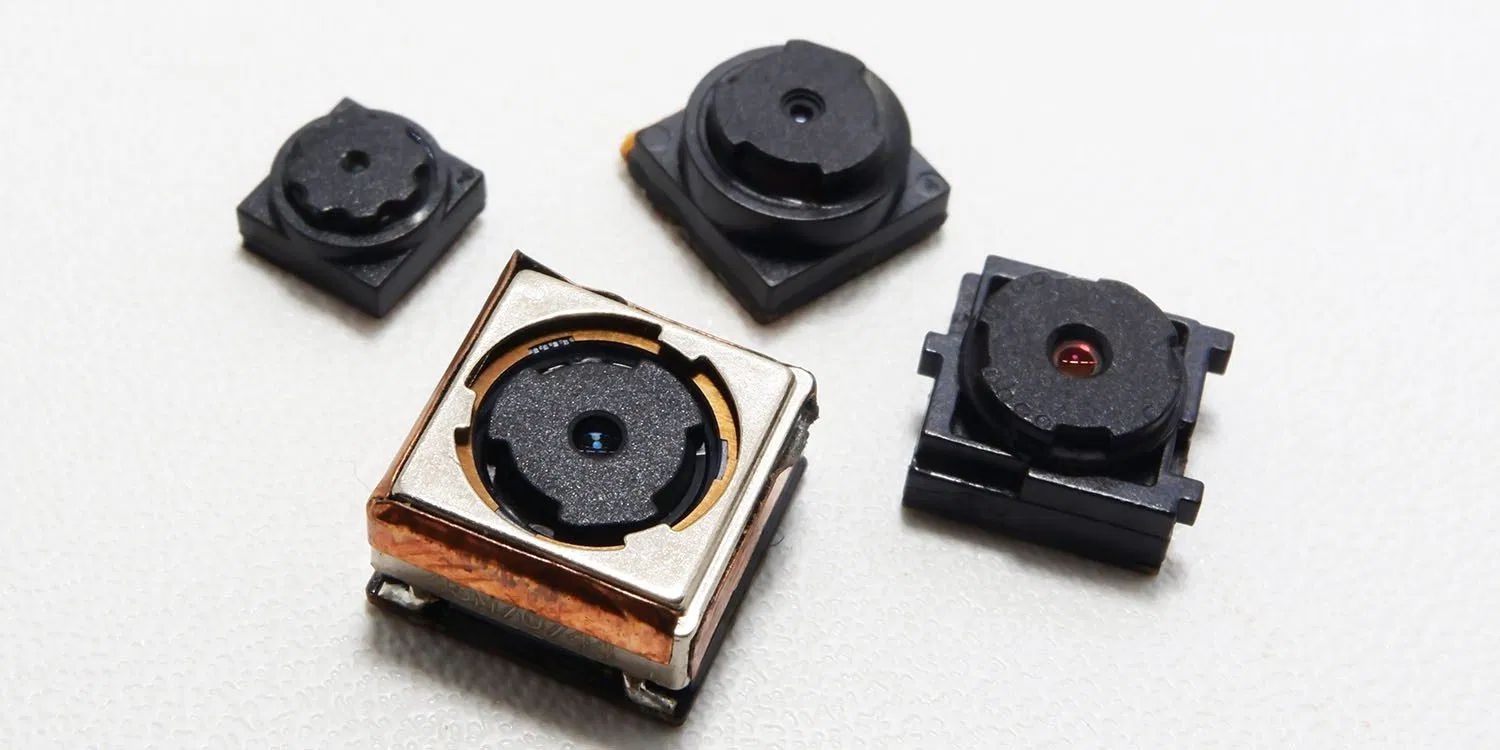
iPhone camera supplier Sony says that even running its production lines 24 hours a day hasn’t been enough to keep up with demand…
Sony makes sensors for a number of smartphone and camera brands, and told Bloomberg that for the second year running, it will keep its factories operating throughout the holidays in order to win back some ground.
Terushi Shimizu, the head of Sony’s semiconductor unit [said that] the electronics giant is more than doubling its capital spending on the business to 280 billion yen ($2.6 billion) this fiscal year and is also building a new plant in Nagasaki that will come online in April 2021.
‘Judging by the way things are going, even after all that investment in expanding capacity, it might still not be enough,’ Shimizu said in an interview at the Tokyo headquarters. ‘We are having to apologize to customers because we just can’t make enough.’
The trend toward ever more cameras on the back of smartphones has been the main driver for increased demand, the base model iPhone 11 this year adopting two cameras, while the iPhone 11 Pro and Pro Max have three.
That’s why even as smartphone market growth plateaus, Sony’s sales of image sensors continue to soar.
‘The camera has become the biggest differentiator for smartphone brands and everyone wants their social media pictures and videos to look nice,’ said Masahiro Wakasugi, an analyst with Bloomberg Intelligence. ‘Sony is riding that wave of demand very well.’
Semiconductors are now Sony’s most profitable business after the PlayStation.
Apple is expected to adopt Sony’s latest camera tech in next year’s iPhones: Time of Flight (TOF) cameras.
Sony is now looking to a new generation of sensors that can see the world in three dimensions. The company uses a method called time of flight that sends out invisible laser pulses and measures how long they take to bounce back to create detailed depth models. This helps mobile cameras create better portrait photos by more precisely selecting the background to blur out, and it can also be applied in mobile games, where virtual characters can be shown realistically interacting with real-world environments. If used on the front of the phone, TOF sensors allow for hand gestures and facial motion capture for animated avatars.
This was first suggested in July, and echoed by reliable Apple analyst Ming-Chi Kuo later the same month.
Apple’s iPhone camera supplier believes that TOF cameras will add to 5G as another key reason to buy next year’s flagship iPhones.
“This was the year zero for time of flight,” Shimizu said. “Once you start seeing interesting applications of this technology, it will motivate people to buy new phones.”
Source: 9to5mac









