 NEWS
NEWS
Apple Introduces Specs for Photography Strobe Accessories That Augment iPhone 11’s Flash
 12/20/2019
 2803
2803
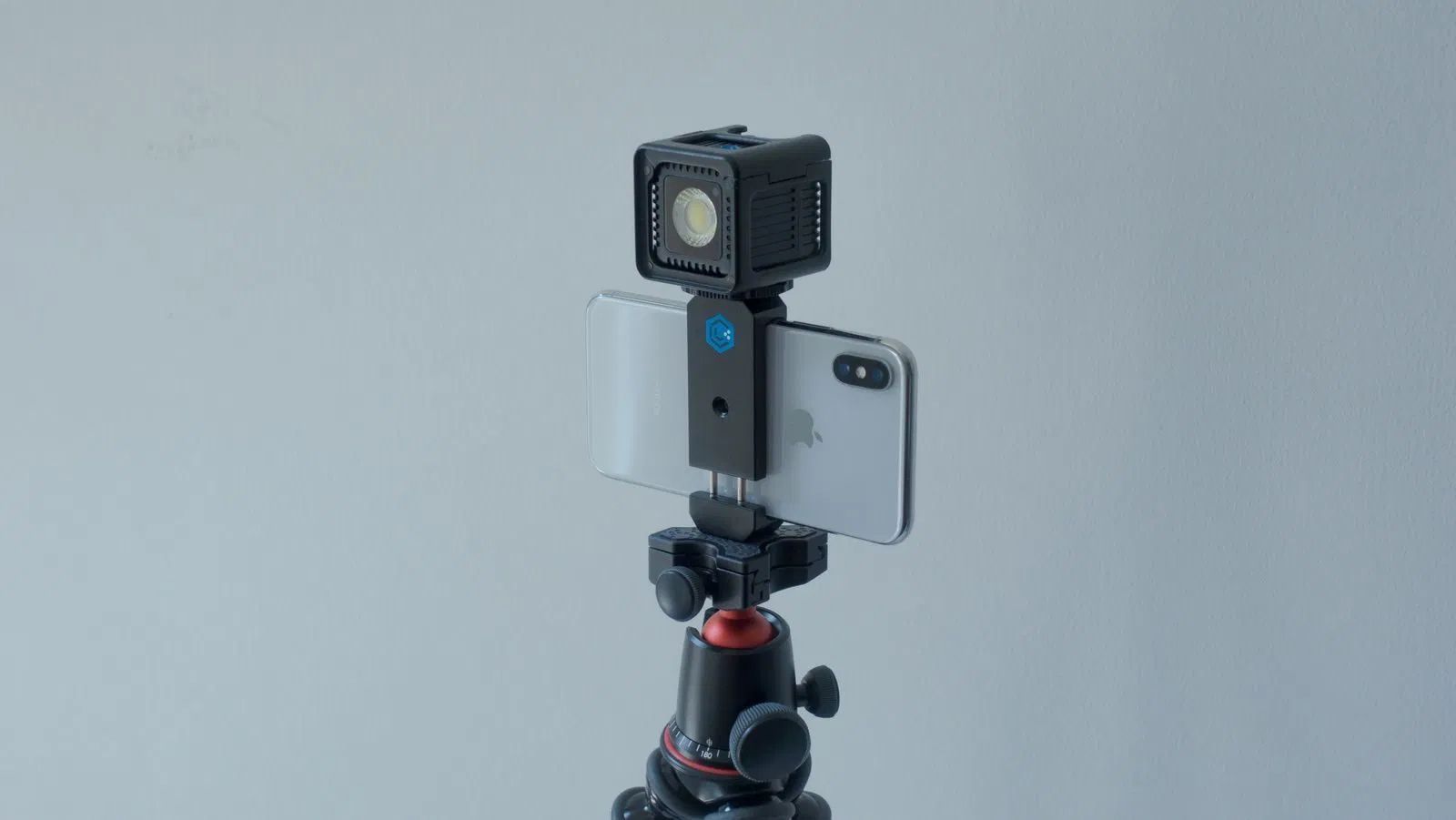
Apple’s iPhone 11 models could soon support new strobe and flash accessories for photography that connect via the device’s built-in Lightning connector, according to sources briefed on new specs shared with manufacturers in Apple’s Made-for-iPhone (MFi) licensing program.
The specs could allow for new types of accessories like a Made-for-iPhone battery case with a built-in flash that connects over Lightning.
The new specs will allow an accessory’s strobe or lighting component to sync with the device’s integrated flash and also relay the strobe sync signal wirelessly to additional accessories. In theory, the Lightning connection could also allow accessories to simultaneously draw or provide power over Lightning as is the case with other MFi accessories like battery cases, game controllers, and headsets.
Currently, there are iPhone accessories with built-in strobes like Lume Cube (pictured above)- which the Apple Store calls “the first-ever off camera flash compatible with the iPhone”— but they all utilize Bluetooth for connectivity and don’t run through the MFi program. Lume Cube also has an optical sensor in order to be used as an external slave flash synced with the iPhone’s built-in camera flash when it’s detected.
Another hardware accessory called Tric was developed to sync external flashes with iPhone, but all of the current solutions force photographers to sync over Bluetooth and to use the third-party app of the accessory maker in order to sync the shutter button with the iPhone’s integrated flash directly. As the first standard spec provided by Apple specifically for strobes, it’s possible Apple will allow accessories to sync with the iPhone’s default camera shutter button or more easily with any third-party camera app.
The support for strobes is currently available as a developer preview via Apple’s Made for iPhone program for accessory makers and supports only the new iPhone 11, iPhone 11 Pro, and iPhone 11 Pro Max. As a developer preview, Apple is not yet allowing manufacturers to release licensed MFi products that utilize the feature, but it’s providing not final specs so they can prepare.
Source: 9to5mac









