 NEWS
NEWS
Apple Avoids iPhone Tariffs as U.S. and China Reach Trade Deal
 12/13/2019
 3533
3533
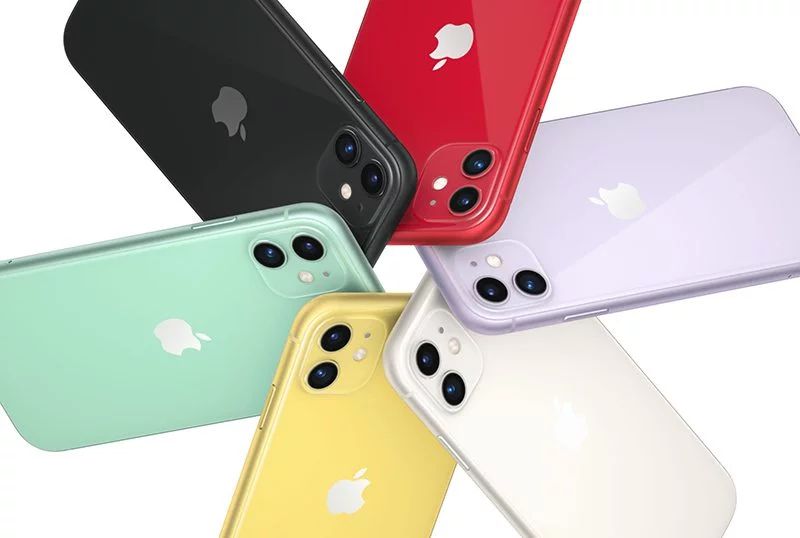
Apple has avoided steep 15% tariffs on the iPhone, iPad, and MacBook – at least for now. The US has reportedly reached a limited trade deal with China that will ease the tensions between the two countries, preventing new tariffs and rolling back some existing tariffs.
A new round of 15% tariffs was set to go into effect this Sunday if President Trump and China failed to come to terms on a deal. As Bloomberg reports, these tariffs would have hit not only the iPhone, but also the iPad and MacBook.
In an investor note this afternoon, Wedbush analyst Dan Ives indicated that Trump has delivered an “early Christmas present to Apple.” Had these tariffs gone into effect, Apple’s supply chain could have faced major setbacks during the crucial holiday shopping season.
“Trump delivered an early Christmas present to Apple. If this tariff went through it would have been a major gut punch for semi players/Apple and could have thrown a major wrench into the supply chain and demand for the holiday season.”
Ives says that Apple earnings per share would have taken a 4% hit, had the company absorbed the 15% tariffs itself. If Apple had simply increased prices to account for the tariffs, Ives believes that demand could have fallen by as much as 8%.
Cook has developed a close relationship with President Trump, with the Trump Administration even relying on the Apple CEO for advice on the trade war. Cook has also pleaded Apple’s case directly to President Trump, arguing that tariffs on the iPhone would significantly impact Apple’s ability to compete against Samsung.
Apple is already paying tariffs on the Apple Watch, AirPods, iMac, and HomePod. Whether or not the agreement reached today will affect those tariffs remains to be seen. As The New York Times reports, the trade agreement has yet to be officially announced. This means many of the details are unknown at this point.
Source: 9to5mac










