 NEWS
NEWS
Apple now Carrying MacBook-like Brydge Keyboard for 10.2- and 10.5-inch iPad
 12/12/2019
 2412
2412
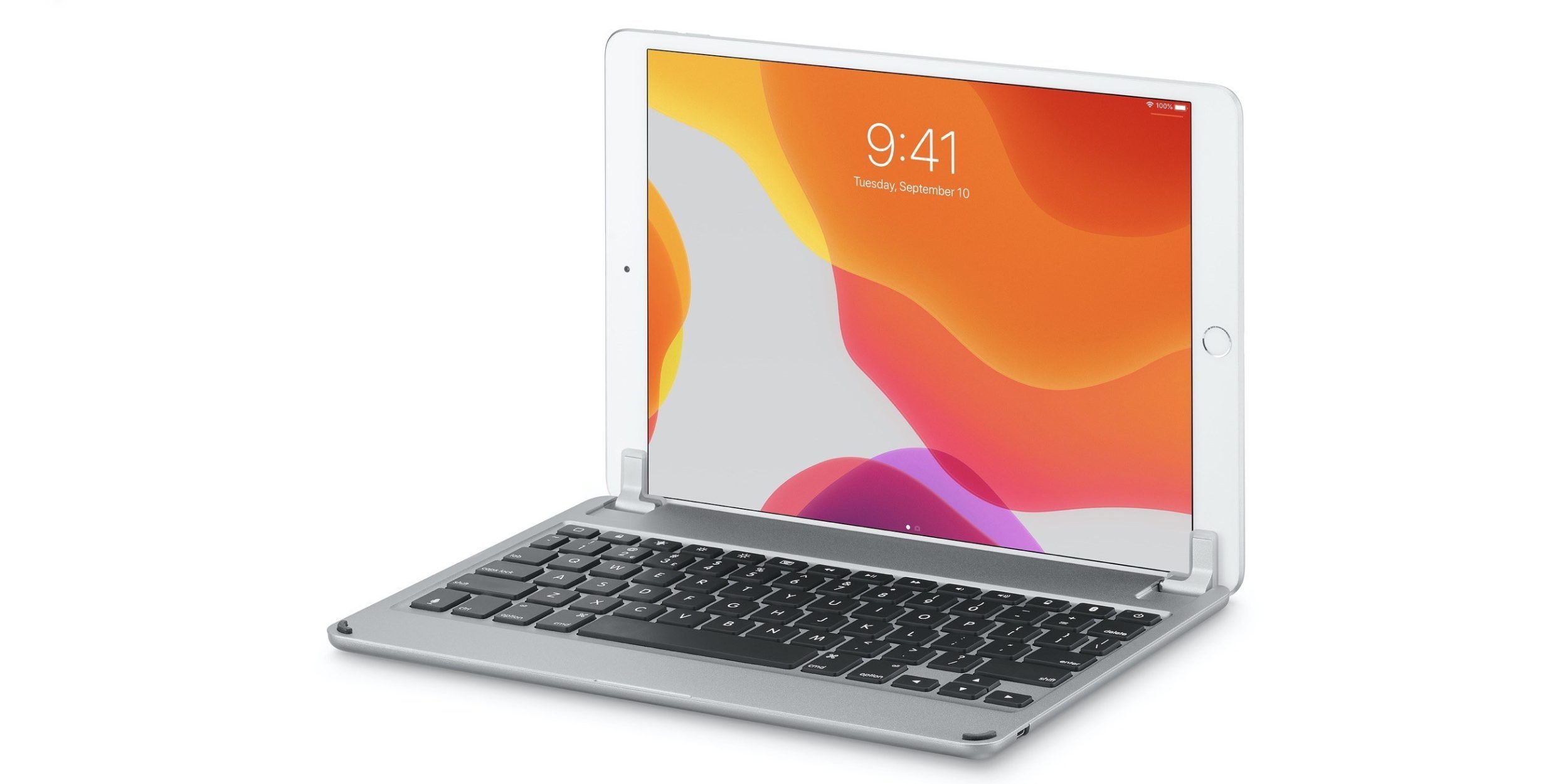
Brydge has been making great iPad keyboards for years now and we’ve noted how they offer a MacBook-like experience for iPad in our reviews, something even Apple’s Smart Keyboard Folios don’t match. Now Brydge Keyboards have landed at Apple.com and some Apple Stores.
Spotted by Jason Snell, two of Brydge’s keyboards for iPad showed up in Apple’s online store today. For now, Apple is selling the Brydge 10.2 Bluetooth Wireless Keyboard for the 7th gen iPad and the Brydge 10.5 Bluetooth Wireless Keyboard for the 3rd gen iPad Air.
Both feature aluminum builds that match the iPads build quality really well and include keys with more travel and comfort than Apple’s butterfly keyboards. Other great features include backlit keys, up to 12-month battery life, and a hinge that allows for 180-degrees of adjustment so you can always find the perfect angle.
Here is Apple’s product description of the Brydge offerings: The Brydge 10.5 wireless Bluetooth keyboard for iPad helps make you even more productive anytime, anywhere. Its patented hinge allows easy attachment and removal, and the 1.2mm of key travel ensures a superior typing experience.
Both Brydge keyboards are available from Apple priced at $130. At the time of writing, Apple isn’t carrying the Brydge keyboards for the iPad Pro but they could show up at some point.
Brydge keyboards for the 11- and 12.9-inch iPad Pro, as well as other models, can be found on Amazon as well as direct from Brydge.
Brydge is also working on an iPad keyboard with a built-in trackpad.
Source: 9to5mac









