 NEWS
NEWS
2020 iPhone Reportedly to Sport on-screen Touch ID via Qualcomm Sensor
 12/04/2019
 2804
2804
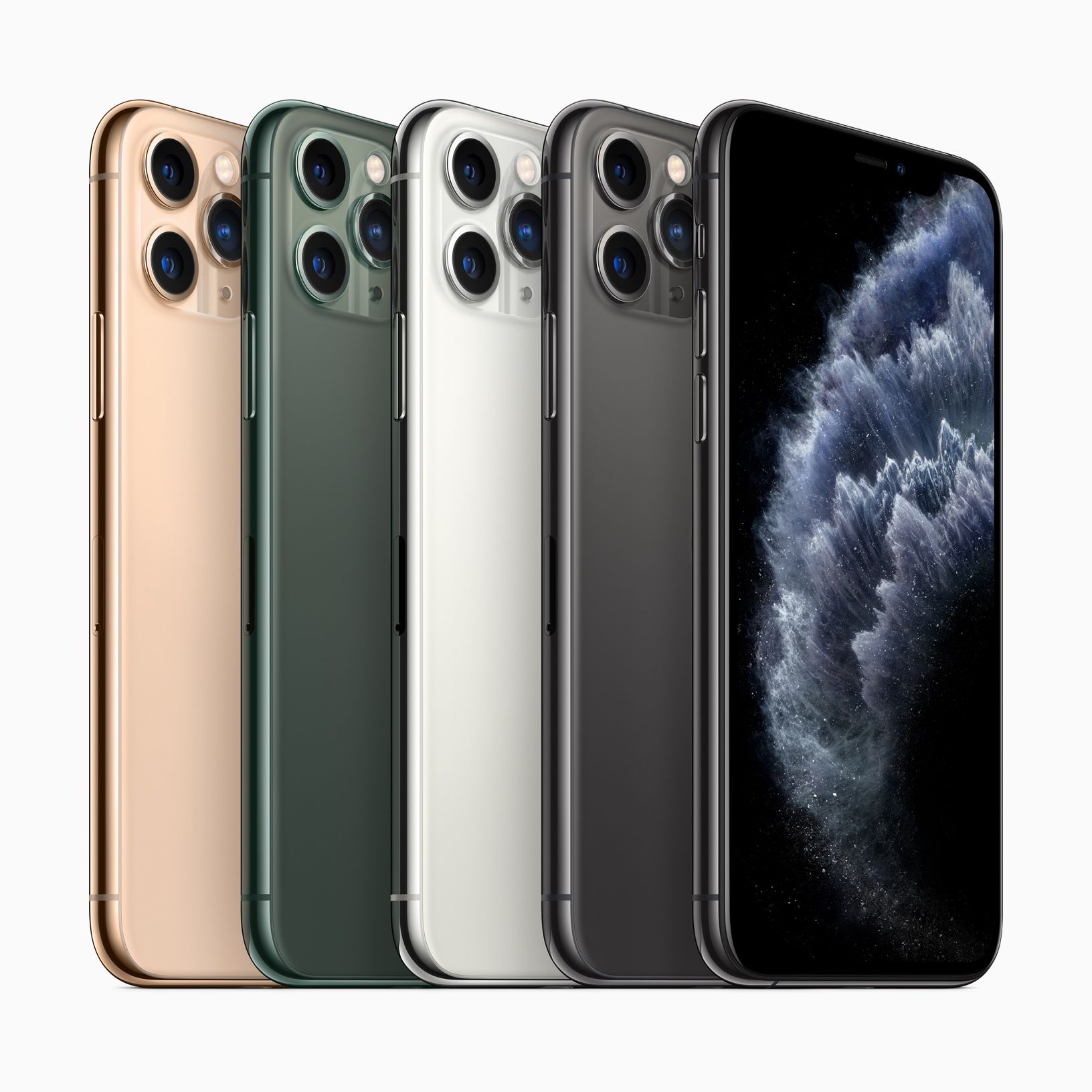
Face ID was one of Apple’s big bets along with the iPhone X, and, since then, Touch ID has fallen by the wayside for the company’s newer iPhone lineups.
But while Face ID is obviously good at what it does, some folks would still prefer to see a fingerprint sensor in their smartphone. Under-display, or in-display, fingerprint scanners make it possible to remove the requirement of a physical button. As such, it’s certainly within the realm of possibility that Apple could develop something like that for a future iPhone.
And we may see it pretty soon! According to a pair of reports from ET News (via MacRumors), Apple may be going along with the idea to include an under-display ultrasonic fingerprint scanner in the 2020 iPhone, which would be supplied by Qualcomm.
One of the reports reveals that Apple has arranged for a “secret” meeting with touchscreen manufacturer GIS, all with the idea of developing the display in next year’s iPhone to support the new fingerprint scanner. The other suggests that at least one of the models will get the feature, however, it’s also possible Apple pushes the plan back to 2021.
This is not the first time that we’ve heard that Apple is considering this path. Back in September, for instance, we heard that Apple was planning to launch an iPhone, in 2020 no less, that would boast not only Face ID, but also Touch ID in a single package. It has even been said in the past that GIS and Qualcomm will cooperate with production to make this goal a reality for Apple.
Qualcomm is also working on a larger area for an under-display fingerprint sensor to work, bigger than what’s currently available in smartphones like the Samsung Galaxy Note 10. The company actually just unveiled this initiative today. Qualcomm’s ultimate goal remains to be an under-display fingerprint sensor that’s present across the entire display, and not localized into one area.
As it stands right now, under-display fingerprint scanners come in two varieties. One is ultrasonic, which takes advantage of high-frequency sound to generate a 3D image of the person’s fingerprint. The other is optical, which uses the light from a smartphone’s display to do the same thing.
The report also reiterates the belief that Apple is considering switching to mini-LED displays for the iPhone in the near future, too. However, that one seems a bit more unlikely, as other rumors have pointed to Apple adopting mini-LED in other products first.
For what it’s worth, Apple’s Greg Joswiak has said that Touch ID is not going anywhere anytime soon, which seemed to suggest at the time that the company was planning on keeping it around for less expensive options. However, it certainly suggests that we could see Touch ID find its way back into more flagship devices, too.
Source: IDB









