 NEWS
NEWS
Japan’s 10th Apple Store Opens December 14 in Kawasaki
 12/02/2019
 2940
2940
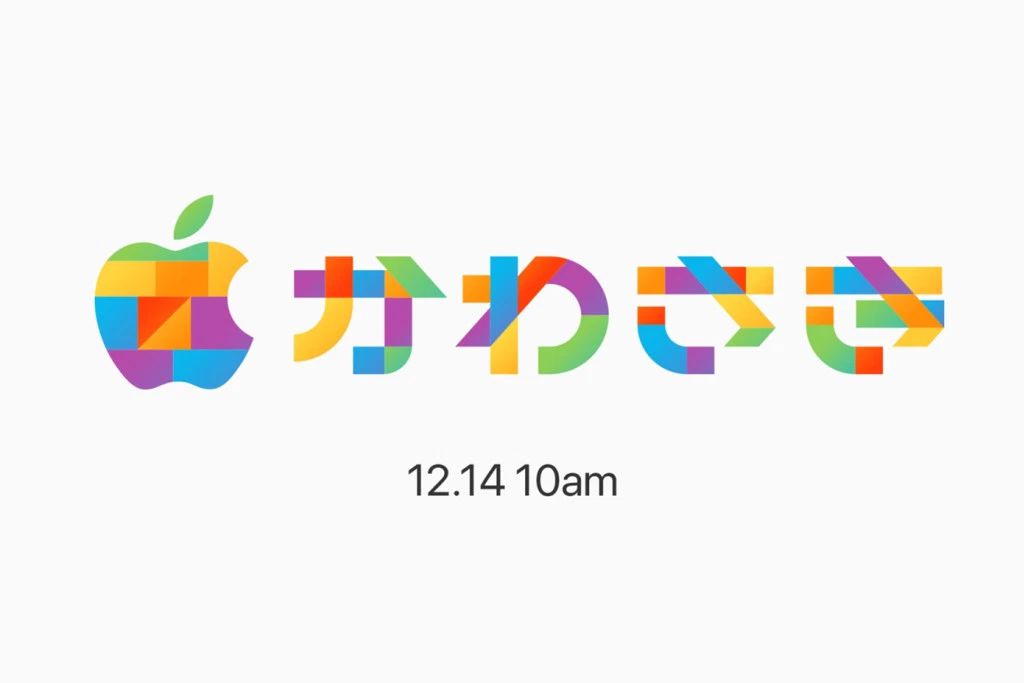
Apple’s 10th store in Japan is coming soon to Kawasaki, a first for the city. The new store will be Apple’s fourth to open, move, or expand throughout Japan in 2019. Apple Kawasaki wraps a series of Japanese retail projects long previewed with teaser logos and promised to complete before the end of the year.
Lazona Kawasaki Plaza is an open-air shopping mall home to roughly 280 shops and restaurants. At the heart of the mall is a grass plaza where events and concerts featuring popular Japanese artists are regularly held. Apple’s storefront will connect to the courtyard at plaza level with a broad entrance located next to central stairs and escalators.
Last year, mall visitors began to notice a large temporary wall concealing construction of the store. Many speculated that Apple could be on the way, and the excitement intensified when Apple’s job website listed roles in the Kanagawa Prefecture of Japan. If you attend Apple Kawasaki’s opening, we’d love to see and share your photos.
This year began with the closure of Apple Sendai Ichibancho, Apple’s smallest store in Japan. The country’s store count was boosted back to nine when Apple Marunouchi opened in Tokyo this past September. The significant remodeling of Apple Omotesando to add a Today at Apple Forum and the move of Apple Fukuoka to a new and expanded location wrapped up a busy month.
Apple has published new wallpapers and an energetic animation to announce the store’s opening on December 14 at 10:00 a.m. Links to each wallpaper resolution:
MacBook (2880×1800)
iMac (5120×2880)
iPhone (1242×2688)
iPhone (1080×1920)
iPhone (640×1136)
iPad (2048×2732)
Photo 1: Apple’s space during construction. Photo 2: Lazona Kawasaki Plaza. Courtesy of Rich + Toshi.
Apple has been continuously teasing new and remodeled stores in Japan since March 2018. Last October, the first stylized Apple logo representing Apple Kawasaki was published, followed by teasers for Apple Marunouchi and Fukuoka in July. Kawasaki’s mosaic logo returned in September with a classic six color motif, much to the enthusiasm of Apple fans in Japan who have been treated to the most comprehensive new store rollout outside of the United States in recent years.
Source: 9to5mac









