 NEWS
NEWS
Apple's iPhone 11 Battery Case Includes a Dedicated Camera Button
 11/21/2019
 3010
3010
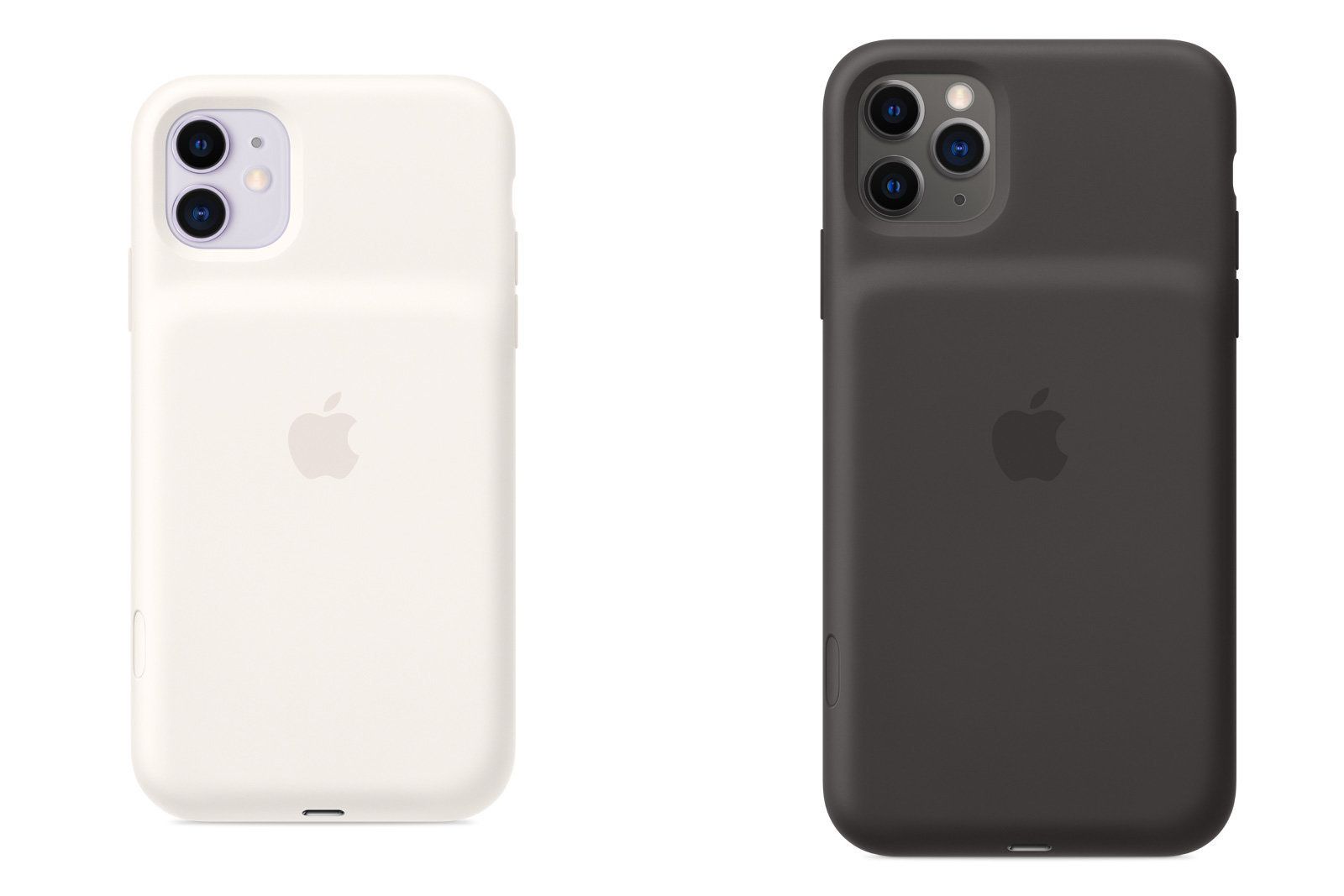
Apple has introduced new versions of its Smart Battery Cases for the latest iPhones, but this time there's a better reason to buy than just the extra longevity. Its newly-released cases for the iPhone 11, iPhone 11 Pro and iPhone 11 Pro Max all include a dedicated camera button that can launch the Camera app, take a photo or (if you hold it) record video. The concept of a camera button on an iPhone case certainly isn't new, but this is an official option -- and it's hard to find a case that also extends your battery.
Apple isn't too specific about the battery life claims for each case. Regardless of the iPhone you have, it's touting up to 50 percent longer battery life in a non-stop video playback test. Your experience is likely to vary if you're using more interested in other tasks. Having said that, the iPhone 11 series already has healthy battery life -- this might be enough to get you through a weekend if you're not particularly demanding.
The trio supports wireless charging and will top up quickly if you use a USB-PD wired charger (such as the 18W charger included with the iPhone 11 Pro).
Cases for all three models cost $129, and come in black, white and (for the 11 Pro/Pro Max) pink. That makes them more expensive than options like Mophie's $80 Juice Pack Access, and you're covering up the phone's built-in Lightning port where options like Mophie's offer access to both. Few modern alternatives have dedicated camera buttons, though, and Apple is no doubt counting on that, an iOS-native battery meter and the official status to win you over.
Source: Engadget










