 NEWS
NEWS
Porsche CEO Talks iPhone vs Android Popularity Among Owners in the United States and China
 11/20/2019
 3127
3127
Speaking today at the Automobility conference in Los Angeles, Porsche’s North American president and CEO, Klaus Zellmer, touched on the popularity of iPhone and Android among Porsche owners. Zellmer also explained how those statistics affect development of Porsche features.
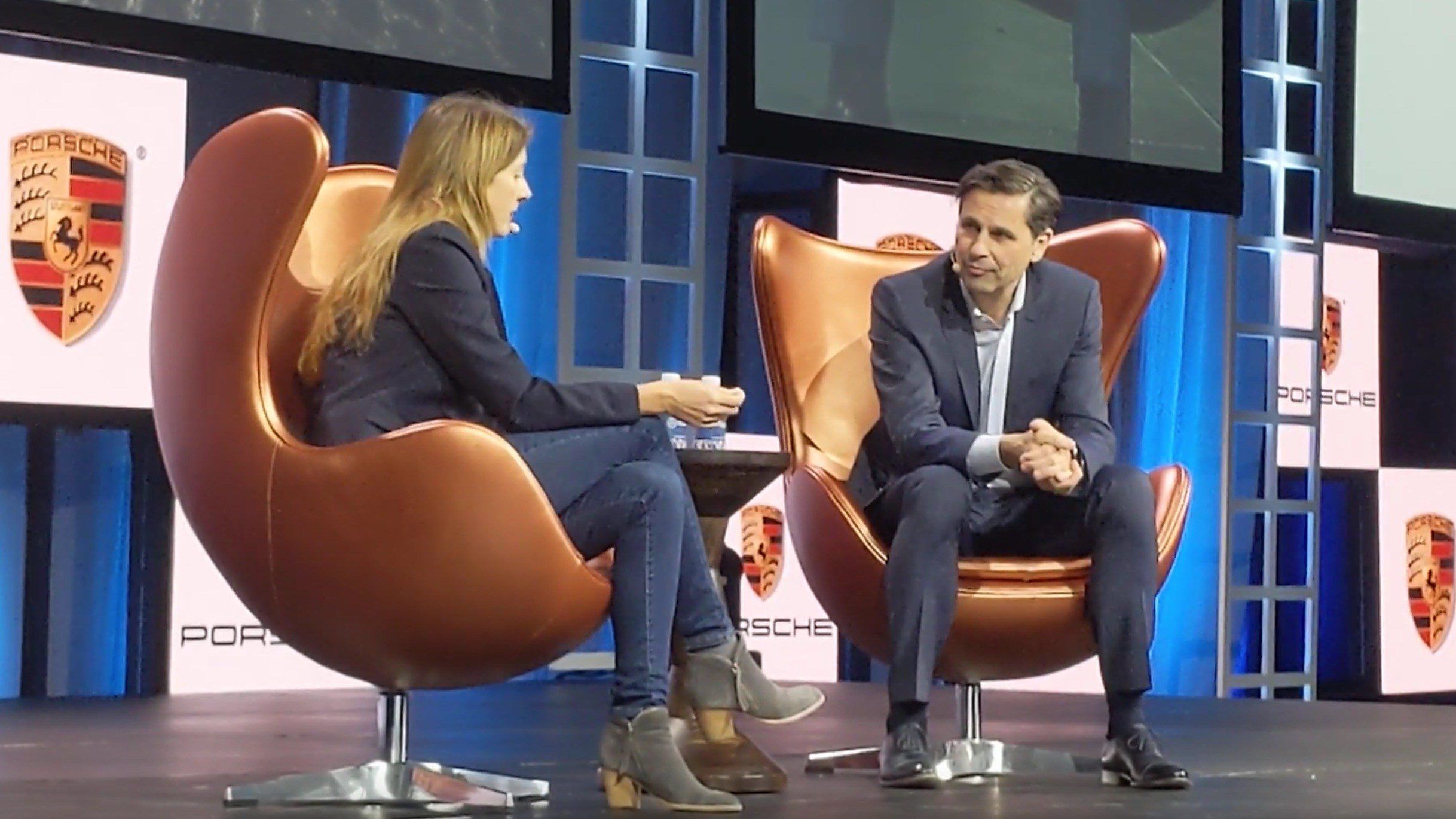
The executive explained that among Porsche owners in the United States, 91% use an Apple device. That’s a very high percentage, especially when you consider Apple’s overall marketshare in the United States compared to Android.
Meanwhile, if you look at China, Zellmer said that 80% of Porsche customers use an Apple device. Again, that’s abnormally high when you factor in some of the challenges Apple has faced in the Chinese market. But, Zellmer said that if you ask those owners in China what their next device will be, 40% say they plan to switch to Android.
Here’s what Zellmer said on stage at Automobility: “We will offer Android solutions. Why aren’t we doing that right now? Let’s take a look at the United States. 91% of Porsche customers have an Apple device. So, this is how you most efficiently invest your money. But if you take China for example, of our current customers in China, 80% of them have an Apple device, which is also staggering.
If you ask them what their next device is going to be, actually 40% of those say it’s going to be an Android device. So there’s a lot of movement in the market and obviously you have to do what customers do.”
Zellmer’s explanation came in response to a question about how Porsche plans to better integrate Android solutions. For example, the Porsche Taycan features Apple CarPlay integration, as well as in-car Apple Music streaming. Zellmer seems to think that over time, Porsche will expand with more Android-centric solutions, but for now, it makes much more sense to focus on the iPhone from a business perspective.
Source: 9to5mac










