 NEWS
NEWS
Apple Arcade Now Has 100 Games With Addition of New Titles Today, Including 'Guildlings'
 11/11/2019
 4239
4239
Apple Arcade today added six new games to the subscription service, all available to play on iPhone, iPad, and Apple TV (via Engadget): 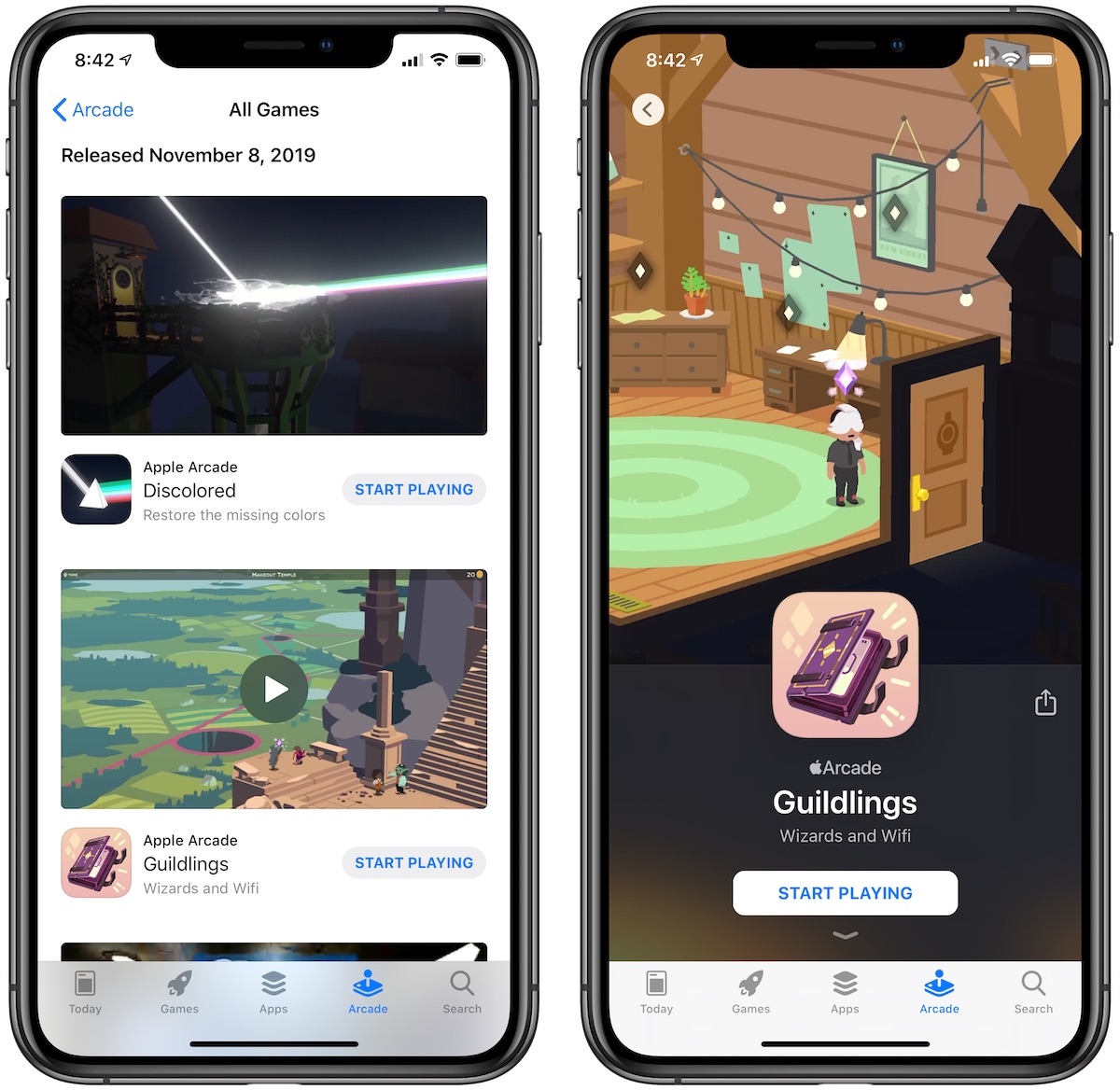
Discolored by Shifty Eye: A surreal, first-person puzzle adventure game that tasks you with restoring the color to a once-vibrant world.
Guildlings by Sirvo Studios: A story-driven episodic adventure from the maker of Threes, telling a lighthearted coming-of-age fantasy story about a group of friends on a mythical quest.
Sociable Soccer by Rogue Games: A fast-paced, cross-platform soccer game that includes gameplay on the soccer field and also a full team management system.
UFO on Tape: First Contact by Revolutionary Concepts: An AR game that puts you in the shoes of a UFO hunter.
Takeshi & Hiroshi by Oink Games: A 1-hour long short story about two brothers, taking place in the real world and inside of a role playing game that one of the brothers is making.
Marble It Up: Mayhem! by The Marble Collective: A puzzle game where you have to safely navigate a marble across vast and treacherous landscapes.
All six games are available to play on iPhone, iPad, and Apple TV, with Discolored, Guildlings, and Sociable Soccer also available on Mac.
With the addition of these six games, Apple Arcade has now reached 100 total games on iOS and tvOS, and 92 on macOS. Apple has been adding new games to Apple Arcade over the weeks, following the service's launch on September 19.
With a $4.99/month subscription to Apple Arcade, you can gain unlimited access to these 100 games for iPhone, iPad, and Apple TV (as well as many on the Mac). If the game is on Apple Arcade, it does not have any in-app purchases or ads of any kind.
Source: Macrumors









