 NEWS
NEWS
Apple Issues New Blow To Facebook And Google With This Bold Privacy Move
 11/07/2019
 3543
3543
Apple just hit out at rivals Facebook and Google with a move sure to entice people concerned about it.
Apple wants to be the company of choice for people concerned about their security and privacy. The iPhone maker has made its intentions clear since the rollout of its updated operating system iOS 13, which adds a host of new features that take a direct hit at its rivals Facebook and Google.
For example, Apple’s iOS 13 doesn’t allow VoIP apps to run in the background when not in use, so they aren’t able to collect your data without you knowing.
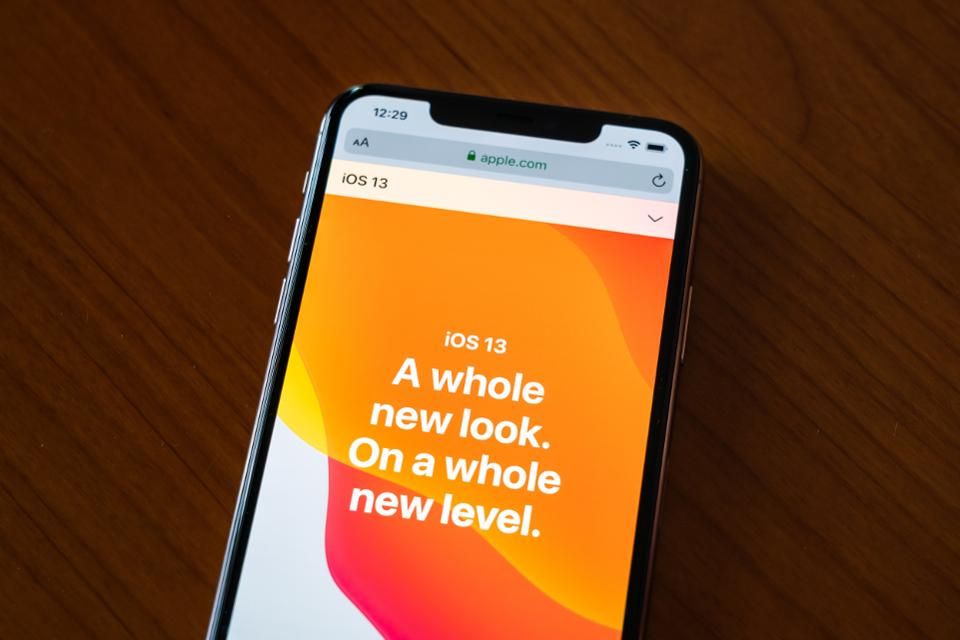
Today, Apple announced another move to lock people into its ecosystem and see it selected over Google and Facebook. The firm has updated its privacy website to read in a similar way to its product pages.
Today In: InnovationThe visual and easy to read site includes no new policies. But many security and privacy features already been added in iOS 13–such as sign in with Apple and the ability to have more control over whether apps can track you.
The updated site also pushes the firm as the company for anyone who cares about the way their data is used. Laying it on pretty thick, it reads: “Privacy is a fundamental human right. At Apple, it’s also one of our core values. Your devices are important to so many parts of your life. What you share from those experiences, and who you share it with, should be up to you.”
As the number of breaches increases, and as people become more aware about just how much data companies such as Google and Facebook collect, privacy is now an important differentiator.
Apple has so far been pretty successful in building its reputation in the area, despite a number of security incidents and heavy criticism of bugs and issues in iOS 13. The company isn’t shy of calling out its rivals either: It even placed billboard ads stating, “What happens on your iPhone, stays on your iPhone.”
Recently, Apple even managed to turn around a Siri voice assistant scandal by bringing in crucial new security and privacy features that give users more control in iOS 13.2.
So could Apple’s move spark a major industry change? It’s first important to note that Apple’s business model is different from many others’. “While the likes of Google and Facebook make a significant amount of their revenue from advertising (which goes against privacy), Apple instead makes money from sales of hardware,” says security researcher Sean Wright, adding: “But we are starting to see a shift in some other companies, such as Google with its Pixel devices and Facebook’s webcam.”
However it ups the stakes between the competitive firms. Jake Moore, cybersecurity expert at ESET points out: “When Apple updates a policy or even drastically changes an area of business, it usually doesn’t take long for other influential companies to follow suit and make similar adjustments.
“Apple doesn’t have a notable privacy scandal in its history which has helped build on customers’ trust, so it will just fuel this already positive alliance.”
And compared to the other major players, says ethical hacker John Opdenakker, Apple seems to be the company that takes people's privacy the most seriously. “I think this is a clever strategy as more users start caring about their online privacy," he says.
Apple is certainly playing its privacy hand, and often. Who knows, the move may tempt some Android users into buying an iPhone following a number of major issues with apps in the Google Play Store.
Source: Forbes









