 NEWS
NEWS
Tim Cook Implies Free Year of Apple TV+ Promo Is Temporary
 10/31/2019
 2261
2261
Apple CEO Tim Cook implied on Wednesday that the company’s bundle promo of one free year of Apple TV+ with the purchase of a new iPhone, iPad, iPod touch, Apple TV, or Mac is temporary. Apple announced the bundle offer during its September media event, but didn’t specify how long that offer would be around. In comments during Apple’s quarterly conference call with analysts, Mr. Cook strongly implied it was a time-limited offer to get people in the door.
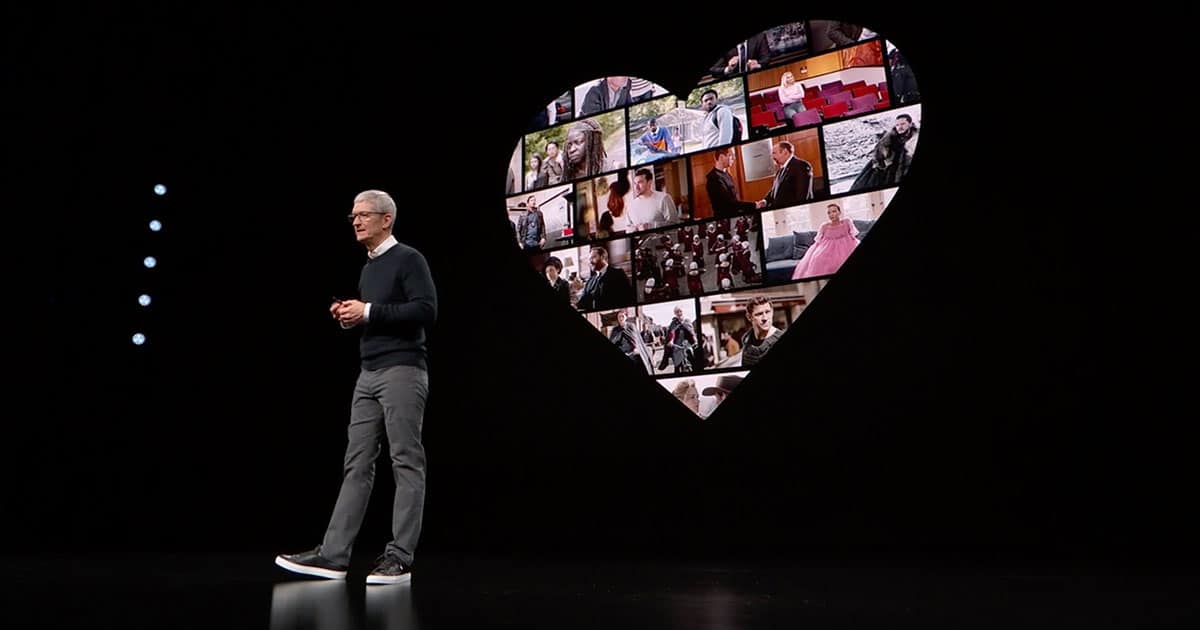
“It’s a gift to our user,” Mr. Cook said when asked by an analyst about the decision to bundle Apple TV+ with a new hardware purchase. “From a business view, we’re really proud of the content and we’d like as many people as possible to view it. This allows us to focus on maximizing subscribers, particularly in the early going. We feel great about doing that. I think it’s a bold move.”
He added, “The price, also, for those people that are not buying a device in the period of time that we offer this, the price is very aggressive as well.”
And it’s that phrase, “in the period of time that we offer this,” that cause both me and John Martellaro to perk our ears up. When coupled with calling the bundle a “gift,” along with other comments pointing out that Apple hasn’t offered any other bundles, it’s clear that this is a temporary promo to get people engaged with Apple TV+ as quickly as possible.
And if I was a betting man—and I am—I’d hazard this offer will end soon, certainly in fiscal 2020, and probably just after the new year.
One more point of clarity: Apple never implied the bundle offer was permanent, but neither did it specify it was temporary. It was always reasonable to assume it was a temporary offer, but I thought it was interesting to get some de facto confirmation during the analyst conference call.
Source: Macobserver









