 NEWS
NEWS
EU Regulators Query Retailers Over Apple Pay Antitrust Concerns
 10/30/2019
 3576
3576
In a bid to determine whether Apple's mobile payments strategy runs afoul of European Union laws, antitrust regulators earlier this year asked participating retailers to fill out a questionnaire regarding Apple Pay terms and conditions, according to a report on Tuesday.
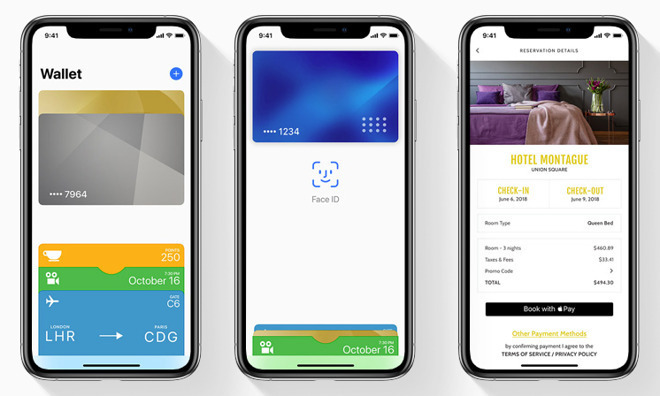
In a document disseminated to online retailers in August, the European Commission said it had information that Apple potentially breached EU antitrust rules by restricting or conditioning the use of online payment options in apps and on websites, Reuters reports.
Retailers were asked whether they were under a contractual obligation to enable certain payment methods and if said contracts included conditions for integrating Apple Pay, the report said. Further, the questionnaire inquired whether certain apps were rejected for failing to comply with Apple Pay terms and conditions.
Today's revelations add background to a report in October that claimed the Commission was actively gathering information about Apple Pay as it weighed a formal investigation into the matter. The probe in part takes issue with Apple's decision to restrict third-party access to iPhone's NFC chip, a strategy that precludes use of other payment methods.
The EU confirmed it was assessing the situation in a statement to Reuters.
"The Commission is actively monitoring the development of mobile payment solutions, the behavior by operators active in the payments sector, including mobile payments," the EU watchdog said.
For its part, Apple argues that the iPhone's NFC module is locked down for security reasons. The company consistently touts Apple Pay as the safest mobile payments platform available, claims it can only make by "owning," or facilitating, the entire stack of mobile hardware and software components.
Apple faced similar scrutiny over Apple Pay practices when the service launched in Australia in 2015. At the time, a bloc of major banks sought approval to collectively boycott Apple Pay for a chance to negotiate the installation of third-party software on iPhone hardware, a move it argued would foster increased competition and consumer choice. The banks caved and began to integrate Apple's solution after the Australian Competition and Consumer Commission denied their boycott request in 2017.
Source: Appleinsider










