 NEWS
NEWS
Florida man Sentenced to Over 4 Years in Prison for $1.5 Million Apple Pay Fraud Conspiracy
 10/28/2019
 3186
3186
The US Department of Justice has announced that it has charged a 30 year old man from Miami, Florida in conjunction with an Apple Pay fraud conspiracy. The man had previously pleaded guilty to the charges, while three of co-conspirators have also been sentenced.
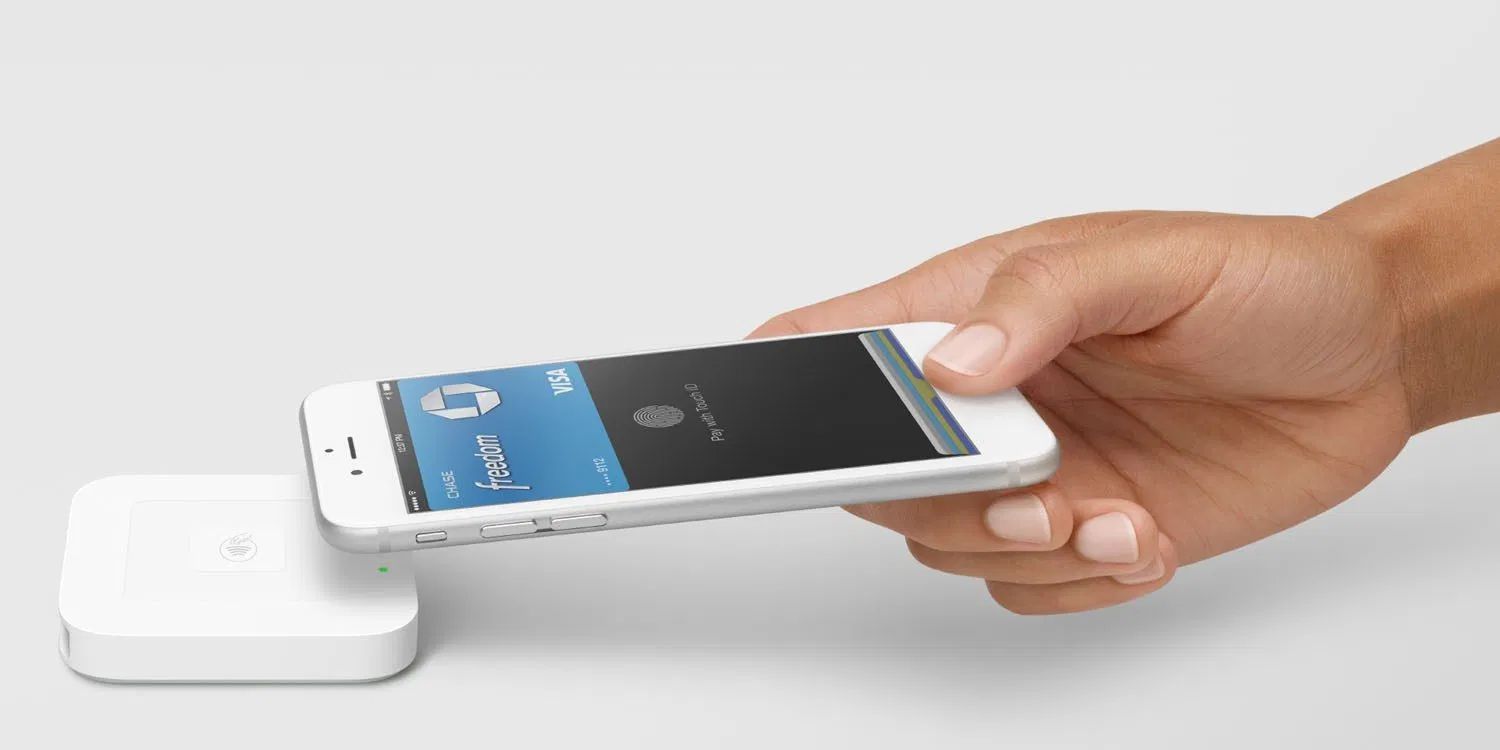
The DOJ says that Daniel Butler has been sentenced to 54 months in prison for conspiracy to commit wire fraud and aggravated identity theft. According to the investigation, Butler and the others fraudulently obtained at least 477 credit cards, and linked them to Apple Pay on their iPhones.
From there, they used their iPhones to make Apple Pay purchases at retailers, without having access to the actual physical cards. In total, the group made more than $1.5 million worth of fraudulent purchases, the DOJ says.
Three of Butler’s co-conspirators have already been sentenced, and two more are scheduled to be sentenced in December 2019:
Butler’s sentencing follows the pleas of his three co-conspirators. In December 2018, Johnny Max Wesley (24, Miami) was sentenced to four years in federal prison. Rachel Bishop (27, Miami) and Laurent Pierre Louis (31, Miami) are scheduled to be sentenced in December 2019.
Details of the conspiracy are somewhat unclear. It is believed that once the fraudsters gained access to the card numbers, they would call banks directly and pose as the account owners to get the information necessary to link the cards to Apple Pay.
While Apple Pay itself is incredibly secure, the verification process by banks and financial institutions has proven to be the weak link. In 2015, a report explained that many Apple Pay banks had failed to put the necessary verification steps in place, and were seeing an increase in fraud through Apple Pay.
The fraud activity from Butler and his conspirators began in 2015, suggesting that they too were able to take advantage of the weak ID checks performed by banks.
Source: 9to5mac










