
NEWS

Quanta Reportedly Supplying Apple With 'Autonomous Driving Solutions'

10/21/2019

2396

While the status of Apple's electric vehicle plans are unclear at this point, hit-or-miss DigiTimes reports that Taiwanese manufacturer Quanta Computer is currently supplying Apple with unspecified "autonomous driving solutions." 
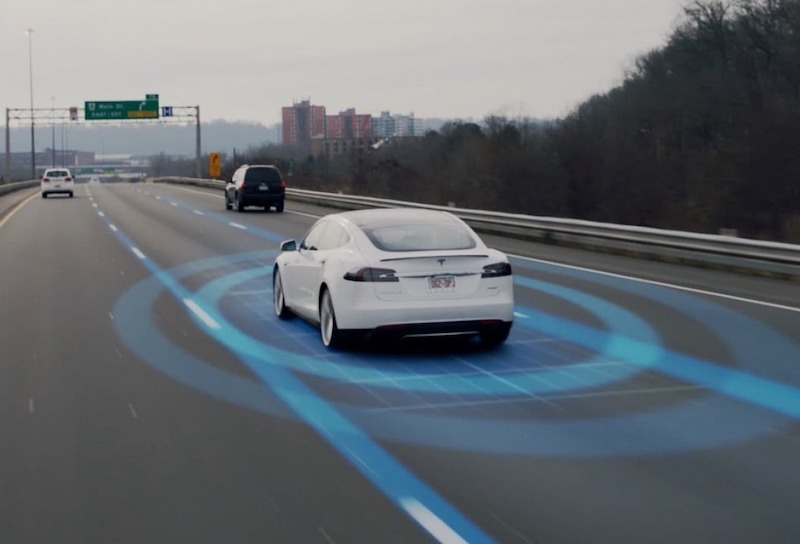
Quanta Reportedly Supplying Apple With 'Autonomous Driving Solutions'


An excerpt from the paywalled report, emphasis ours: With the test of its autonomous vehicle, Quanta is now able to prove its ability in designing an autonomous driving platform, which is expected to assist the company to obtain more partnerships, said the sources, adding that Quanta is currently one of the suppliers of Google's and Apple's autonomous driving solutions.


Quanta recently confirmed that it has developed and tested its first autonomous vehicle on closed tracks in the United States, according to the report, allowing it to "prove its ability in designing an autonomous driving platform." Quanta did not reveal details of the vehicle or the tests. 

While noted analyst Ming-Chi Kuo has predicted that a so-called "Apple Car" could launch by 2025, in line with various reports claiming that Apple has been developing an electric vehicle, other reports have suggested that Apple has been focused solely on underlying autonomous technologies and systems. 

Quanta is best known as the primary assembler of the Apple Watch since 2015, but a separate DigiTimes report claimed that the company may stop assembling the Apple Watch in 2020 due to "profit concerns."


Source: MacRumors

Windows
Mac OS
iOS
Linux
3uTools
Win 64-bit For this device
V9.0 2025-11-11
Download
Win 32-bit For this device
V9.0 2025-11-11
Download
3uTools
Intel Chip How to Identify Chip Type
V9.0 2025-12-02
Download
Apple Chip
V9.0 2025-12-02
Download
How to Identify Chip Type
1.  Click the Apple icon in the top-left corner of the screen and select About This Mac.
2.  Check the Processor or Chip field to determine if it is "Intel" or "Apple".
Please use the 3uTools PC client to install the iOS client:
1、 Install either the Windows or Mac version of 3uTools on your computer
2、 Open the PC client and connect your device to the computer via USB cable
3、 After the connection is successful, wait for the computer to automatically install the mobile app for the device, or locate “Install Mobile App” on the computer and manually click to install.
3uTools
deb file
V3.01 2025-11-20
Download
rpm file
V3.01 2025-11-20
Download
Windows
Windows
iOS
iOS
Android
Android
TV
TV
3uAirPlayer
Win 64-bit For this device
V6.0.2 2025-11-19
Download
Win 32-bit For this device
V6.0.2 2025-11-19
Download
iOS Device Mirroring (No App Required)
1、 Install 3uAirPlayer on the Windows PC
2、 Open Control Center and select Screen Mirroring
3、 From the list, choose your PC to start mirroring
4、 Or connect your iOS device to the PC via USB to begin mirroring
Scan to get "3uAirPlayer" App
3uAirPlayer TV V1.0.18
2025-11-28
TV System Requirements: Android 7.0 or later
Download the TV installation package, copy it to a USB drive, insert it into your TV or set-top box, then select the file from the home screen to install.




