 NEWS
NEWS
Mac's News, Home, Stocks, and Voice Memos Will Be Improved
 06/21/2019
 3477
3477
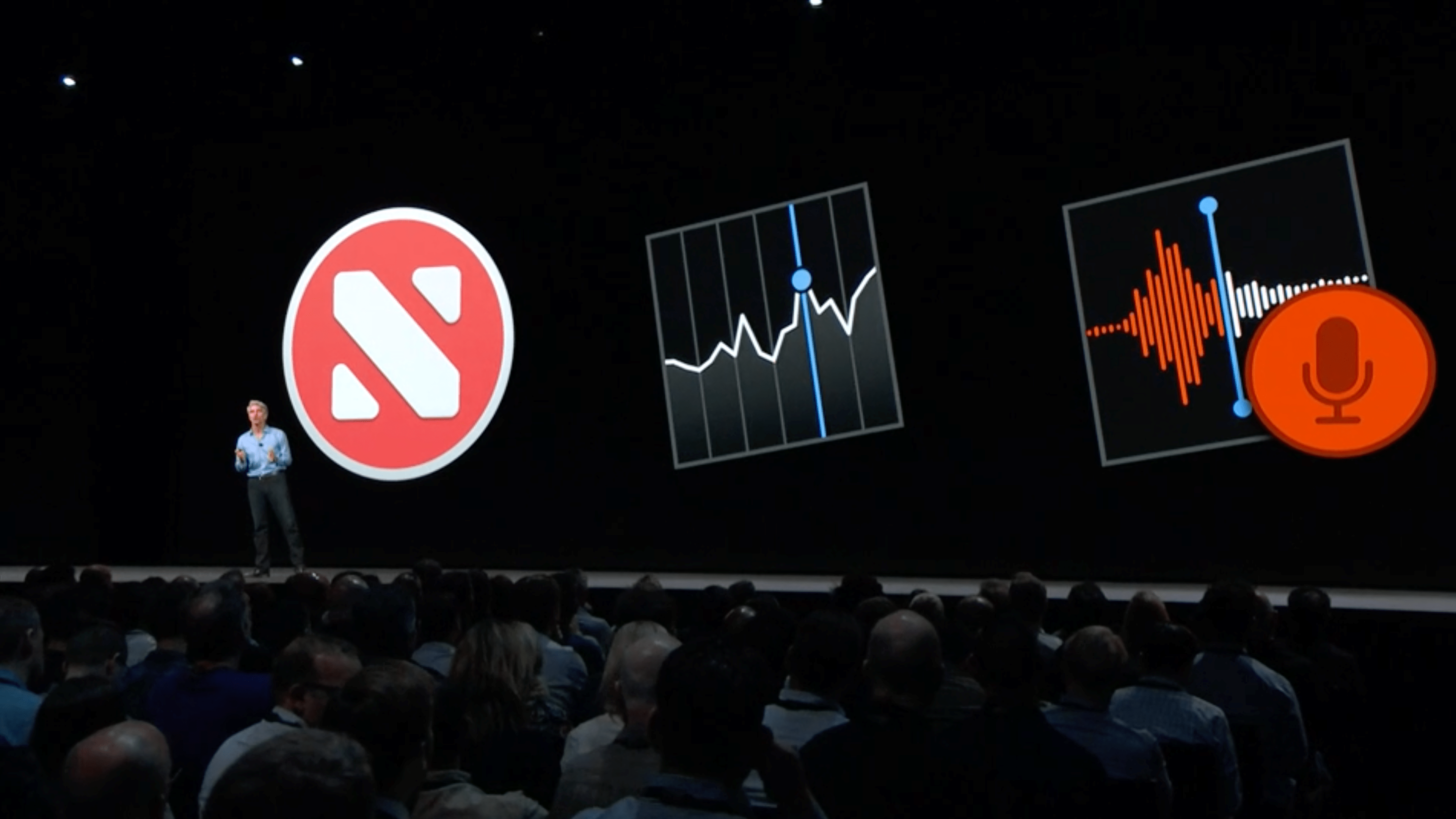
At WWDC earlier this month, Apple offered more details on its plan to bring iPad apps to the Mac using Project Catalyst in macOS Catalina. WWDC 2018 marked Apple’s first attempt at porting its own iPad apps to macOS, bringing News, Home, Stocks, and Voice Memos to the Mac.
Those apps, however, are set to receive major improvements once macOS Catalina launches this fall.
Stocks, Home, News, and Voice Memos haven’t been incredibly well-received since they came to the Mac last year, and this is something Craig Federighi addressed at WWDC. Speaking separately to CNET, the Apple executive offered more detail on how Apple plans to improve the experience with macOS Catalina.
Federighi explained that Apple has used those four applications as a way to learn about how to combine UIKit and AppKit. With the expansion of Project Catalyst this year, Federighi said that the experience is much more unified than it was before:
“They’re getting improvements,” Federighi said. “The underlying technology has matured…Some of that is super low-level stuff. Some people have dissected those apps and realized that they were sort of two halves: an AppKit half and a UIKit half, literally running in different processes. That’s all unified now. This has become much more of a native Mac framework…So automatically, the apps we built last year are upgraded.”
As for some of the early complaints about News, Home, Voice Memos, and Stocks, Federighi attributes much of the issues to design decisions. As part of the upgrades coming this year, those apps will feel much more like Mac applications, with new aesthetic decisions to match the rest of macOS.
Federighi hopes that these aesthetic changes will help curb some of the complaints Apple received last year:
“We’ve looked at the design and features of some of those apps and said we can make this a bit more of a Mac experience through changes that are independent of the use of Catalyst, but are just design team decisions,” Federighi said.
“When I read some of the initial reviews of those apps, people were saying, ‘Obviously this technology is causing them to do things that don’t feel Mac-like.’ Honestly, 90% of those were just decisions that designers made … People took that as ‘this feels iOS-y’ and therefore they thought it was a technology thing.
Actually, it was a designer preference. So part of [the upgrade] is we said we’ve got to co-evolve with our user base around the aesthetics of the Mac experience. And so we made some adjustments to the apps.”
Apple so far has released two developer betas of macOS Catalina – but you probably haven’t noticed many improvements to Home, News, Stocks, and Voice Memos just yet. Federighi says that Apple is still “tuning everything up” and that you’ll really be able to tell a difference next month in conjunction with the release of the public beta.
Source: 9to5mac










