 NEWS
NEWS
Foxconn Could Make All US iPhones Outside of China If Needed
 06/12/2019
 2731
2731
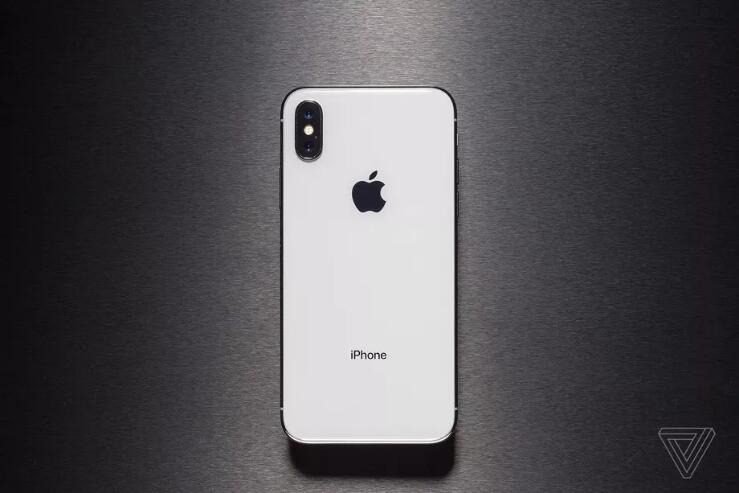
A senior Foxconn executive says that the company could move production of all iPhones destined for the US out of China if the current trade war demands it. In comments reported by Bloomberg and The Wall Street Journal, the head of Foxconn’s semiconductor business group, Young Liu, said, “25 percent of our production capacity is outside of China and we can help Apple respond to its needs in the U.S. market.”
“We have enough capacity to meet Apple’s demand,” Liu said at an investors’ conference. Apple has yet to instruct Foxconn to move production out of China according to Liu.
Apple might need to rethink manufacturing after tariffs up to 25 percent come into effect at the end of June. The new tariff is expected to apply to the wholesale cost of devices like phones, laptops, and tablets imported from China to the USA, the market where a third of Apple’s iPhone revenue comes from. It would be up to Apple to decide how much of the extra cost to pass on to US consumers. Analysts quoted by Bloomberg suggest that passing the cost of the tariffs on in their entirety could result in price increases of between nine and 16 percent, resulting in a drop in demand of anywhere between 10 and 40 percent. Alternatively, absorbing the cost entirely could hit Apple’s earnings per share by six to seven percent.
Foxconn has a big incentive to help Apple since the company is said to be responsible for as much as half of Foxconn’s revenue. A drop in demand for iPhones would lead to a drop in manufacturing demand from Foxconn. The manufacturer is already preparing to shift some iPhone production to India in an attempt to avoid India’s 20 percent import duties.
However, with China planning to retaliate to the Trump administration with a tariff increase of its own, it will be difficult for Apple to escape the impact of the trade war entirely.
Source: theverge










