 NEWS
NEWS
Australia's National Australia Bank Now Accepts Apple Pay
 05/21/2019
 3057
3057
National Australia Bank (NAB) today announced support for Apple Pay, allowing NAB customers with a Visa Card to make purchases using the Apple Pay payments service.
NAB, a former notable Apple Pay holdout, is the third of Australia's "Big Four" banks to begin accepting Apple Pay.
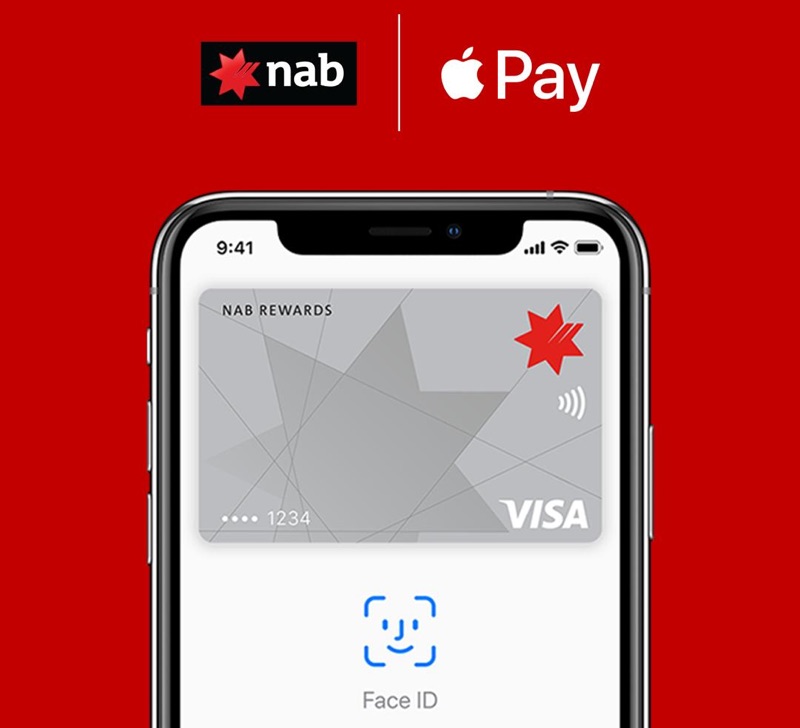
Apple Pay support was announced on NAB's Twitter account earlier today, and MacRumorsreaders have confirmed that the service is now working. NAB is not yet listed as a partner on Apple's Apple Pay site in the country, but should be added soon.
NAB, along with Commonwealth Bank and Westpac, attempted to collectively bargain with Apple in an attempt to force Apple to open up the iPhone's NFC capabilities to support other digital wallets, like those offered by the banks themselves.
Apple claimed this would be harmful to customers and would stifle innovation, which Australian regulators agreed with. The banks were not provided with authorization to collectively bargain with Apple.
Commonwealth Bank, the largest bank in Australia and another former Apple Pay holdout, began accepting Apple Pay in January, and ANZ, another of the four big banks in the country, has accepted Apple Pay since it launched in Australia, as have other smaller banks.
With CBA, ANZ, and NAB all accepting Apple Pay, Westpac is the sole major holdout in Australia. It's not clear if and when Westpac will begin supporting Apple Pay, but with all other major banks making the feature available, Westpac may give in.
Source: macrumors










