 NEWS
NEWS
Apple Stores to Employ Human Trafficking Victims
 11/15/2018
 2395
2395
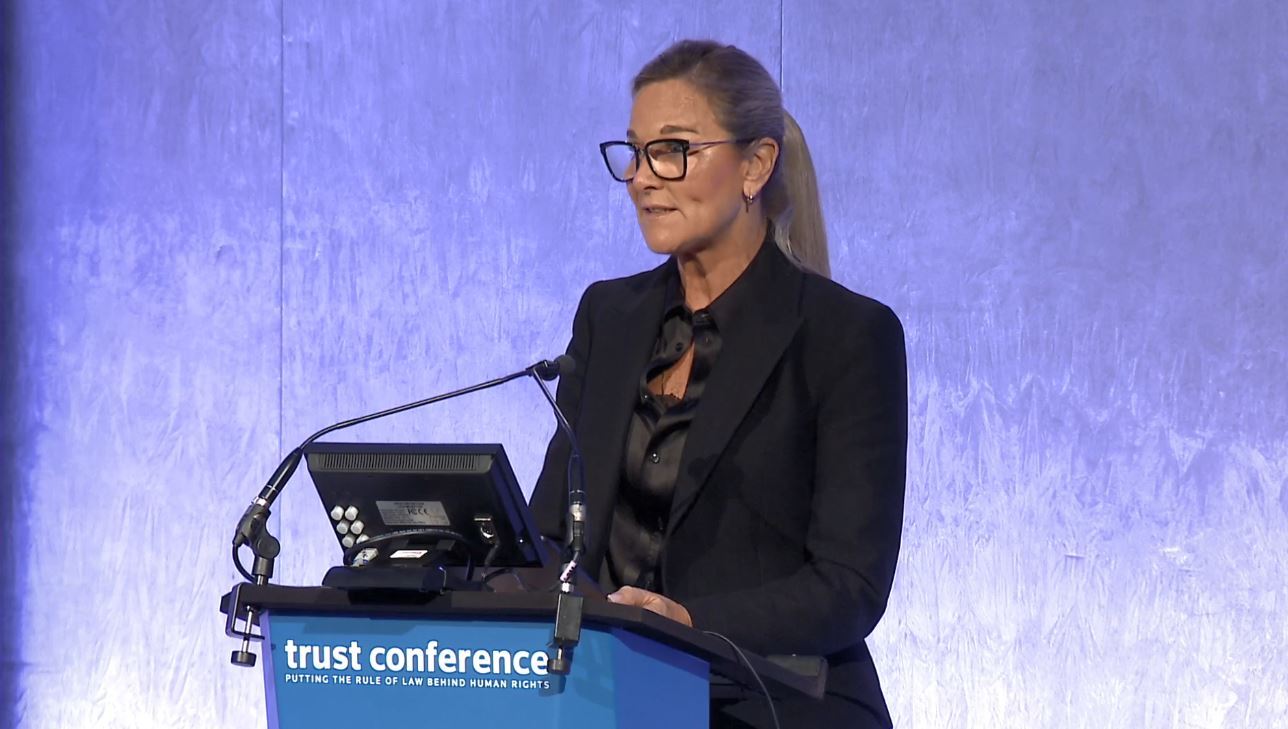
Apple has today announced a new program to help human trafficking victims get behind-the-scenes jobs at its retail locations. The program comes as Angela Ahrendts accepted the Stop Slavery Award on Apple’s behalf at an event in London.
Apple is teaming up with an NGO (via BBC) to help victims pass interviews for a handful of roles. These individuals will not be identified nor employed by Apple, going through its third-party suppliers instead. However, Apple intends to monitor the initiative.
Today’s announcement aligns with Apple winning the Stop Slavery award. Given by the Thomas Reuters Foundation, Apple’s retail chief Angela Ahrendts was there to accept the award.
Th award signifies that Apple is working hard to combat forced labor in its supply chains. Not only that, the company shares what it learns from its audit programs.
Apple’s commitment is only the start and will likely see more progress over time. Ahrendts says:
"These efforts are just a part of a broader set of initiatives to eliminate modern slavery from every part of our company, in every part of the world."
Other improvements Apple could do is ban contractors withholding workers’ passports.
It was an honor to receive the @TRF Stop Slavery Award on behalf of @Apple this evening in London. Our work is never done. #trustconf18 https://t.co/tHmMqflNlE
— Angela Ahrendts (@AngelaAhrendts) November 14, 2018
Proud of this team and the work they do to leave our world better than we found it. Congratulations and thank you! https://t.co/fHKEuMqUOC
— Tim Cook (@tim_cook) November 14, 2018
Source: 9to5mac









